
Buy Blasphemous - OST / CIS+TR
Platform:
Windows
Genre:
Action
Publisher:
Team 17
Activation:
Steam
Release Date:
10 september 2019
Languages:
English
Type:
Key
2.00 USD
 In stock
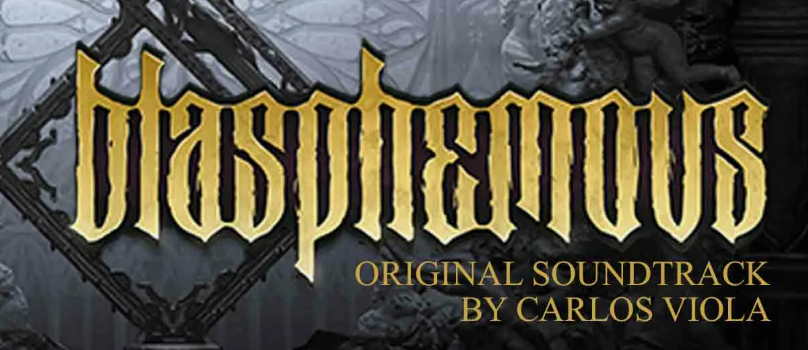
Be transported to the land of Cvstodia and all it's different terrains with the Blasphemous original soundtrack composed by Carlos Viola. This album features 27 original tracks featured in the title game: Blasphemous.
01 - Dame Tu Tormento
02 - La Muerte de los Relinchos
03 - Tierras de Azafrán
04 - Que las Campanas Me Doblen
05 - Una Senda de Pasos Blancos
06 - Gélida Expiración
07 - Entregarás Tu Rostro a La Señora
08 - Vuestra Faz Denegrida
09 - Cantes de Confesión
10 - Ten Piedad
11 - Arpegios en Ocre
12 - El Quejío
13 - Taranto a la Hermana Mía
14 - El Temple de los Abanicos
15 - Coplas de Incienso
16 - Entre Bordados
17 - Prohibidos y Cubiertos de Polvo
18 - Lágrimas de Grana y Oro
19 - Al Compás de Tus Contornos
20 - Y Yo Fuego Te Daré
21 - Para un Mártir del Compás
22 - Saetas De Altos Balcones
23 - Su Beso de Plata
24 - Peldaños Hacia la Santidad
25 - Mirada de culpa
26 - Que en Procesión Marchen
27 - Por la Vía de las Procesiones Antiguas
01 - Dame Tu Tormento
02 - La Muerte de los Relinchos
03 - Tierras de Azafrán
04 - Que las Campanas Me Doblen
05 - Una Senda de Pasos Blancos
06 - Gélida Expiración
07 - Entregarás Tu Rostro a La Señora
08 - Vuestra Faz Denegrida
09 - Cantes de Confesión
10 - Ten Piedad
11 - Arpegios en Ocre
12 - El Quejío
13 - Taranto a la Hermana Mía
14 - El Temple de los Abanicos
15 - Coplas de Incienso
16 - Entre Bordados
17 - Prohibidos y Cubiertos de Polvo
18 - Lágrimas de Grana y Oro
19 - Al Compás de Tus Contornos
20 - Y Yo Fuego Te Daré
21 - Para un Mártir del Compás
22 - Saetas De Altos Balcones
23 - Su Beso de Plata
24 - Peldaños Hacia la Santidad
25 - Mirada de culpa
26 - Que en Procesión Marchen
27 - Por la Vía de las Procesiones Antiguas
Minimum Requirements
Requires a 64-bit processor and operating system
OS Windows 7 64-bit
Processor Intel Core2 Duo E8400 or AMD Phenom II x2 550
Memory 4 GB RAM
Graphics GeForce GTX 260 or Radeon HD 4850
Storage 4 GB available space
Sound Card Windows Compatible Sound Card
If you are not familiar with the technical information of your PC, download the CPU-Z program. CPU-Z will give you detailed information about the main system components - CPU, RAM, video card - installed on your system, which you can then compare with the minimum requirements of the game.
- Go to: http://store.steampowered.com/ and download STEAM client
- Click "Install Steam" (from the upper right corner)
- Install and start application, login with your Account name and Password (create one if you don't have).
- Please follow these instructions to activate a new retail purchase on Steam:
- Launch Steam and log into your Steam account.
- Click the Games Menu.
- Choose Activate a Product on Steam...
- Follow the onscreen instructions to complete the process.
- After successful code verification go to the "MY GAMES" tab and start downloading.
Videos & Screenshots

Recommended




- Payments
-

-

-

-

-

-

-

-

-
