
Buy Border Bots VR / CIS+TR
Platform:
Windows
Genre:
Action
Publisher:
Team 17
Activation:
Steam
Release Date:
8 february 2024
Languages:
English
Type:
Key
Region:
CIS+TR
19 $
 In stock
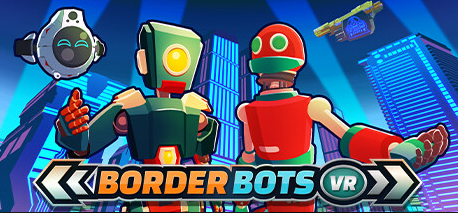
Border Bots VR is a puzzle simulation set on a future earth where AI is in control. As a human border agent, you begin a new role as a booth operator at an AI travel border. Interact and check over a variety of robots as they try to get through security. Some of their credentials might not be up to scratch, it's up to you to make sure they get the stamp of approval.
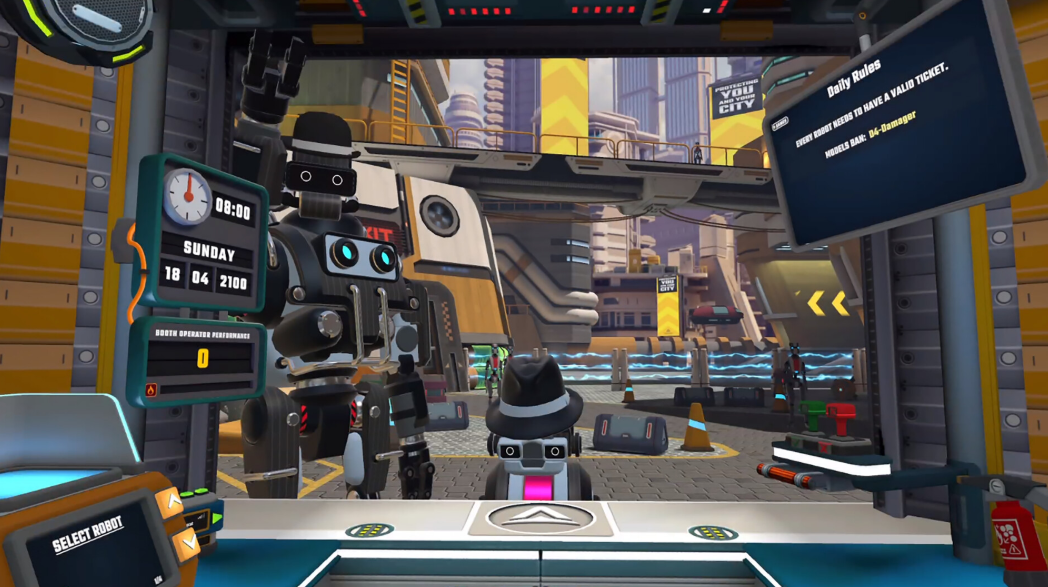
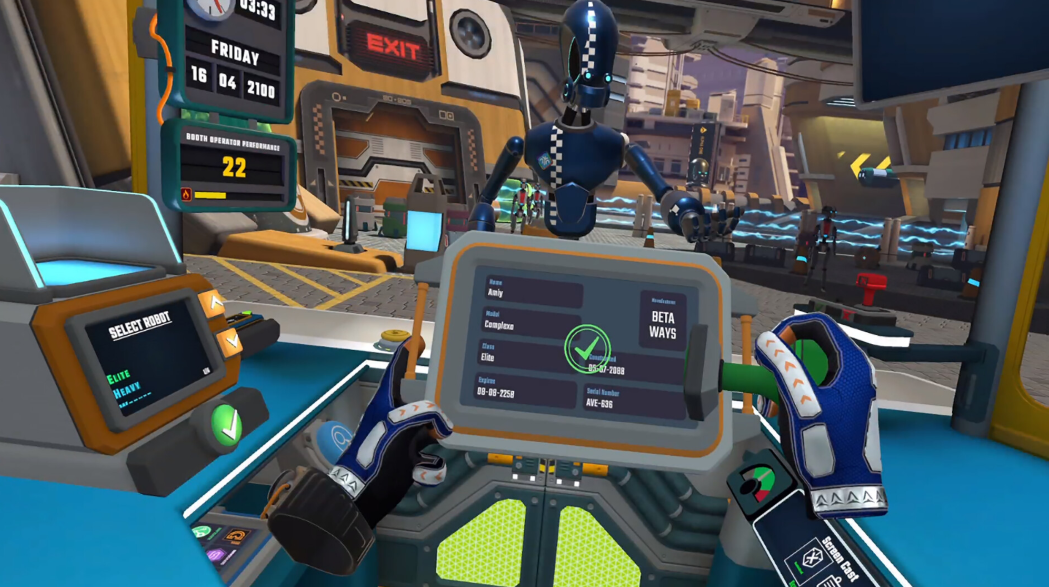
Step into the booth as a border control agent and swiftly process robots by analysing their documents for discrepancies, oddities, undeclared modifications and contraband!
Earn credits through challenging gameplay to purchase booth upgrades to keep yourself ahead of the competition. You can also spend your credits on apartment customisations and bring your space to life!
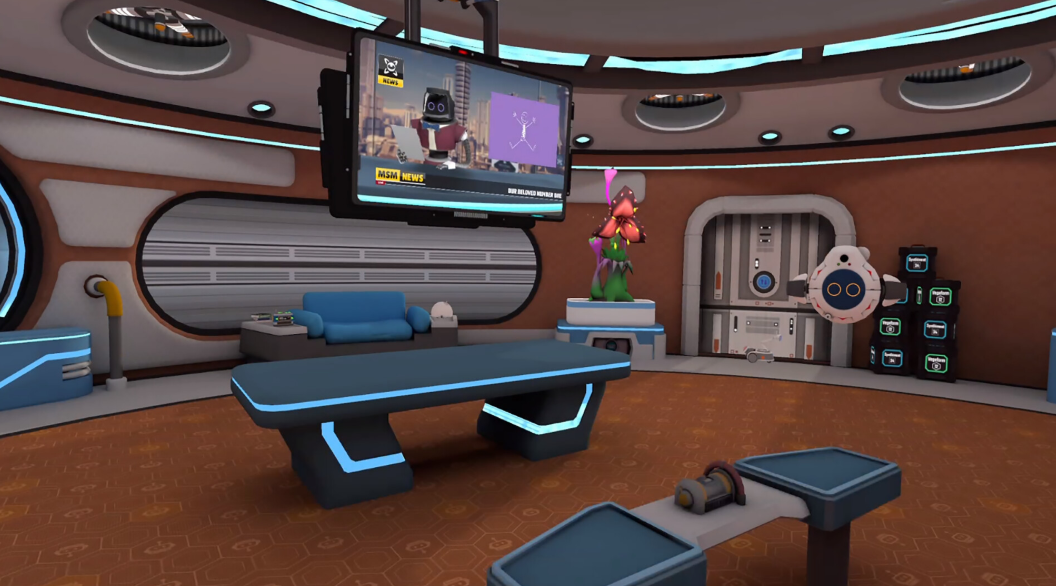
Meet and interact with a variety of quirky robots at the booth and in your apartment! Come face-to-face with sentient appliances as you discover more about their newfound consciousness and colourful personalities.
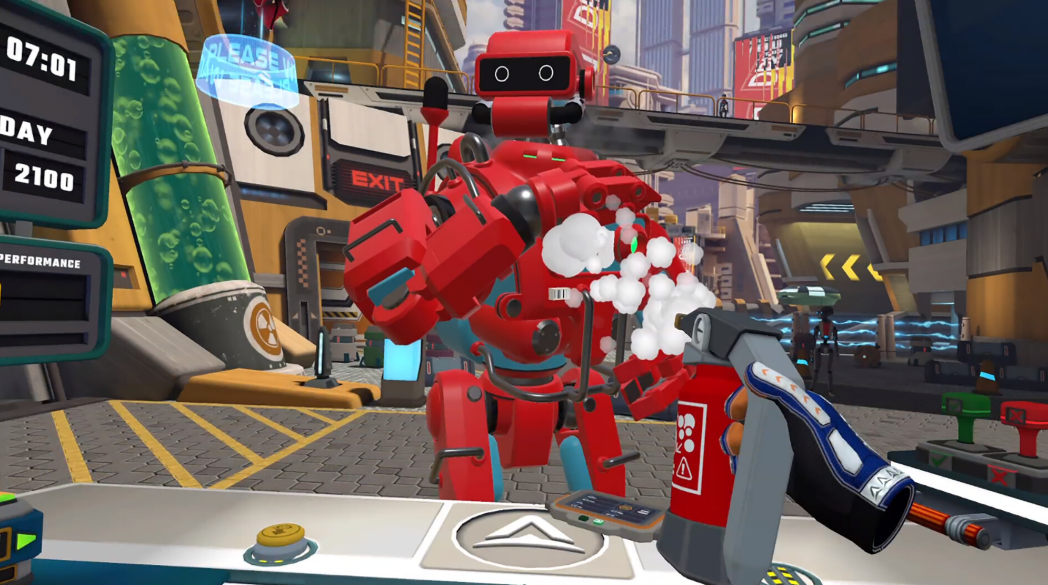
Use a variety of tactile gadgets in VR to examine robots at the booth. You'll need different tools for inspection including a 3D printer, Contraband Detector, Stun Gun, Barcode Scanner and much more.
Step into the booth as a border control agent and swiftly process robots by analysing their documents for discrepancies, oddities, undeclared modifications and contraband!
Earn credits through challenging gameplay to purchase booth upgrades to keep yourself ahead of the competition. You can also spend your credits on apartment customisations and bring your space to life!
Meet and interact with a variety of quirky robots at the booth and in your apartment! Come face-to-face with sentient appliances as you discover more about their newfound consciousness and colourful personalities.
Use a variety of tactile gadgets in VR to examine robots at the booth. You'll need different tools for inspection including a 3D printer, Contraband Detector, Stun Gun, Barcode Scanner and much more.
Minimum Requirements
OS Windows 10
Processor Intel Core i5-4590 or AMD Ryzen 5 1400
Memory 8 GB RAM
Graphics NVIDIA GeForce GTX 970, 4 GB or AMD Radeon RX 470, 4 GB
Storage 3 GB available space
VR Support SteamVR.
If you are not familiar with the technical information of your PC, download the CPU-Z program. CPU-Z will give you detailed information about the main system components - CPU, RAM, video card - installed on your system, which you can then compare with the minimum requirements of the game.
- Go to: http://store.steampowered.com/ and download STEAM client
- Click "Install Steam" (from the upper right corner)
- Install and start application, login with your Account name and Password (create one if you don't have).
- Please follow these instructions to activate a new retail purchase on Steam:
- Launch Steam and log into your Steam account.
- Click the Games Menu.
- Choose Activate a Product on Steam...
- Follow the onscreen instructions to complete the process.
- After successful code verification go to the "MY GAMES" tab and start downloading.
Videos & Screenshots




- Payments
-

-

-

-

-

-

-

-

-
