
Buy Cat Quest

Platform:
Windows
Genre:
Adventure
Activation:
Steam
Release Date:
8 august 2017
Languages:
Russian, English
Type:
Key
Region:
EU
13 $
 In stock
Cat Quest is an open world RPG set in the pawsome world of cats!
Leap into a grand adventure in purrsuit of the evil Drakoth and your catnapped sister! Explore Felingard's huge overworld map, risk life and limb delving into dungeons for epic loot, and lend a paw to a furry cast of characters in a flurry of side quests.
- Real-time Combat
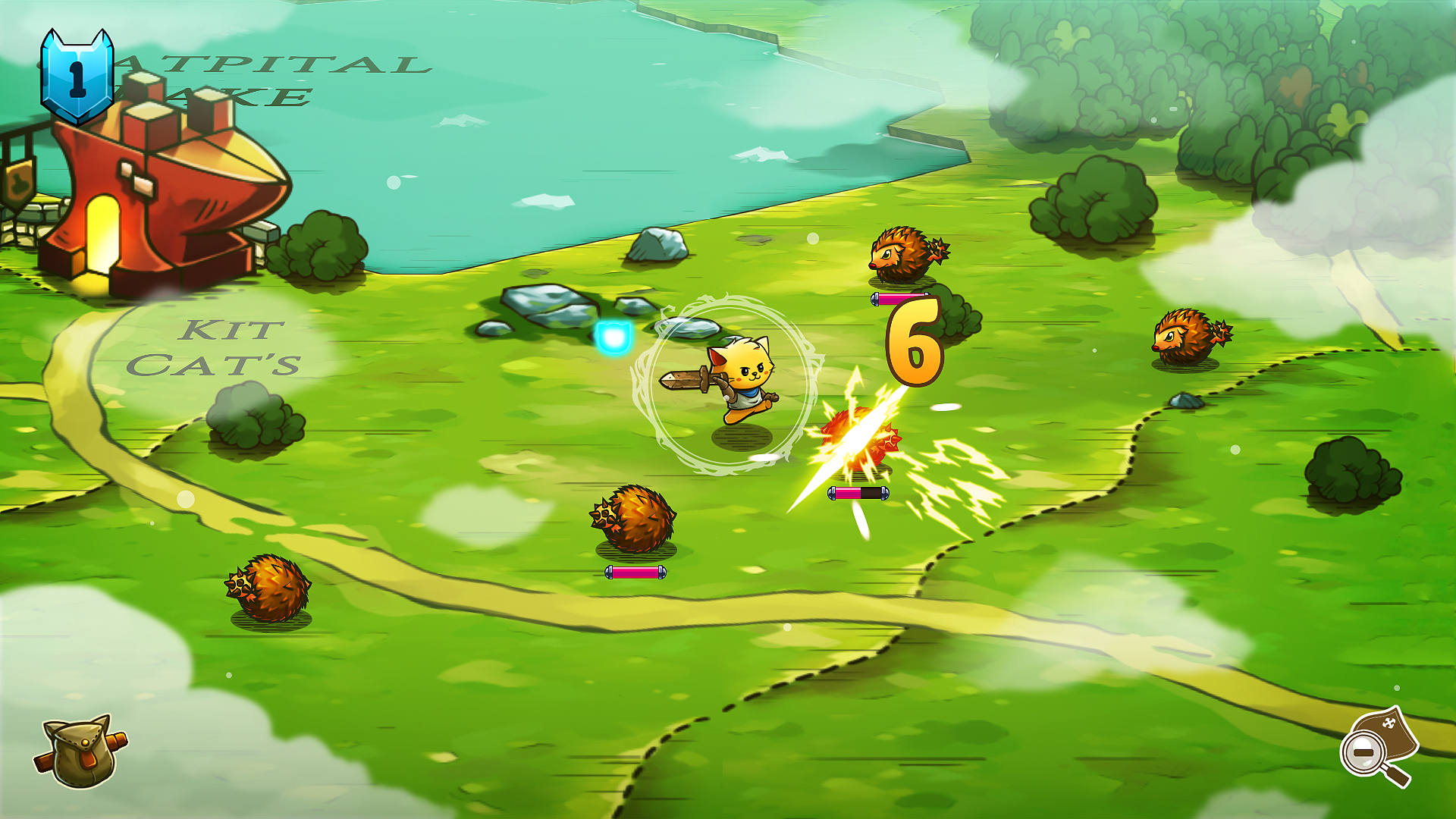
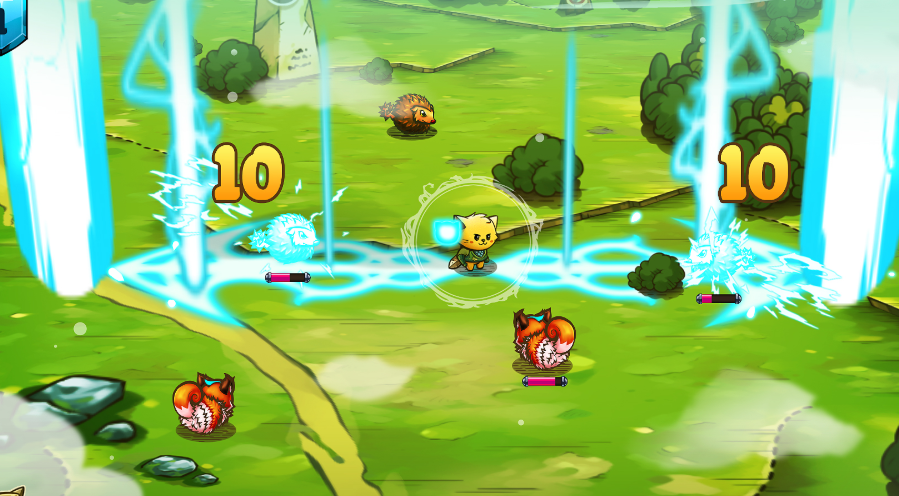
Combat in Cat Quest takes place entirely in real time, allowing you to get close to enemies with a slash of your blade, dodge roll to avoid a counter-attack, and then finish them off with powerful magic! Wield the ancient spells of Lightnyan, Flamepurr, and Healpaw to vanquish your foes! (Fur real!)
- Equipment Customization
Outfit your catventurer with a whole basket of equipment! Prefurr casting spells? Don an arcane hood, robes, and a staff to bolster your mana reserves! Want to protect yourself from attack? Deck out your catventurer with chainmail armor to increase your health and provide an extra level of protection. Weapons, armor, and spells can be mixed and matched to create the purrfect combinations for your playstyle!
- World Exploration
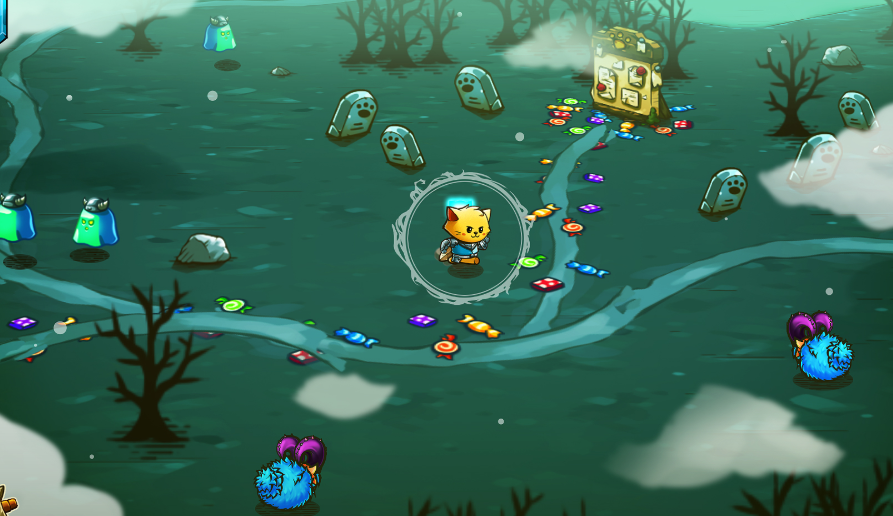
The world of Felingard is littered with interesting places and people! Discover a possessed town whose residents lust for obscene amounts of meat, assist the mages Mewlin and Meowgan in their search to break a magic seal, and locate someone's missing delivery of House of Parchments and The Pouncing Dead. Exploration is one of the main scratching posts of Cat Quest, and with locations such as Bermewda's Triangle, the Furbidden Fields, and Pawt City to explore, it's time to get pawing!
- Soundtrack
Experience an enchanting orchestral score inspired by classic RPGs!
Leap into a grand adventure in purrsuit of the evil Drakoth and your catnapped sister! Explore Felingard's huge overworld map, risk life and limb delving into dungeons for epic loot, and lend a paw to a furry cast of characters in a flurry of side quests.
- Real-time Combat
Combat in Cat Quest takes place entirely in real time, allowing you to get close to enemies with a slash of your blade, dodge roll to avoid a counter-attack, and then finish them off with powerful magic! Wield the ancient spells of Lightnyan, Flamepurr, and Healpaw to vanquish your foes! (Fur real!)
- Equipment Customization
Outfit your catventurer with a whole basket of equipment! Prefurr casting spells? Don an arcane hood, robes, and a staff to bolster your mana reserves! Want to protect yourself from attack? Deck out your catventurer with chainmail armor to increase your health and provide an extra level of protection. Weapons, armor, and spells can be mixed and matched to create the purrfect combinations for your playstyle!
- World Exploration
The world of Felingard is littered with interesting places and people! Discover a possessed town whose residents lust for obscene amounts of meat, assist the mages Mewlin and Meowgan in their search to break a magic seal, and locate someone's missing delivery of House of Parchments and The Pouncing Dead. Exploration is one of the main scratching posts of Cat Quest, and with locations such as Bermewda's Triangle, the Furbidden Fields, and Pawt City to explore, it's time to get pawing!
- Soundtrack
Experience an enchanting orchestral score inspired by classic RPGs!
Minimum Requirements
Windows
OS Windows 7
Processor Intel(R) Core(TM) i3-2100 CPU @ 3.10GHz (4 CPUs), ~3.1GHz
Memory 4 GB RAM
Graphics Intel(R) HD Graphics 520
Storage 250 MB available space
If you are not familiar with the technical information of your PC, download the CPU-Z program. CPU-Z will give you detailed information about the main system components - CPU, RAM, video card - installed on your system, which you can then compare with the minimum requirements of the game.
- Go to: http://store.steampowered.com/ and download STEAM client
- Click "Install Steam" (from the upper right corner)
- Install and start application, login with your Account name and Password (create one if you don't have).
- Please follow these instructions to activate a new retail purchase on Steam:
- Launch Steam and log into your Steam account.
- Click the Games Menu.
- Choose Activate a Product on Steam...
- Follow the onscreen instructions to complete the process.
- After successful code verification go to the "MY GAMES" tab and start downloading.
Videos & Screenshots





- Payments
-

-

-

-

-

-

-

-

-
