
Buy Clair Obscur: Expedition 33 Deluxe Edition
Platform:
Windows
Genre:
Adventure
Publisher:
Kepler Interactive
Activation:
Steam
Release Date:
24 april 2025
Languages:
English
Type:
Key
Region:
EU
60.00 USD
 In stock
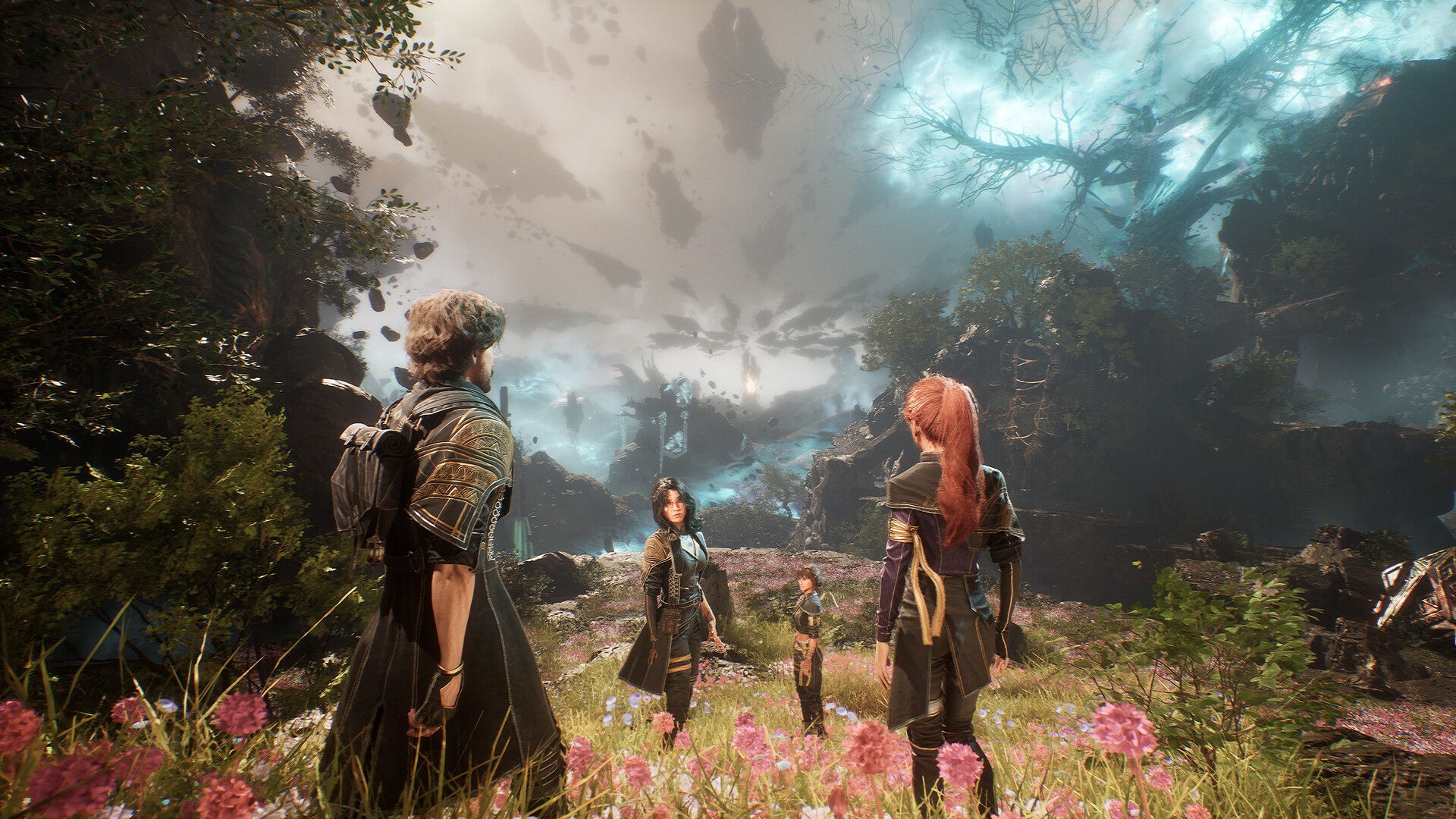
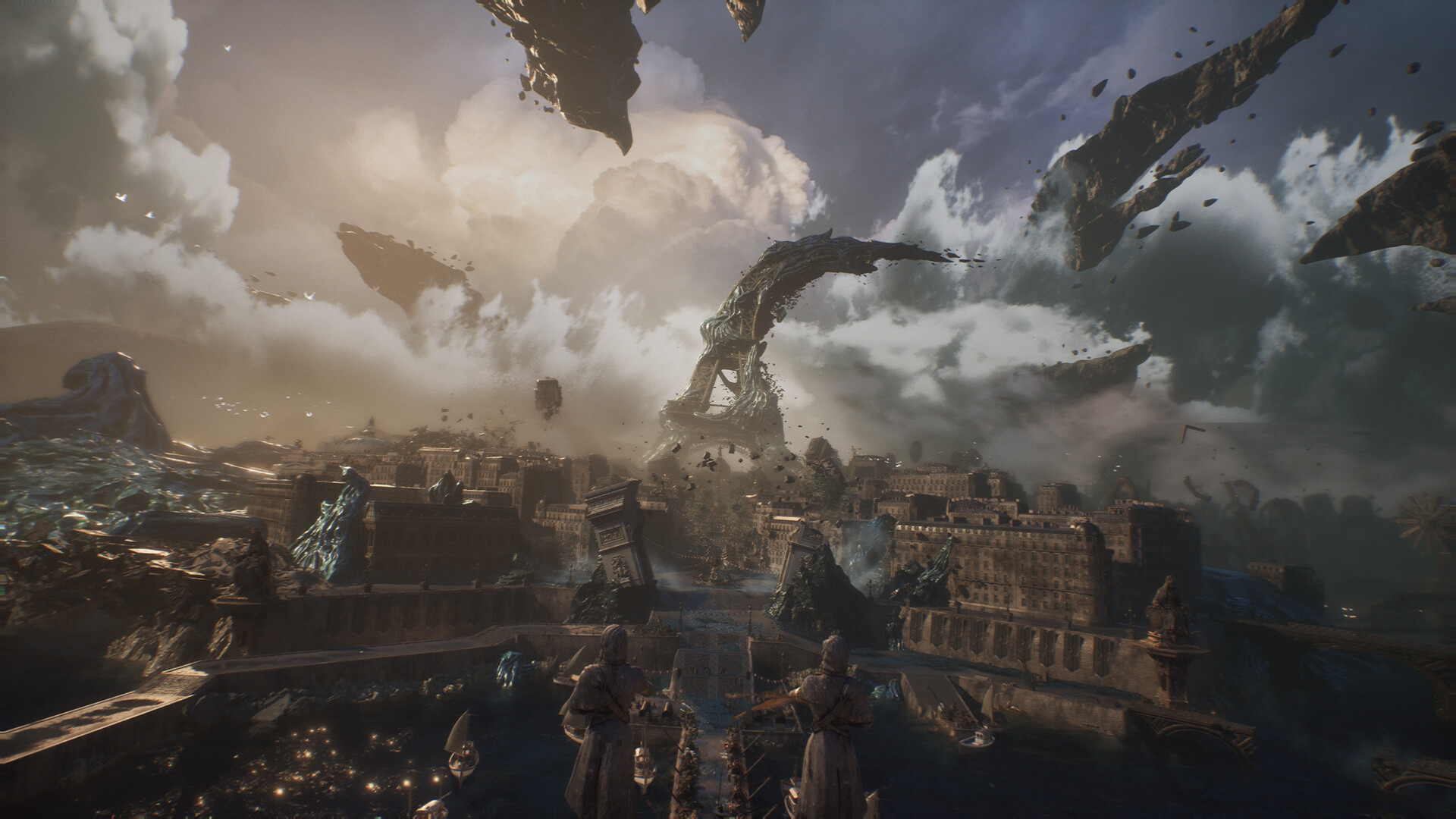
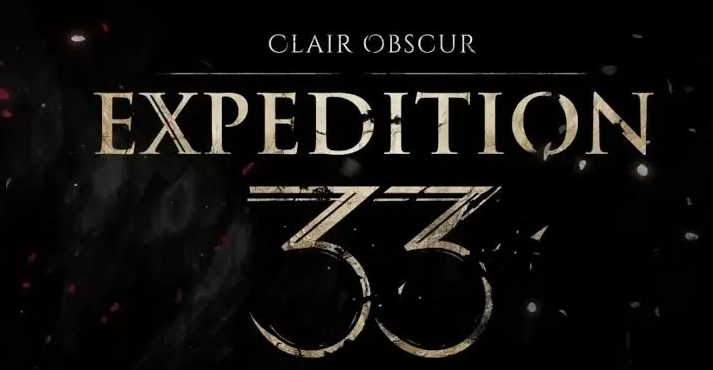
Clair Obscur: Expedition 33 is a ground-breaking turn-based RPG with unique real-time mechanics, making battles more immersive and addictive than ever. Explore a fantasy world inspired by Belle Époque France in which you battle devastating enemies.
Get the ultimate Clair Obscur: Expedition 33 experience with the Deluxe Edition!
The Deluxe Edition includes:
·Clair Obscur: Expedition 33 Base Game
·The “Flowers” Collection - Six outfits and hairstyles inspired by the Flowers of Lumière, along with six additional “Gommage” outfit variations. One for each playable character.
·“Clair” - A custom outfit for Maelle
·“Obscur” - A custom outfit for Gustave
Get the ultimate Clair Obscur: Expedition 33 experience with the Deluxe Edition!
The Deluxe Edition includes:
·Clair Obscur: Expedition 33 Base Game
·The “Flowers” Collection - Six outfits and hairstyles inspired by the Flowers of Lumière, along with six additional “Gommage” outfit variations. One for each playable character.
·“Clair” - A custom outfit for Maelle
·“Obscur” - A custom outfit for Gustave
Minimum Requirements
Requires a 64-bit processor and operating system
OS Windows 10
Processor Intel Core i7-8700K / AMD Ryzen 5 1600X
Memory 8 GB RAM
Graphics NVIDIA GeForce GTX 1660 6 GB / AMD Radeon RX 5600 XT 6 GB / Intel Arc A380 6 GB
DirectX Version 12
Storage 55 GB available space
Additional Notes SSD required. Minimum specs allow for 1080p 30FPS low settings gameplay.
If you are not familiar with the technical information of your PC, download the CPU-Z program. CPU-Z will give you detailed information about the main system components - CPU, RAM, video card - installed on your system, which you can then compare with the minimum requirements of the game.
- Go to: http://store.steampowered.com/ and download STEAM client
- Click "Install Steam" (from the upper right corner)
- Install and start application, login with your Account name and Password (create one if you don't have).
- Please follow these instructions to activate a new retail purchase on Steam:
- Launch Steam and log into your Steam account.
- Click the Games Menu.
- Choose Activate a Product on Steam...
- Follow the onscreen instructions to complete the process.
- After successful code verification go to the "MY GAMES" tab and start downloading.
Videos & Screenshots

Recommended



- Payments
-

-

-

-

-

-

-

-

-
