
Buy Conquest Tactics: Realm of Sin
Platform:
Windows
Genre:
Indie
Publisher:
Thousand Generation
Activation:
Steam
Release Date:
27 january 2026
Languages:
English
Type:
Key
Region:
EU
15 $
 In stock
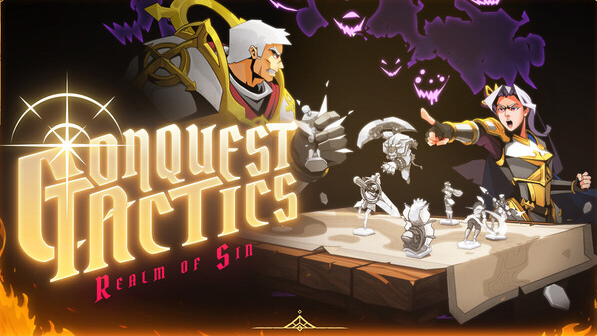
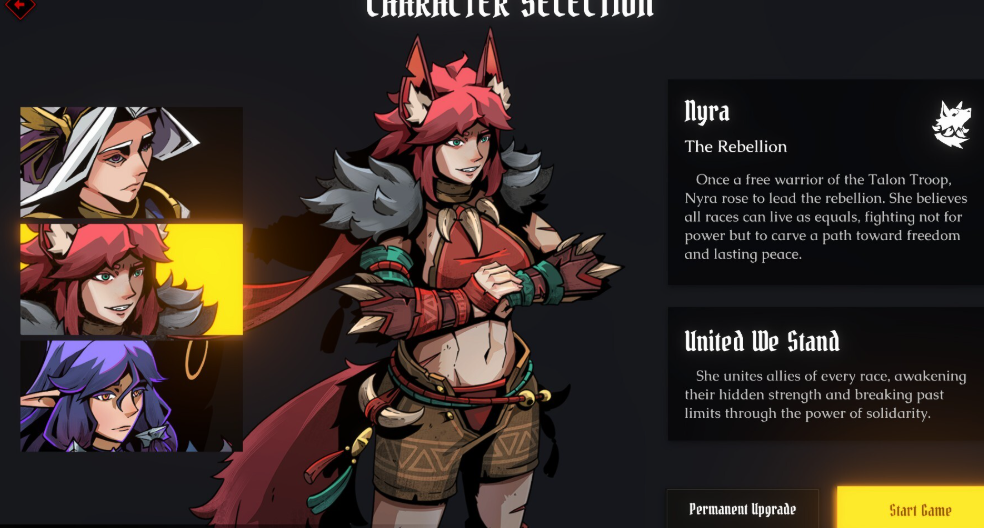
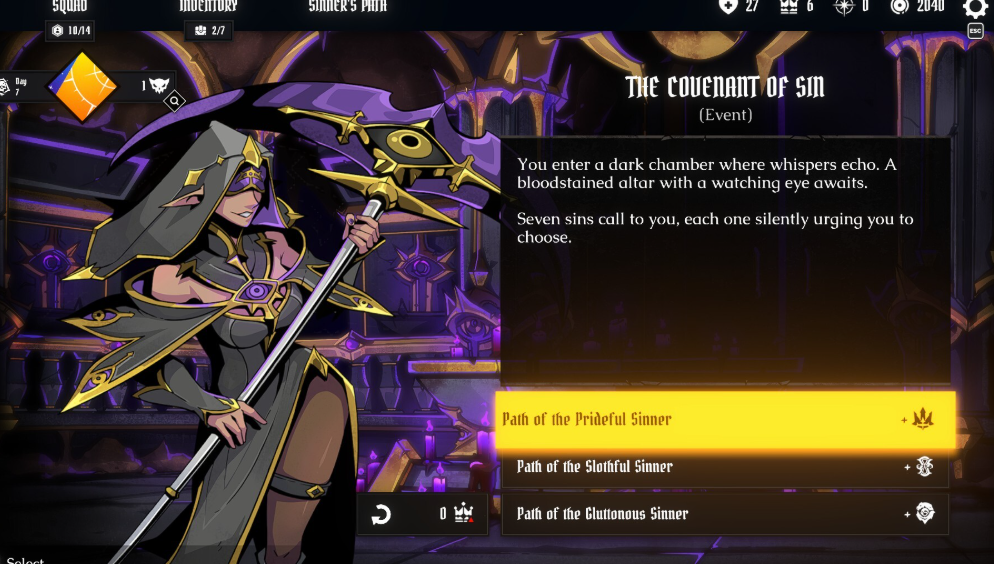
Conquest Tactics: Realm of Sin is a dark fantasy roguelite that combines turn-based strategy and tactical gameplay. Step into a world torn by chaos and sin as a Commander whose choices will shape the fate of the realm.
STRATERGIZE, COMMAND, CONQUER
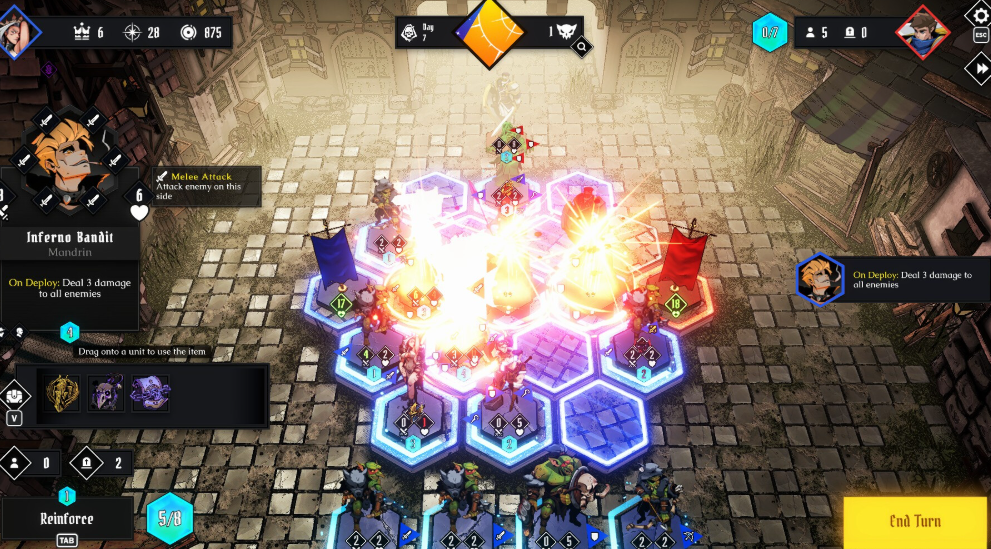
Master the art of tactical, turn-based combat where every move counts. Enter the Commanding State to position your units with precision, rotating, moving, and deploying them strategically. Will you play it safe or take bold risks to achieve victory?
A WORLD SHAPED BY SIN
Navigate a realm steeped in darkness, where the unique Sin system makes each decision impactful. Travel the world map, advancing time and increasing Threat Levels with each move, as foes grow deadlier and choices grow heavier.
FORGE YOUR LEGACY
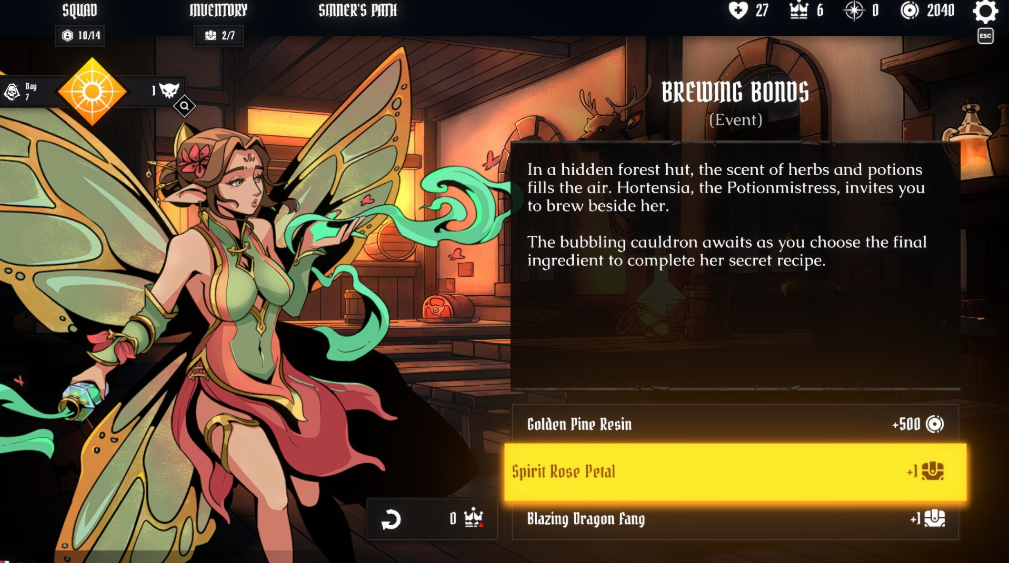
Explore diverse, dangerous environments, from Shrines to the Sunlight Cathedral, each filled with secrets and challenges. Confront powerful enemies, forge alliances, and leave a mark on this world where every choice has consequences. Will you bring order to the chaos, or will darkness prevail?
STRATERGIZE, COMMAND, CONQUER
Master the art of tactical, turn-based combat where every move counts. Enter the Commanding State to position your units with precision, rotating, moving, and deploying them strategically. Will you play it safe or take bold risks to achieve victory?
A WORLD SHAPED BY SIN
Navigate a realm steeped in darkness, where the unique Sin system makes each decision impactful. Travel the world map, advancing time and increasing Threat Levels with each move, as foes grow deadlier and choices grow heavier.
FORGE YOUR LEGACY
Explore diverse, dangerous environments, from Shrines to the Sunlight Cathedral, each filled with secrets and challenges. Confront powerful enemies, forge alliances, and leave a mark on this world where every choice has consequences. Will you bring order to the chaos, or will darkness prevail?
Minimum Requirements
OS * Windows 7 (SP1+)
Processor Intel Core i5-2400 / AMD FX-6300
Memory 6 GB RAM
Graphics Nvidia GTX 750 Ti / AMD Radeon R7 260X (VRAM 2 GB)
DirectX Version 11
Storage 4 GB available space
* Starting January 1st, 2024, the Steam Client will only support Windows 10 and later versions.
If you are not familiar with the technical information of your PC, download the CPU-Z program. CPU-Z will give you detailed information about the main system components - CPU, RAM, video card - installed on your system, which you can then compare with the minimum requirements of the game.
- Go to: http://store.steampowered.com/ and download STEAM client
- Click "Install Steam" (from the upper right corner)
- Install and start application, login with your Account name and Password (create one if you don't have).
- Please follow these instructions to activate a new retail purchase on Steam:
- Launch Steam and log into your Steam account.
- Click the Games Menu.
- Choose Activate a Product on Steam...
- Follow the onscreen instructions to complete the process.
- After successful code verification go to the "MY GAMES" tab and start downloading.
Videos & Screenshots





- Payments
-

-

-

-

-

-

-

-

-
