
Buy Copa City / EU

Platform:
Windows
Genre:
Sports
Publisher:
Triple Espresso S.A.
Activation:
Steam
Release Date:
16 june 2026
Languages:
English
Type:
Key
Region:
EU
35 $
 In stock
HOST A WORLD-CLASS FOOTBALL EVENT
COPA CITY: the first game where you become not a coach or a player, but the organizer of major football events. Your path to glory begins long before the referee blows the first whistle!
MANAGE. BUILD. ORGANIZE. WIN!
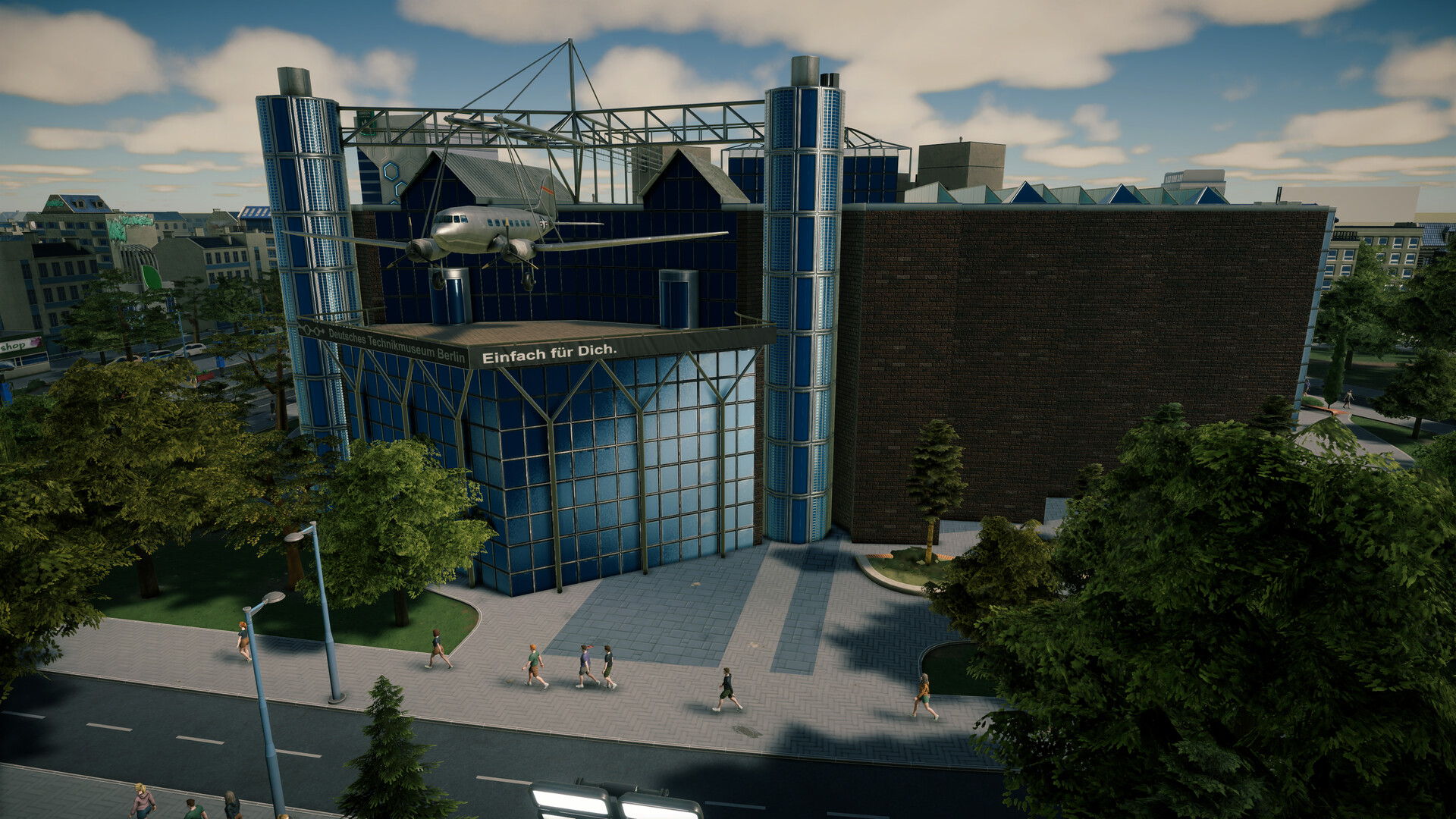
Many games challenge you to lead your favorite clubs to glory on the field. It's time to experience the world of football from a completely different perspective! COPA CITY introduces a whole new dimension to sports gaming – organizing major football events. Take control of your city and everything that happens off the field. Build infrastructure, manage logistics, and turn every match into a true celebration long before kickoff.
Welcome to a world where details matter and every decision has consequences. Football fans will easily immerse themselves in the game, while strategy veterans will enjoy a captivating experience and a break from the micromanagement typical of economic simulators.
Are you ready for this challenge?
COPA CITY: the first game where you become not a coach or a player, but the organizer of major football events. Your path to glory begins long before the referee blows the first whistle!
MANAGE. BUILD. ORGANIZE. WIN!
Many games challenge you to lead your favorite clubs to glory on the field. It's time to experience the world of football from a completely different perspective! COPA CITY introduces a whole new dimension to sports gaming – organizing major football events. Take control of your city and everything that happens off the field. Build infrastructure, manage logistics, and turn every match into a true celebration long before kickoff.
Welcome to a world where details matter and every decision has consequences. Football fans will easily immerse themselves in the game, while strategy veterans will enjoy a captivating experience and a break from the micromanagement typical of economic simulators.
Are you ready for this challenge?
Minimum:
- Requires a 64-bit processor and operating system
- OS: Windows 10
- Processor: Intel Core i7-8700 / AMD Ryzen 7 2700X
- Memory: 8 GB RAM
- Graphics: RTX 2060 / AMD Radeon RX 5600 XT / Intel Arc A770 8 GB
- DirectX: Version 11
- Storage: 15 GB available space
- Sound Card: Yes
If you are not familiar with the technical information of your PC, download the CPU-Z program. CPU-Z will give you detailed information about the main system components - CPU, RAM, video card - installed on your system, which you can then compare with the minimum requirements of the game.
- Go to: http://store.steampowered.com/ and download STEAM client
- Click "Install Steam" (from the upper right corner)
- Install and start application, login with your Account name and Password (create one if you don't have).
- Please follow these instructions to activate a new retail purchase on Steam:
- Launch Steam and log into your Steam account.
- Click the Games Menu.
- Choose Activate a Product on Steam...
- Follow the onscreen instructions to complete the process.
- After successful code verification go to the "MY GAMES" tab and start downloading.
Videos & Screenshots








- Payments
-

-

-

-

-

-

-

-

-
