
Buy Date Everything! / EU

Platform:
Windows
Genre:
Adventure
Publisher:
Team 17
Activation:
Steam
Release Date:
17 january 2025
Languages:
English
Type:
Key
Region:
EU
30 $
 In stock
Date Everything brings an exciting new twist on the dating simulator genre.
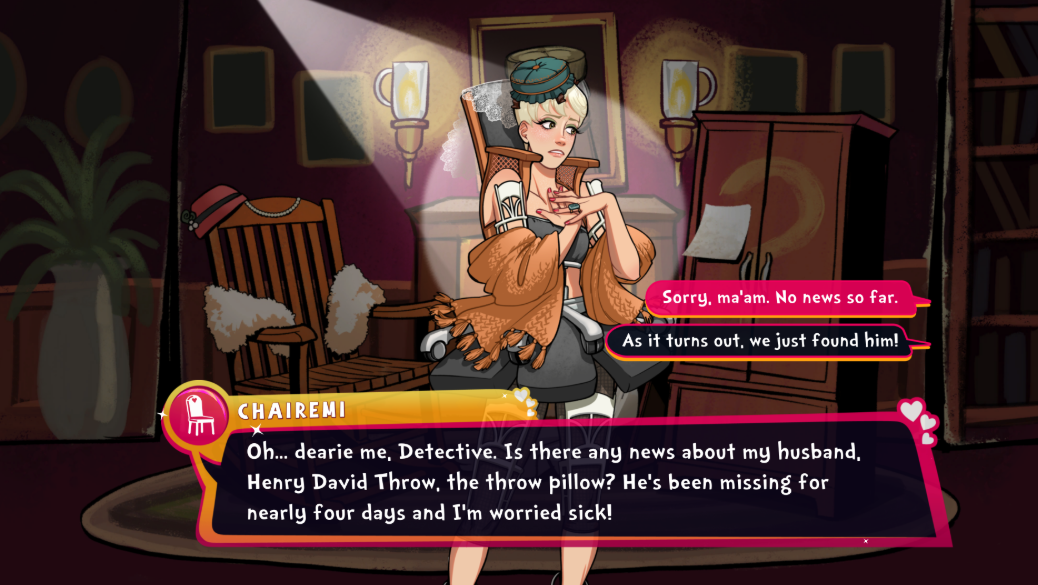
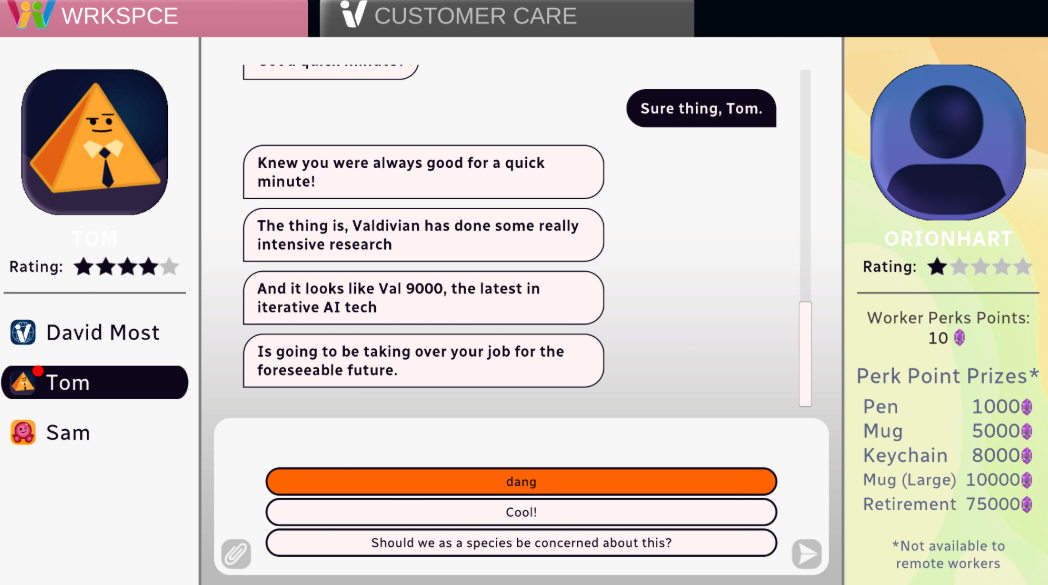
Your BFA in customer service unfortunately goes to waste as you lose your job to AI. But... a mysterious stranger sends a gift - magical glasses called 'dateviators' - which make your house come alive and dateable!
Each dateable object will open up, have their own stories and potentially become your lovers, friends, or enemies. With an exhaustive Who's Who of voice actors keeping you company on your journey!
Features:
• 100 Datable Characters
• Fully Voice Acted
• Branching Narratives
• At Least 3 Endings Per Dateable Character
• Puns Galore!
Your BFA in customer service unfortunately goes to waste as you lose your job to AI. But... a mysterious stranger sends a gift - magical glasses called 'dateviators' - which make your house come alive and dateable!
Each dateable object will open up, have their own stories and potentially become your lovers, friends, or enemies. With an exhaustive Who's Who of voice actors keeping you company on your journey!
Features:
• 100 Datable Characters
• Fully Voice Acted
• Branching Narratives
• At Least 3 Endings Per Dateable Character
• Puns Galore!
Minimum Requirements
Windows
Requires a 64-bit processor and operating system
OS Windows 10
Processor Intel Core i5-2500 or AMD FX-4350
Memory 8 GB RAM
Graphics NVIDIA GeForce GTX 660, 2 GB or AMD Radeon R9 270, 2 GB or Intel Arc A310, 4 GB
Storage 8 GB available space
Additional Notes Low 1080p @ 30 FPS
If you are not familiar with the technical information of your PC, download the CPU-Z program. CPU-Z will give you detailed information about the main system components - CPU, RAM, video card - installed on your system, which you can then compare with the minimum requirements of the game.
- Go to: http://store.steampowered.com/ and download STEAM client
- Click "Install Steam" (from the upper right corner)
- Install and start application, login with your Account name and Password (create one if you don't have).
- Please follow these instructions to activate a new retail purchase on Steam:
- Launch Steam and log into your Steam account.
- Click the Games Menu.
- Choose Activate a Product on Steam...
- Follow the onscreen instructions to complete the process.
- After successful code verification go to the "MY GAMES" tab and start downloading.
Videos & Screenshots







- Payments
-

-

-

-

-

-

-

-

-
