
Buy Date Everything! - Lavish Edition / EU

Platform:
Windows
Genre:
Adventure
Publisher:
Team 17
Activation:
Steam
Release Date:
17 january 2025
Languages:
English
Type:
Key
Region:
EU
35 $
 In stock
Is 100 just simply not enough dateable objects? Are you unsatisfied with lower-priced goods? Do you literally want to fall in love with a micro-transaction?
With the deluxe edition there is simply more of everything to extend your Date Everything adventure:
• Michael Transaction – the dateable micro-transaction! We gacha covered!
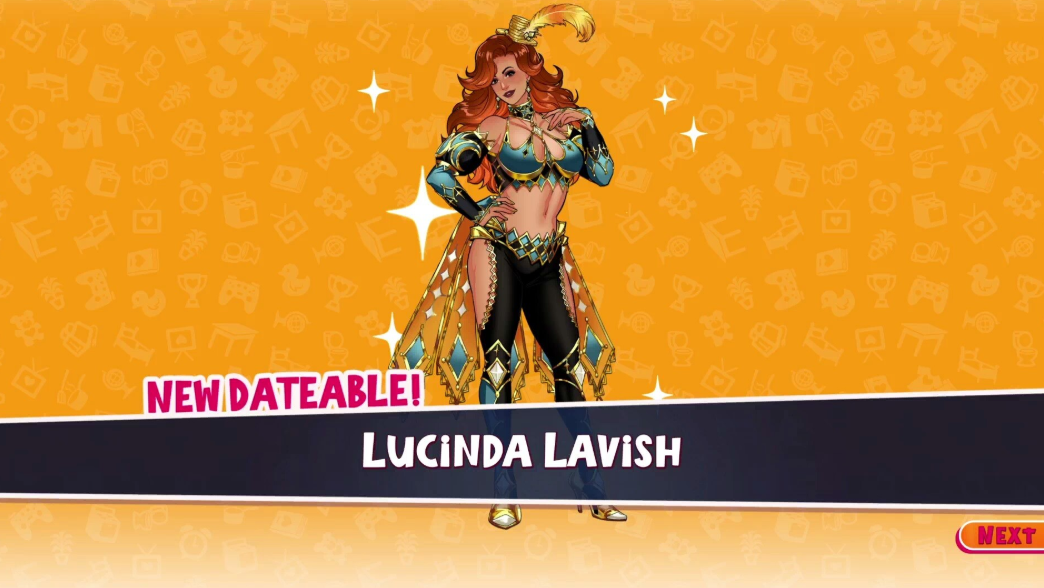
• Lucinda Lavish – the dateable deluxe edition herself.
• Fantastic Red Shirt – an unlockable option to be wearing a shirt that will sometimes be commented on by the dateables in a positive manner!
• Phone Backgrounds – Customizable phone menu with 26 new background covers to add a little… personality!
• Artbook - Concept art for all 102 characters, plus never-before-seen costumes and collectables!
• OST - 4 hours of every genre under the sun!
With the deluxe edition there is simply more of everything to extend your Date Everything adventure:
• Michael Transaction – the dateable micro-transaction! We gacha covered!
• Lucinda Lavish – the dateable deluxe edition herself.
• Fantastic Red Shirt – an unlockable option to be wearing a shirt that will sometimes be commented on by the dateables in a positive manner!
• Phone Backgrounds – Customizable phone menu with 26 new background covers to add a little… personality!
• Artbook - Concept art for all 102 characters, plus never-before-seen costumes and collectables!
• OST - 4 hours of every genre under the sun!
Minimum Requirements
Windows
Requires a 64-bit processor and operating system
OS Windows 10
Processor Intel Core i5-2500 or AMD FX-4350
Memory 8 GB RAM
Graphics NVIDIA GeForce GTX 660, 2 GB or AMD Radeon R9 270, 2 GB or Intel Arc A310, 4 GB
Storage 8 GB available space
Additional Notes Low 1080p @ 30 FPS
If you are not familiar with the technical information of your PC, download the CPU-Z program. CPU-Z will give you detailed information about the main system components - CPU, RAM, video card - installed on your system, which you can then compare with the minimum requirements of the game.
- Go to: http://store.steampowered.com/ and download STEAM client
- Click "Install Steam" (from the upper right corner)
- Install and start application, login with your Account name and Password (create one if you don't have).
- Please follow these instructions to activate a new retail purchase on Steam:
- Launch Steam and log into your Steam account.
- Click the Games Menu.
- Choose Activate a Product on Steam...
- Follow the onscreen instructions to complete the process.
- After successful code verification go to the "MY GAMES" tab and start downloading.
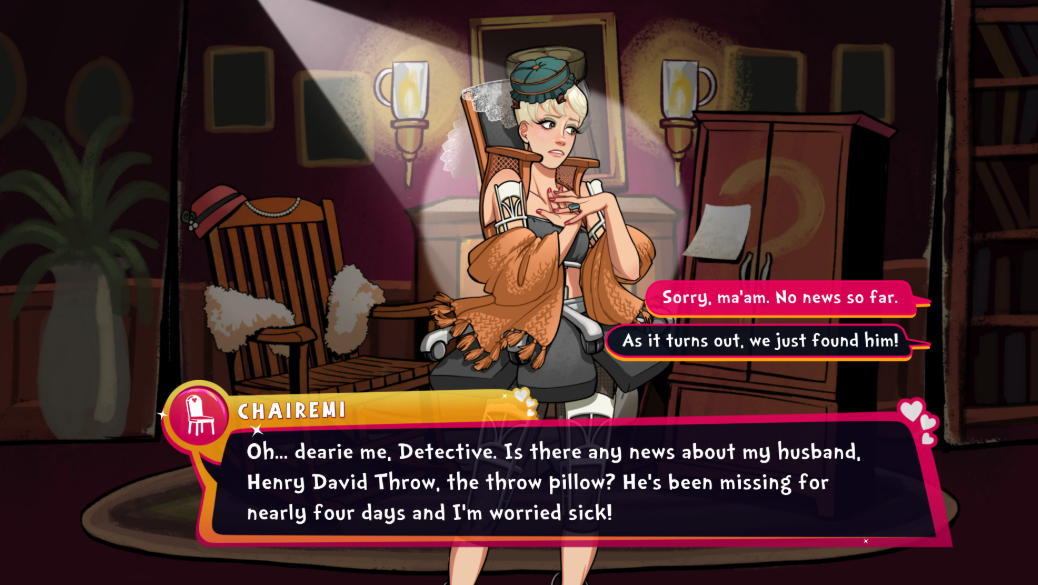
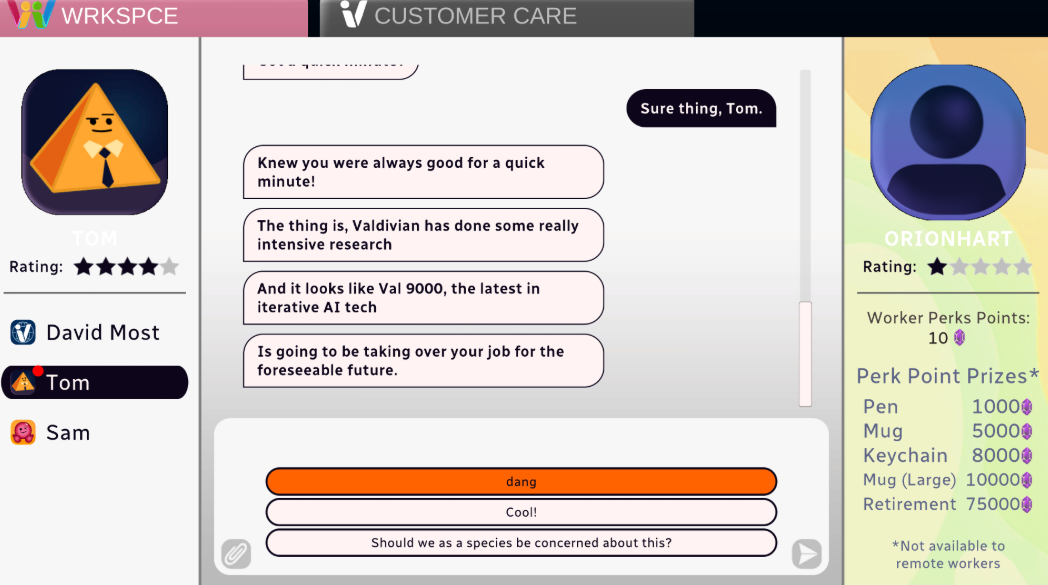
Videos & Screenshots





- Payments
-

-

-

-

-

-

-

-

-
