
Buy Don't Stop, Girlypop!
 In stock
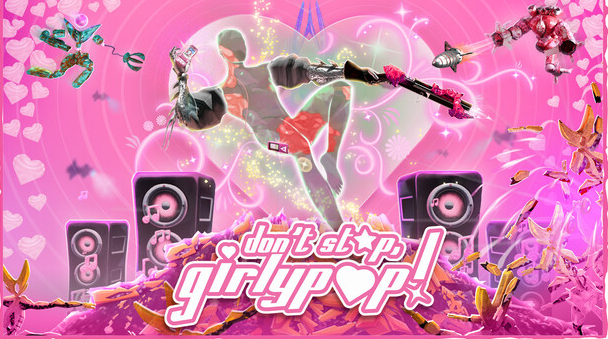
just ❤ don't ❤ stop ❤ moving
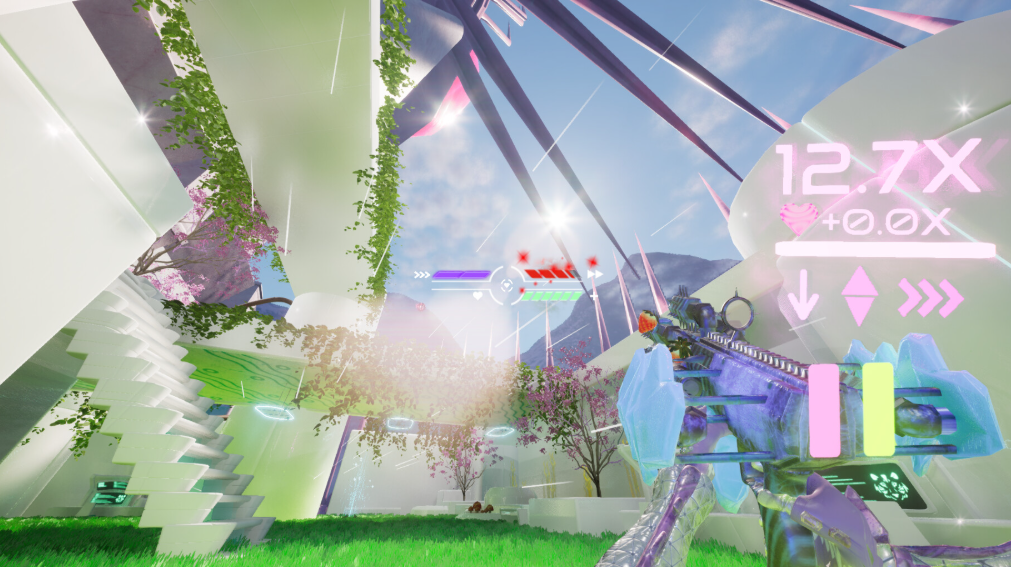
❤ The faster you go, the more damage you deal and the more you heal! DSG combines the riotous fun of boomer shooter mechanics with advanced contemporary movement abilities.
❤ Wave hopping combines the feeling of a classic bunny hop with modern ground slam, dash and double jump mechanics to fling you into a fast, fluid and precise flow state.
spread the love
❤ Unleash the horrors <3 Guns with alt-fires combine symbiotically with each other to create magical moments of complex interplay
❤ Master a deep and dynamic combat system to generate high Love scores and become the Cupid of death!
you are the revolution
❤ Destroy shareholder value! Mining corp Tigris Nix wants to drain your world of The Love, a natural force keeping your planet alive. Lay waste to its robot drones to heal the Oasis!
❤ Kill ‘em with kindness! Every point of damage dealt against a robot is one piece of The Love released back into the environment and one step closer to the end of Tigris Nix.
y2killer style
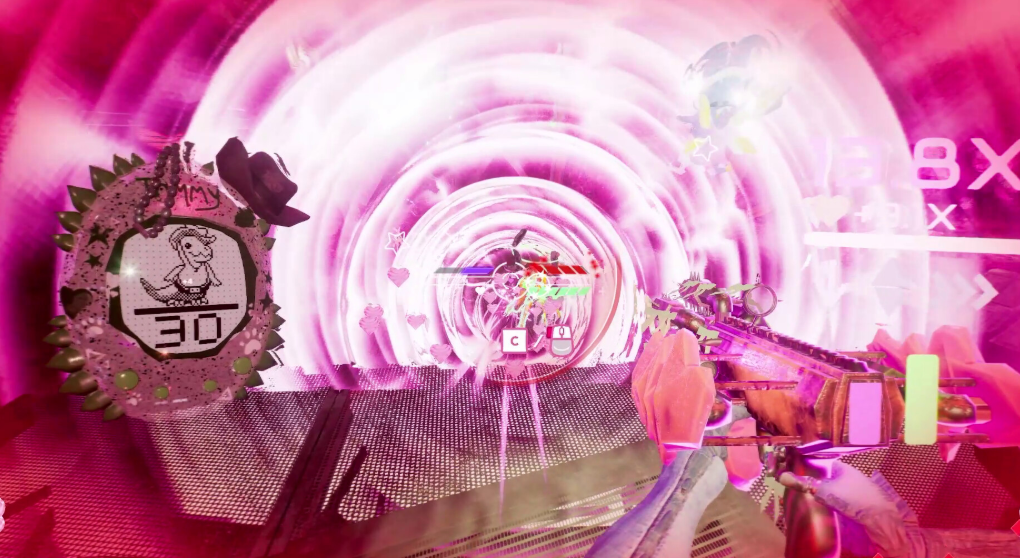
❤ Dazzle your enemies by decorating your arms and guns with fabrics and ornaments. Add butterflies to your barrel, paint yourself in pink chrome, and – yes – dominate the battlefield in a quintuple-denim masterpiece.
Minimum Requirements
Requires a 64-bit processor and operating system
OS Windows 10+
Processor TBC
Memory 16 GB RAM
Graphics TBC
Storage 6 GB available space
If you are not familiar with the technical information of your PC, download the CPU-Z program. CPU-Z will give you detailed information about the main system components - CPU, RAM, video card - installed on your system, which you can then compare with the minimum requirements of the game.
- Go to: http://store.steampowered.com/ and download STEAM client
- Click "Install Steam" (from the upper right corner)
- Install and start application, login with your Account name and Password (create one if you don't have).
- Please follow these instructions to activate a new retail purchase on Steam:
- Launch Steam and log into your Steam account.
- Click the Games Menu.
- Choose Activate a Product on Steam...
- Follow the onscreen instructions to complete the process.
- After successful code verification go to the "MY GAMES" tab and start downloading.
Videos & Screenshots




- Payments
-

-

-

-

-

-

-

-

-
