
Buy Farming Simulator 25: Sky Agriculture Pack / CIS
DLC
Platform:
Windows
Genre:
Simulator
Publisher:
GIANTS Software
Activation:
Steam
Release Date:
30 june 2026
Languages:
English
Type:
Key
Region:
CIS
10.00 USD
 In stock
Extra Content
Farming Simulator 25 required to run
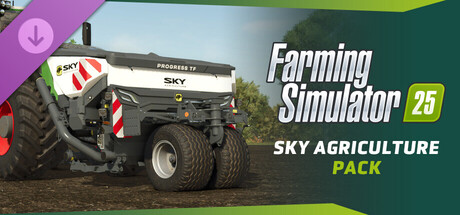
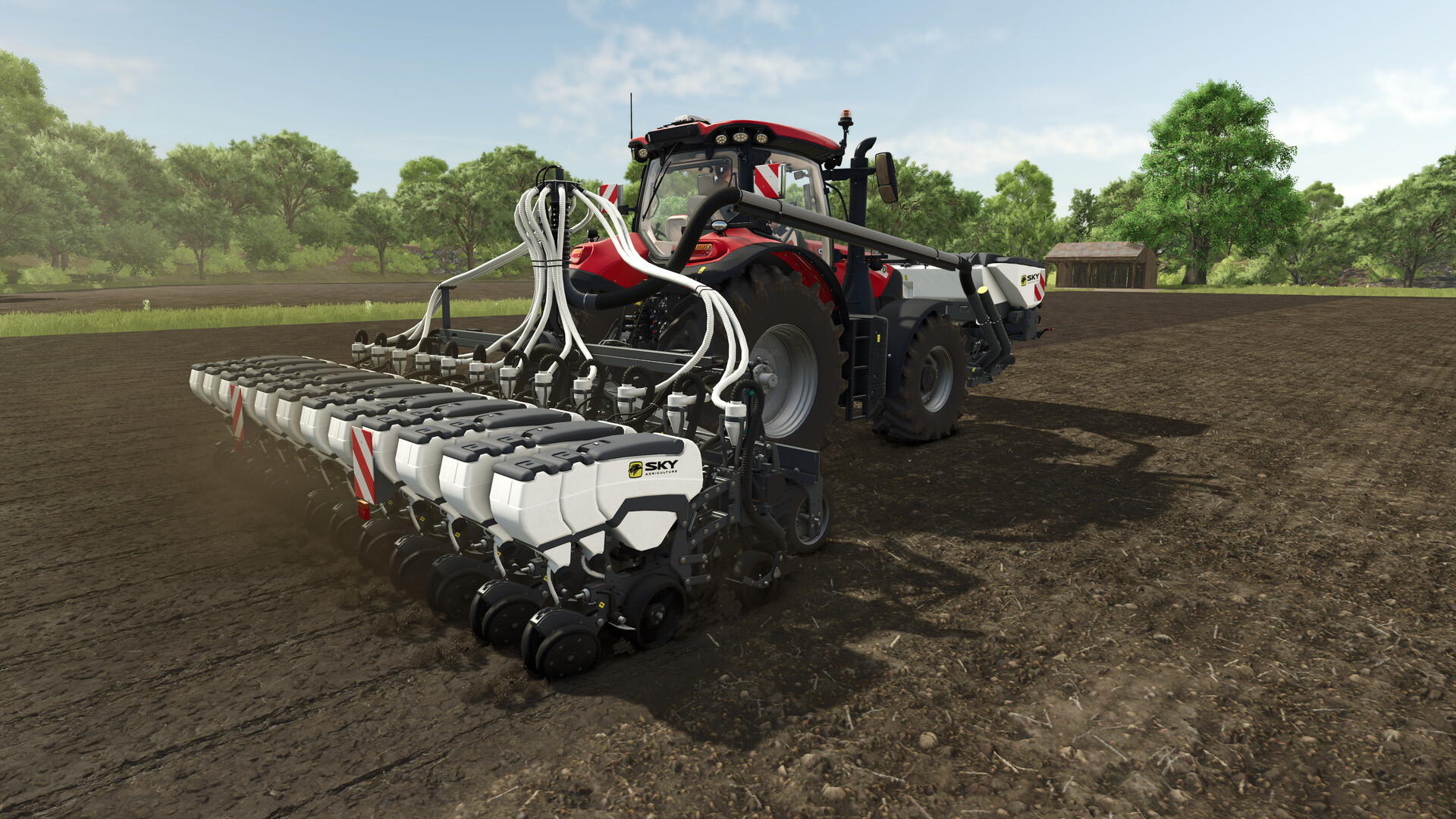
Machines that feel more real! SKY Agriculture specializes in a variety of modern seeding, fertilization, and soil cultivation equipment for efficient and sustainable farming systems, and joins the series. Twelve implements assist you on your farm, and feature enhanced physics, animation, and dirt accumulation, making these machines appear more realistic than ever.
12 versatile agricultural tools
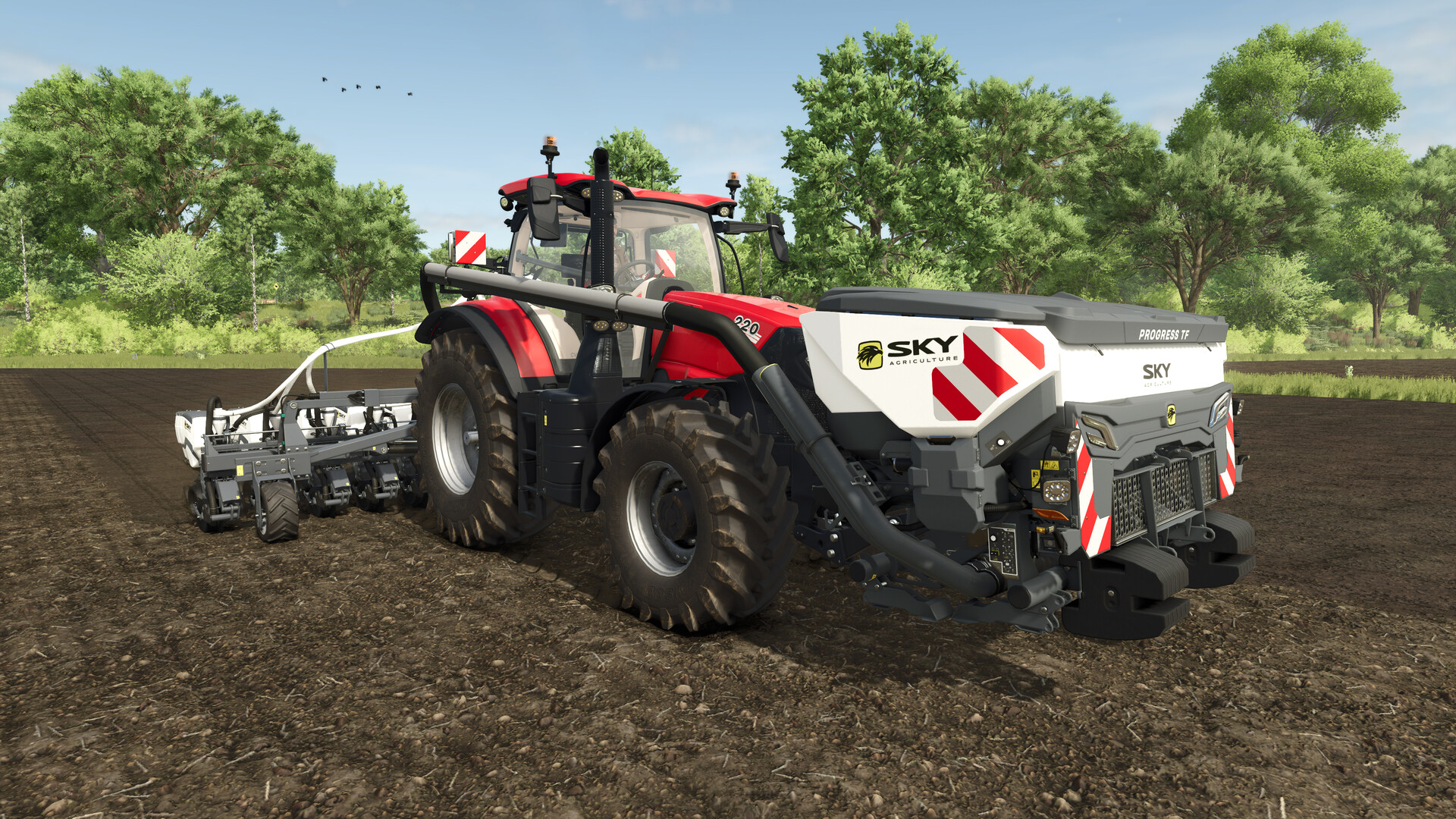
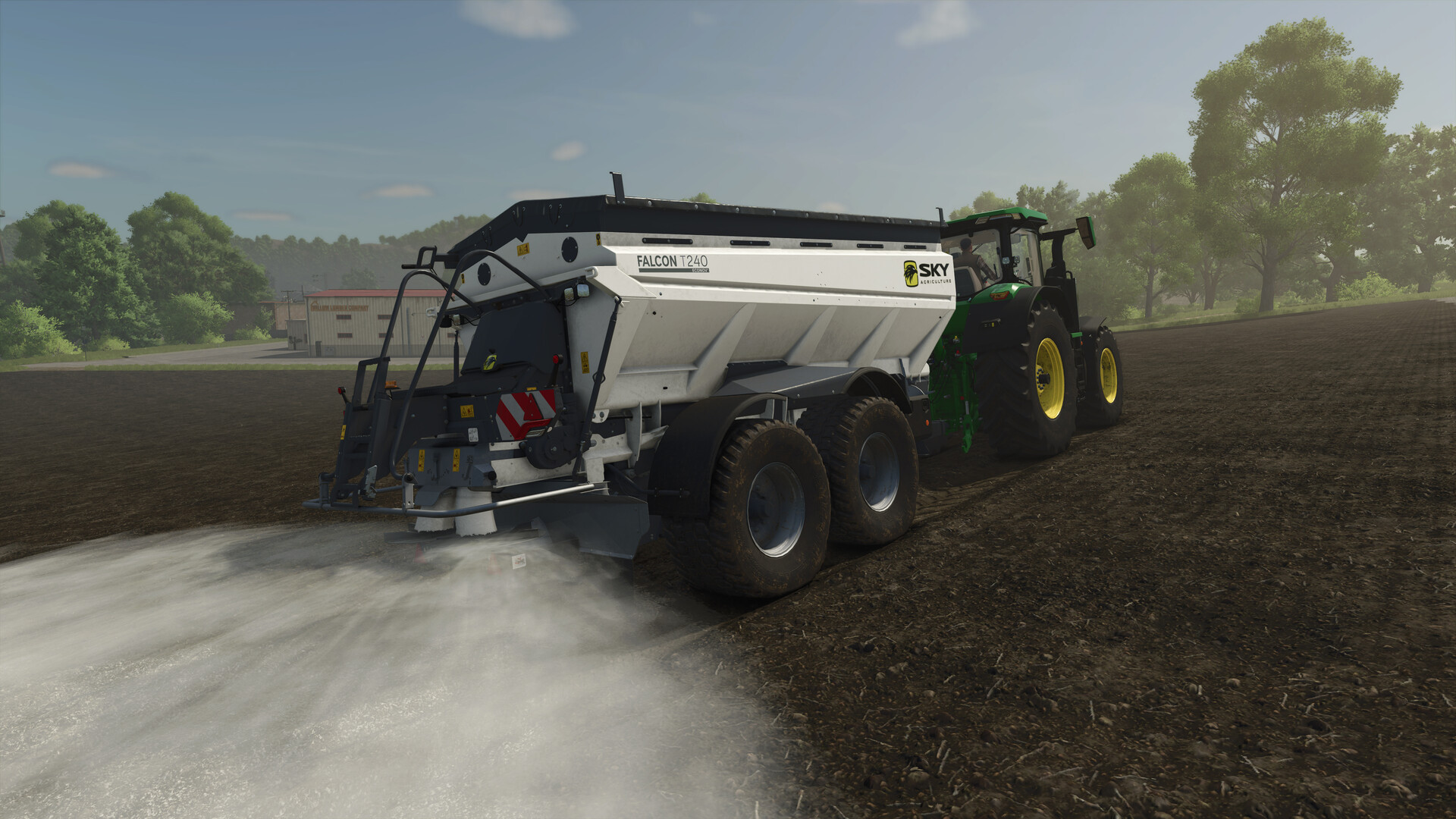
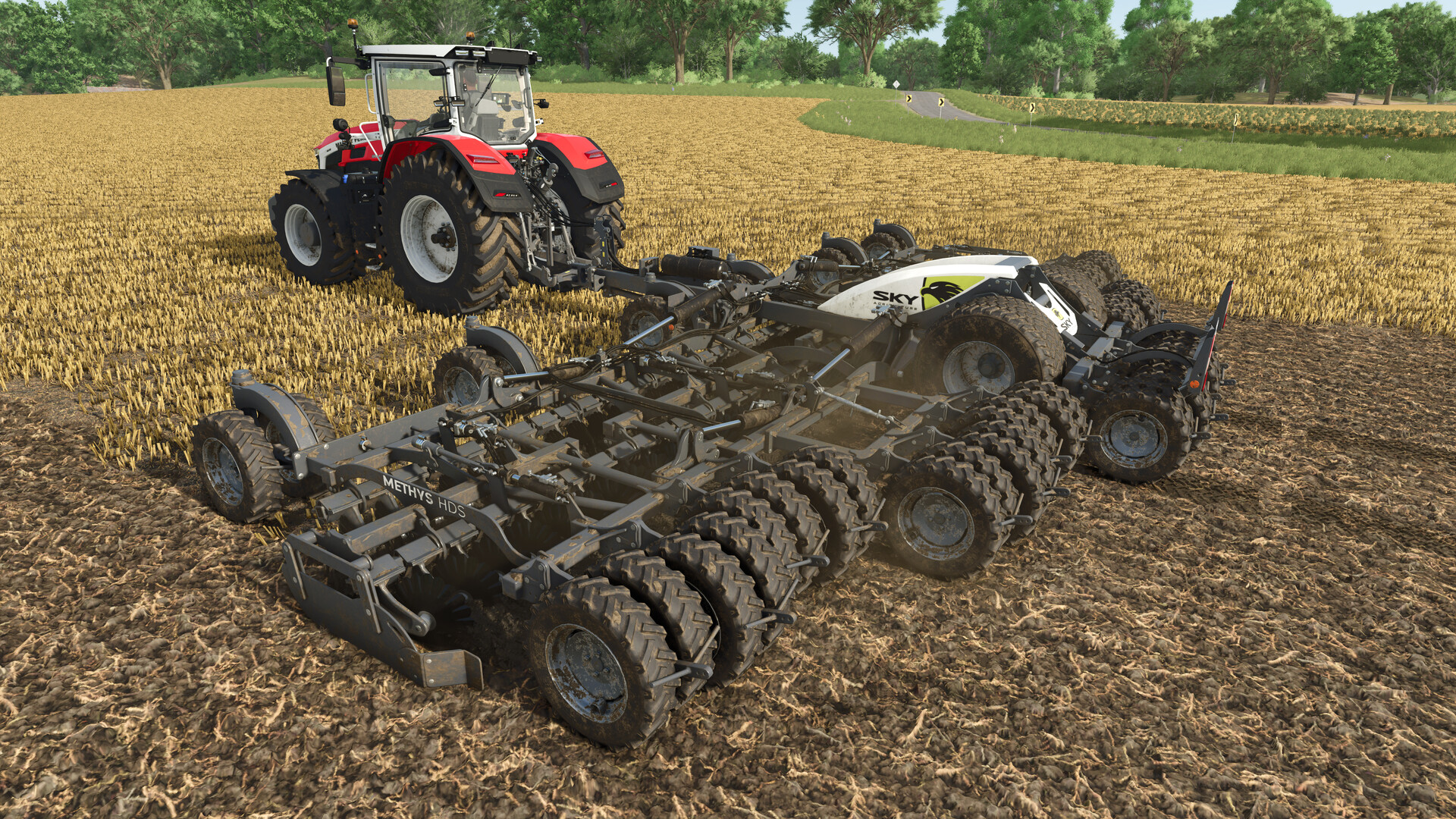
Prepare the soil with the HR 300 and HRW 6000.36 power harrows, or the Methys HDS, which can be used to prepare the seedbed, cultivate stubble, and distribute covercrop seeds when combined with a front tank. Alternatively, sowing can be done with the P100 and the Progress TF front hopper. The latter can be fitted with an innovative front packer and two large-diameter wheels. The trailed Falcon T 240 and the mounted X50+ Econov fertilizer spreaders expand your fertilization options.
List of Machines
• Falcon T 240
• X50+ Econov
• HR 300 (3 m)
• HR 300 (4 m)
• HRW 6000.36
• Methys HDS
• Easydrill P250
• P100
• Progress P50
• Progress P100
• Progress TF
• Sonic PPF 300/12
More realistic machine behavior
With enhanced physics, machines in the SKY Agriculture Pack also feature improved animations: Wheels visibly react to gravity more authentically, arms appear heavier while unfolding, and dirt accumulates on the ground tools that shake off while folding. Increasing the sense of realism, these machines not only look more realistic, but they also feel more authentic when you operate them.
12 versatile agricultural tools
Prepare the soil with the HR 300 and HRW 6000.36 power harrows, or the Methys HDS, which can be used to prepare the seedbed, cultivate stubble, and distribute covercrop seeds when combined with a front tank. Alternatively, sowing can be done with the P100 and the Progress TF front hopper. The latter can be fitted with an innovative front packer and two large-diameter wheels. The trailed Falcon T 240 and the mounted X50+ Econov fertilizer spreaders expand your fertilization options.
List of Machines
• Falcon T 240
• X50+ Econov
• HR 300 (3 m)
• HR 300 (4 m)
• HRW 6000.36
• Methys HDS
• Easydrill P250
• P100
• Progress P50
• Progress P100
• Progress TF
• Sonic PPF 300/12
More realistic machine behavior
With enhanced physics, machines in the SKY Agriculture Pack also feature improved animations: Wheels visibly react to gravity more authentically, arms appear heavier while unfolding, and dirt accumulates on the ground tools that shake off while folding. Increasing the sense of realism, these machines not only look more realistic, but they also feel more authentic when you operate them.
- Minimum:
- Requires a 64-bit processor and operating system
- OS: Windows 10 64bit
- Processor: Intel Core i5-6400, AMD Ryzen 5 1400, or better
- Memory: 8 GB RAM
- Graphics: Nvidia GeForce GTX 1050Ti, AMD Radeon RX 470 graphics card or better (min 3GB VRAM, DX12 support)
- DirectX: Version 12
- Network: Broadband Internet connection
- Storage: 45 GB available space
- Sound Card: Sound card
- VR Support: N/A
- Additional Notes: These system requirements can´t cover all possible system configurations so issues could occur that avoid or influence the functionality in some cases.
If you are not familiar with the technical information of your PC, download the CPU-Z program. CPU-Z will give you detailed information about the main system components - CPU, RAM, video card - installed on your system, which you can then compare with the minimum requirements of the game.
- Go to: http://store.steampowered.com/ and download STEAM client
- Click "Install Steam" (from the upper right corner)
- Install and start application, login with your Account name and Password (create one if you don't have).
- Please follow these instructions to activate a new retail purchase on Steam:
- Launch Steam and log into your Steam account.
- Click the Games Menu.
- Choose Activate a Product on Steam...
- Follow the onscreen instructions to complete the process.
- After successful code verification go to the "MY GAMES" tab and start downloading.
Videos & Screenshots
Recommended





- Payments
-

-

-

-

-

-

-

-

-
