
Buy Flockers / CIS+TR
Platform:
Windows
Genre:
Adventure
Publisher:
Team 17
Activation:
Steam
Release Date:
19 september 2014
Languages:
English
Type:
Key
Region:
CIS / TR
6.00 USD
 In stock
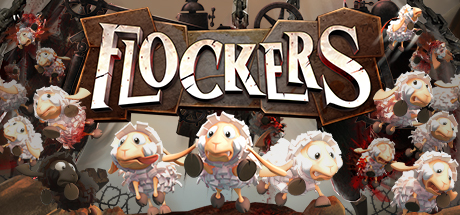
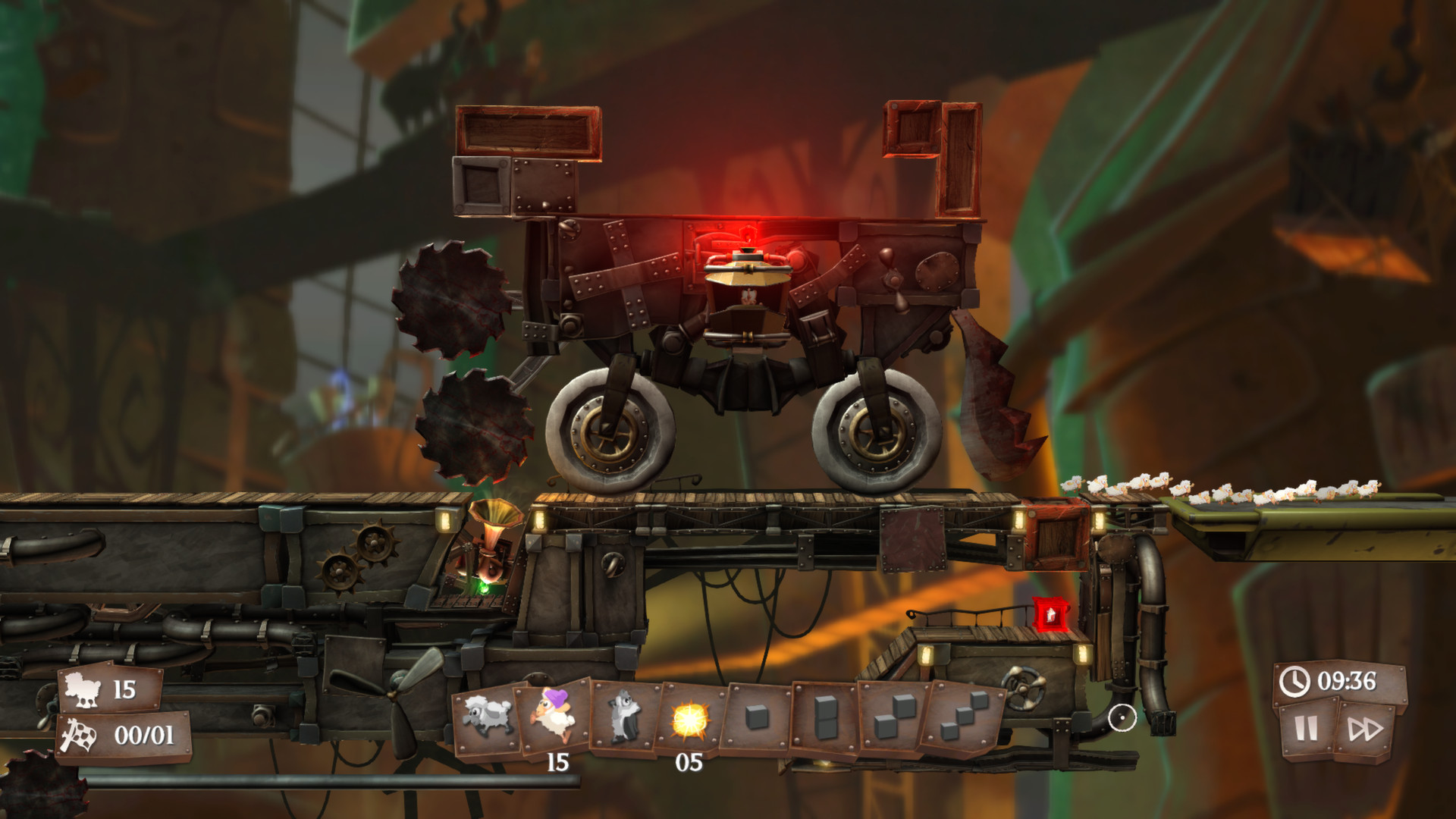
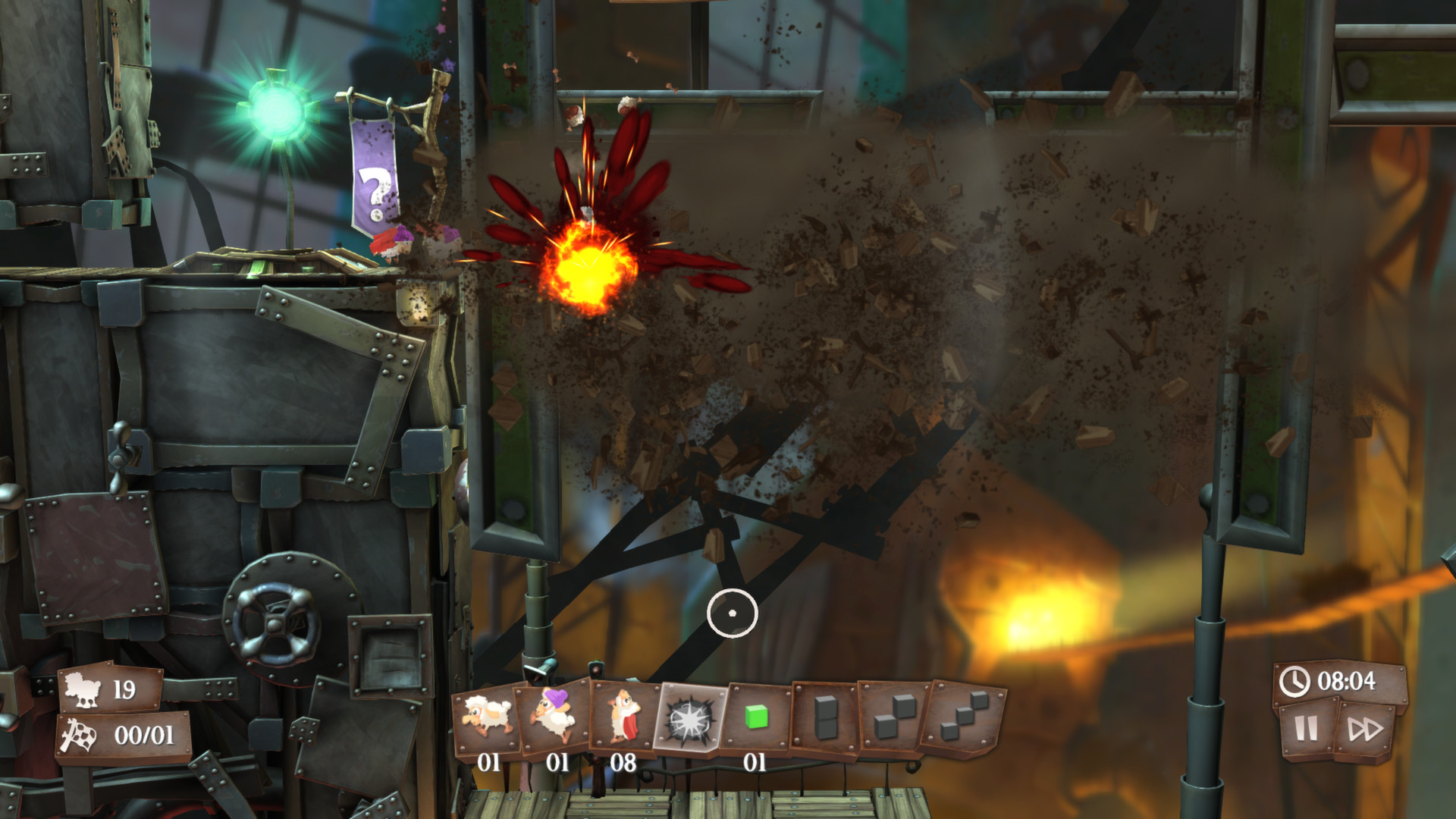
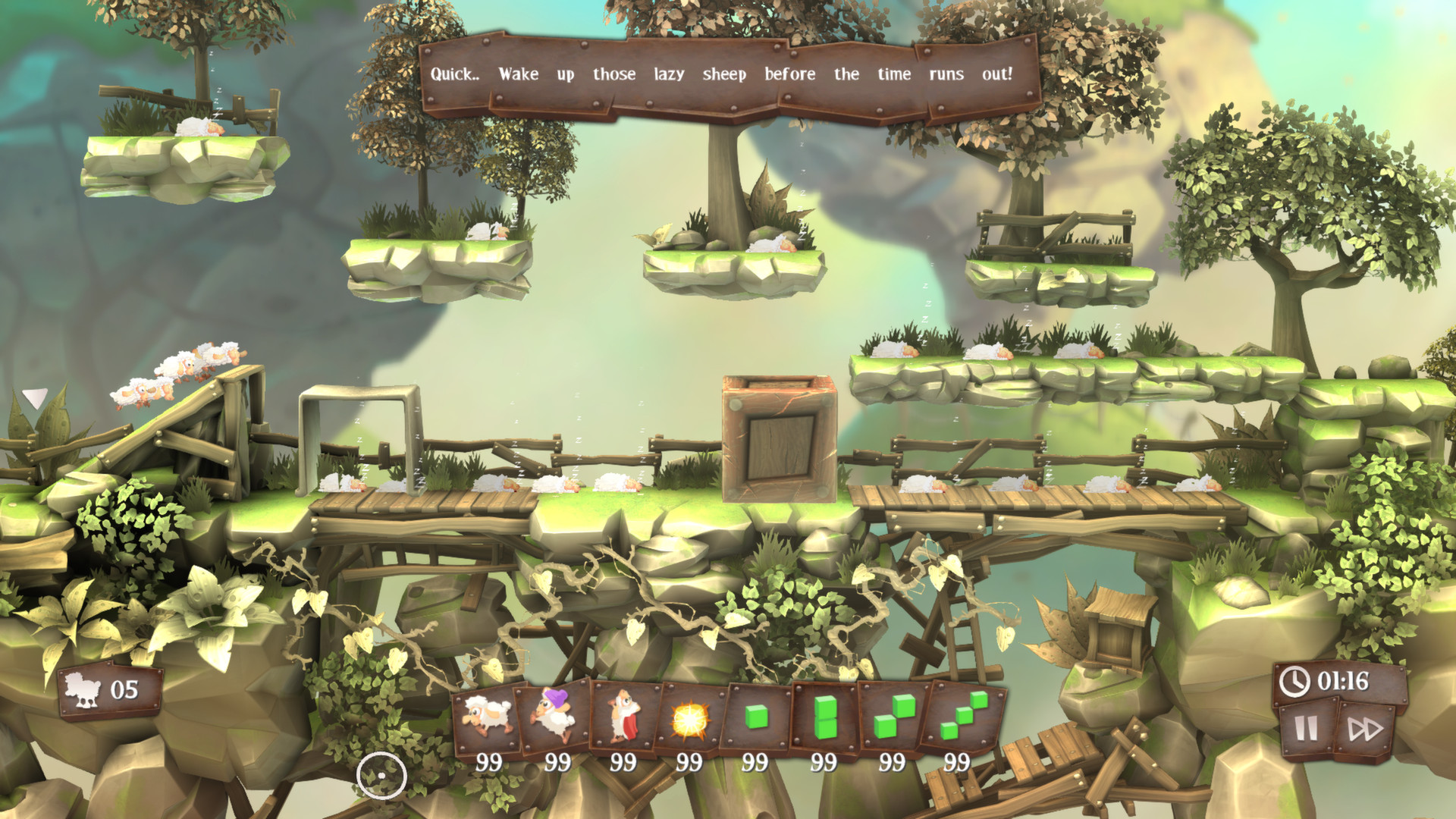
For over nineteen years sheep have been an integral part of the worms’ fearsome arsenal. Held for years within the evil thrall of their diabolical masters the sheep are finally making a dash for freedom! Escaping the tyrannical worms, the flock must dodge its way past all manner of lethal machinery and traps as the sheep negotiate their path through the confinement of the Worms’ weapons factory out into the testing grounds and ever onwards towards pastures green.
Flockers is a modern day take on the classic A to B puzzle genre with a generous helping of sinister foreboding and dark humour for good measure. Levels have been designed to challenge the player’s skill and strategic planning as they attempt to guide their flock past heinous traps, sadistic devices and diabolical puzzles; rewarding those that can save the most sheep while still allowing progression for anyone who falls foul of the factory’s deadly machinery.
Flockers is a modern day take on the classic A to B puzzle genre with a generous helping of sinister foreboding and dark humour for good measure. Levels have been designed to challenge the player’s skill and strategic planning as they attempt to guide their flock past heinous traps, sadistic devices and diabolical puzzles; rewarding those that can save the most sheep while still allowing progression for anyone who falls foul of the factory’s deadly machinery.
- Minimum:
- OS *: Windows XP or Later
- Processor: Dual Core CPU or faster
- Memory: 4 GB RAM
- Graphics: Intel HD4000, Radeon HD 4650 (512MB) or NVIDIA GeForce 8600GT
- Network: Broadband Internet connection
- Storage: 8 GB available space
- Sound Card: Windows Compatible Card
- Additional Notes: Note: In some instances, systems may require model specific drivers. If your system manufacturers no longer support hardware under this category, it may not be possible to run this title. Should this be the case, we are unable to assist you and recommend that you pursue support from your respective system manufacturer. This issue is most common in laptops and is prevalent with select products from most leading manufacturers. GPU that supports OpenGL 3.3 or higher
* Starting January 1st, 2024, the Steam Client will only support Windows 10 and later versions.
If you are not familiar with the technical information of your PC, download the CPU-Z program. CPU-Z will give you detailed information about the main system components - CPU, RAM, video card - installed on your system, which you can then compare with the minimum requirements of the game.
- Go to: http://store.steampowered.com/ and download STEAM client
- Click "Install Steam" (from the upper right corner)
- Install and start application, login with your Account name and Password (create one if you don't have).
- Please follow these instructions to activate a new retail purchase on Steam:
- Launch Steam and log into your Steam account.
- Click the Games Menu.
- Choose Activate a Product on Steam...
- Follow the onscreen instructions to complete the process.
- After successful code verification go to the "MY GAMES" tab and start downloading.
Videos & Screenshots

Recommended





- Payments
-

-

-

-

-

-

-

-

-
