
Buy Going Under / EU

Platform:
Windows
Genre:
Indie
Publisher:
Team 17
Activation:
Steam
Release Date:
24 september 2020
Languages:
English
Type:
Key
Region:
EU
20 $
 In stock
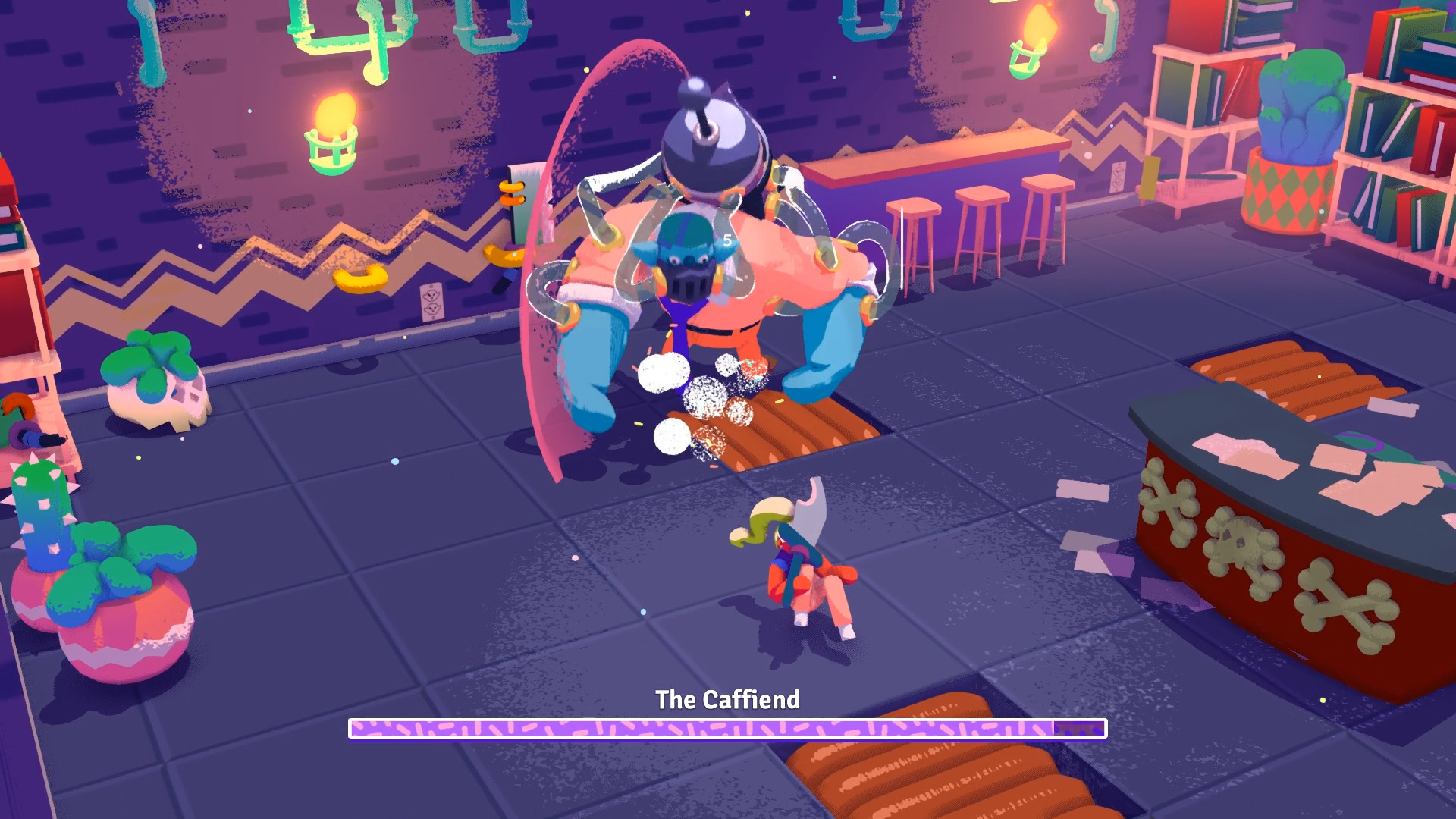
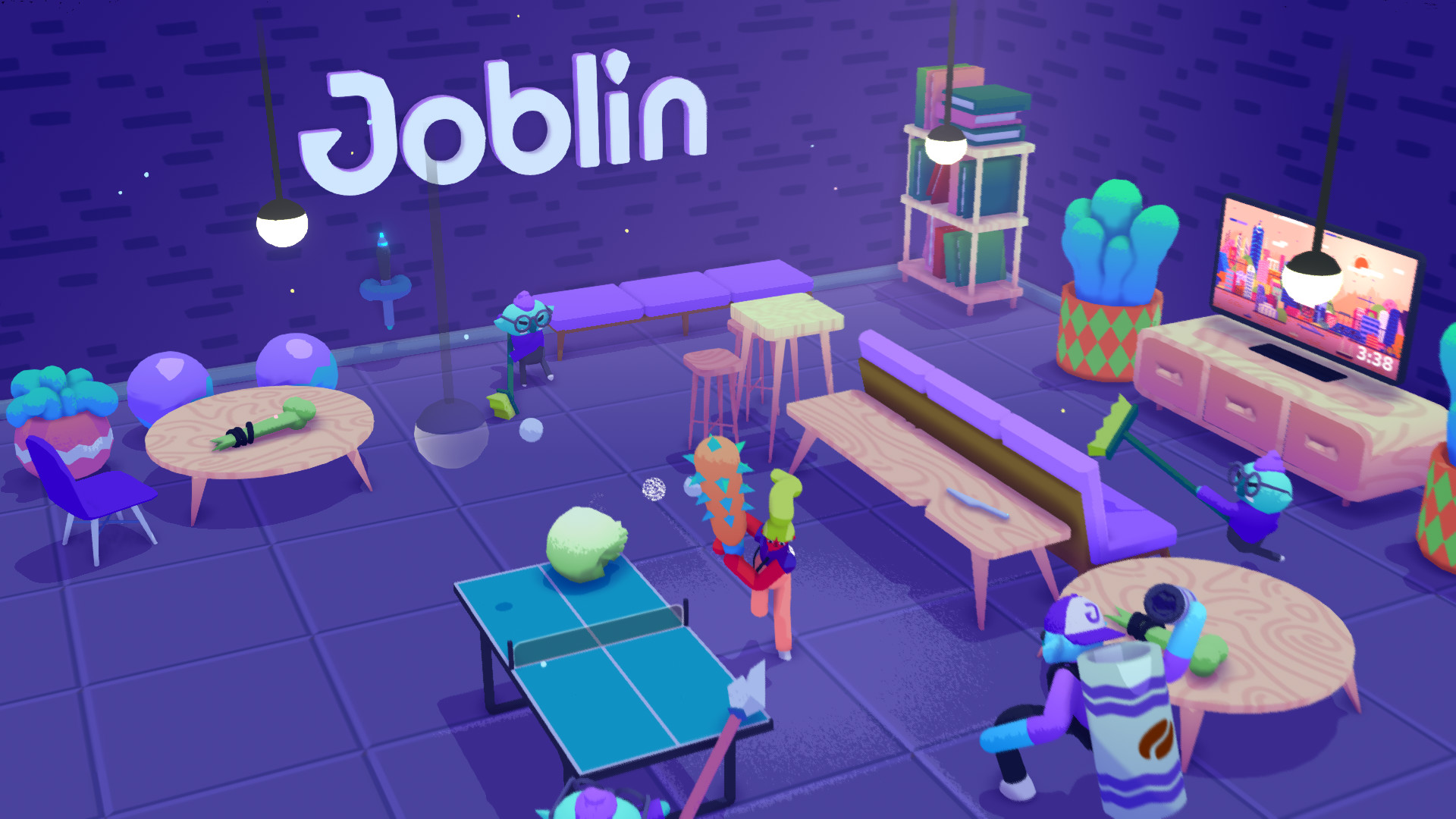
Going Under is a satirical dungeon crawler about exploring the cursed ruins of failed tech startups. As an unpaid intern in the dystopian city of Neo-Cascadia, you’ll wield office junk as weaponry as you make your way through the offbeat procedural dungeons beneath your company campus.
The Future is Wack
Failed businesses no longer just cease to exist--they sink beneath the earth, and their employees are cursed to wander the halls for eternity as monsters. It’s your duty to put these monsters out of their misery and repossess their assets--so that your boss can afford a new car, or something.
Not All Heroes Get Paychecks
Battle through the remains of failed startups themed off of gig workers, dating sites, and cryptocurrency. Uncover the true motives of your employer, a carbonated drink startup known as Fizzle, and their parent company, a subscription box manufacturer with an army of helpful shipping drones. Make friends with your co-workers! Hire a freelance goblin! Date a slime! Invest in crypto! Set a rideshare on fire!
The Future is Wack
Failed businesses no longer just cease to exist--they sink beneath the earth, and their employees are cursed to wander the halls for eternity as monsters. It’s your duty to put these monsters out of their misery and repossess their assets--so that your boss can afford a new car, or something.
Not All Heroes Get Paychecks
Battle through the remains of failed startups themed off of gig workers, dating sites, and cryptocurrency. Uncover the true motives of your employer, a carbonated drink startup known as Fizzle, and their parent company, a subscription box manufacturer with an army of helpful shipping drones. Make friends with your co-workers! Hire a freelance goblin! Date a slime! Invest in crypto! Set a rideshare on fire!
Minimum:
- Requires a 64-bit processor and operating system
- OS *: Windows 7 64-bit
- Processor: Intel Core i3-2100 | AMD Phenom II X4 965
- Memory: 4 GB RAM
- Graphics: Nvidia GeForce GTS 450, 1 GB | AMD Radeon R7 250, 1 GB
- DirectX: Version 10
- Storage: 2 GB available space
- Additional Notes: 16:9 recommended
If you are not familiar with the technical information of your PC, download the CPU-Z program. CPU-Z will give you detailed information about the main system components - CPU, RAM, video card - installed on your system, which you can then compare with the minimum requirements of the game.
- Go to: http://store.steampowered.com/ and download STEAM client
- Click "Install Steam" (from the upper right corner)
- Install and start application, login with your Account name and Password (create one if you don't have).
- Please follow these instructions to activate a new retail purchase on Steam:
- Launch Steam and log into your Steam account.
- Click the Games Menu.
- Choose Activate a Product on Steam...
- Follow the onscreen instructions to complete the process.
- After successful code verification go to the "MY GAMES" tab and start downloading.
Videos & Screenshots






- Payments
-

-

-

-

-

-

-

-

-
