
Buy Golf With Your Friends Caddy Pack DLC / CIS + TR
DLC
Platform:
Windows
Genre:
Sports
Publisher:
Team 17
Activation:
Steam
Release Date:
26 may 2020
Languages:
English
Type:
Key
Region:
CIS / TR
2 $
 In stock
Extra Content
Golf With Your Friends / CIS + TR required to run
About This Content
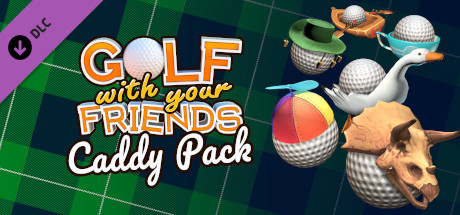
Turn the fairway into a runway and customise your balls in Golf With Your Friends! Putt your own stylish spin on the game as you tee off with one of 3 new hats or floaties with the Caddy Pack!
The Caddy Pack comes with:
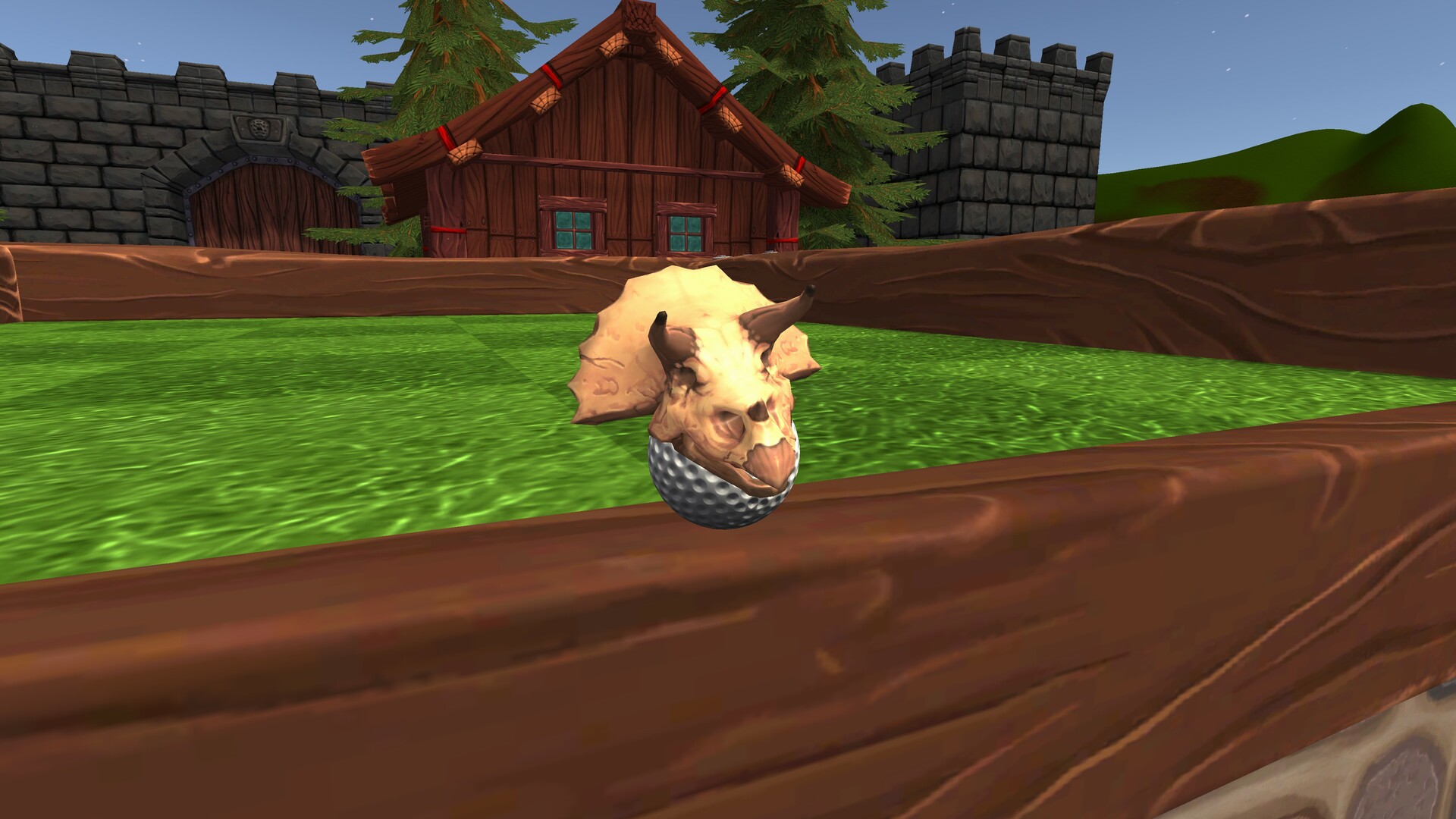
• Triceratops hat
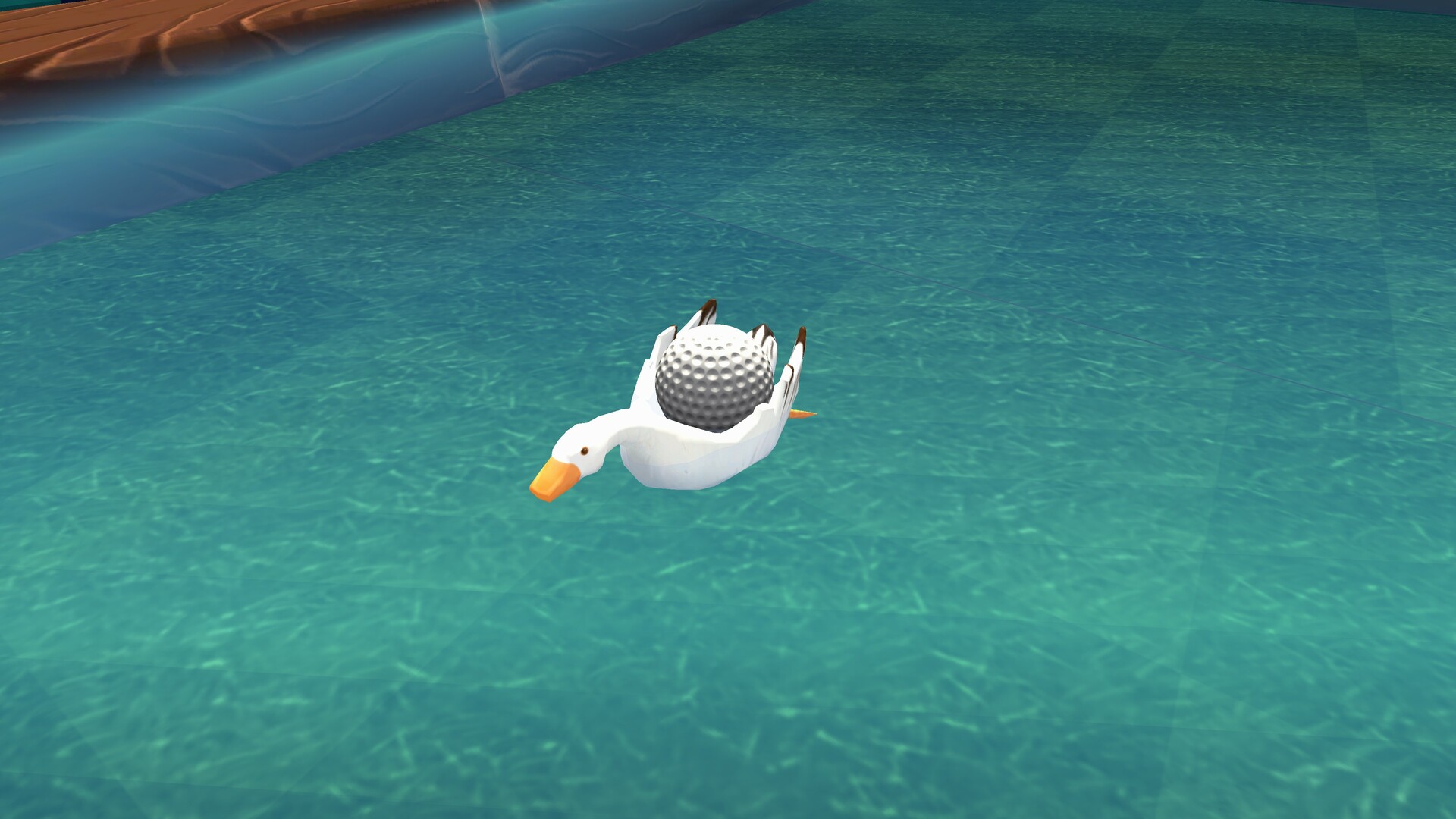
• Goose floaty
• ‘Beanie’ propeller hat
• Rowboat floaty
• Teacup hat
• Australian ‘slouch’ hat (outback style hat)
Turn the fairway into a runway and customise your balls in Golf With Your Friends! Putt your own stylish spin on the game as you tee off with one of 3 new hats or floaties with the Caddy Pack!
The Caddy Pack comes with:
• Triceratops hat
• Goose floaty
• ‘Beanie’ propeller hat
• Rowboat floaty
• Teacup hat
• Australian ‘slouch’ hat (outback style hat)
Minimum:
- Requires a 64-bit processor and operating system
- OS *: Windows 7 SP1 (64-bit) or Windows 10 (64-bit)
- Processor: Intel i3-2100 / AMD FX-6300 @3.1GHz or higher
- Memory: 2 GB RAM
- Graphics: GTX 460 / Radeon 6870 / Intel HD Graphics 630
If you are not familiar with the technical information of your PC, download the CPU-Z program. CPU-Z will give you detailed information about the main system components - CPU, RAM, video card - installed on your system, which you can then compare with the minimum requirements of the game.
- Go to: http://store.steampowered.com/ and download STEAM client
- Click "Install Steam" (from the upper right corner)
- Install and start application, login with your Account name and Password (create one if you don't have).
- Please follow these instructions to activate a new retail purchase on Steam:
- Launch Steam and log into your Steam account.
- Click the Games Menu.
- Choose Activate a Product on Steam...
- Follow the onscreen instructions to complete the process.
- After successful code verification go to the "MY GAMES" tab and start downloading.
Videos & Screenshots





- Payments
-

-

-

-

-

-

-

-

-
