
Buy Kerbal Space Program: Making History / TR
Platform:
Windows
Genre:
Action
Publisher:
KerbalCo LLC
Activation:
Steam
Release Date:
13 march 2018
Languages:
English
Type:
Key
Region:
TR
8 $
 In stock
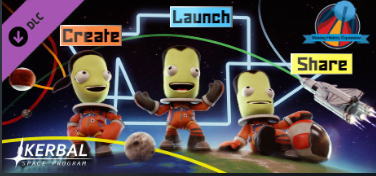
historical events. Get an unforgettable experience in the world of ksp! Create, conquer space and share with others in the Kerbal Space project: Create historical expansion.
*Mission Builder: Unleash your imagination! Thanks to this new feature, you will be able to create and edit tasks by yourself. The launch or landing of a spacecraft, the rescue of kerbala lost in outer space, malfunction, explosion and repair are far from a complete list of events that can be included in the mission. Its complexity will depend on the selected victory conditions, the complexity of the task, and the existence of various surprises (usually unpleasant). Create missions and share with other players!
*History collection: Inspired by a series of missions from the events encountered by humans during space exploration. Relive the highlights of history under the unique conditions of the Kerbala system: enter outer space and smash into a cake on landing... The possibilities are endless!
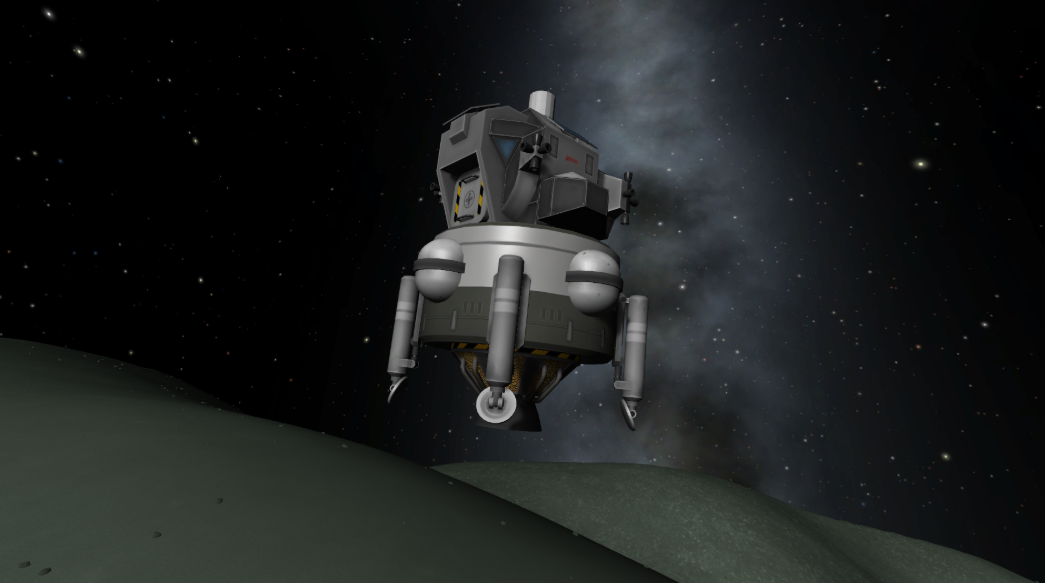
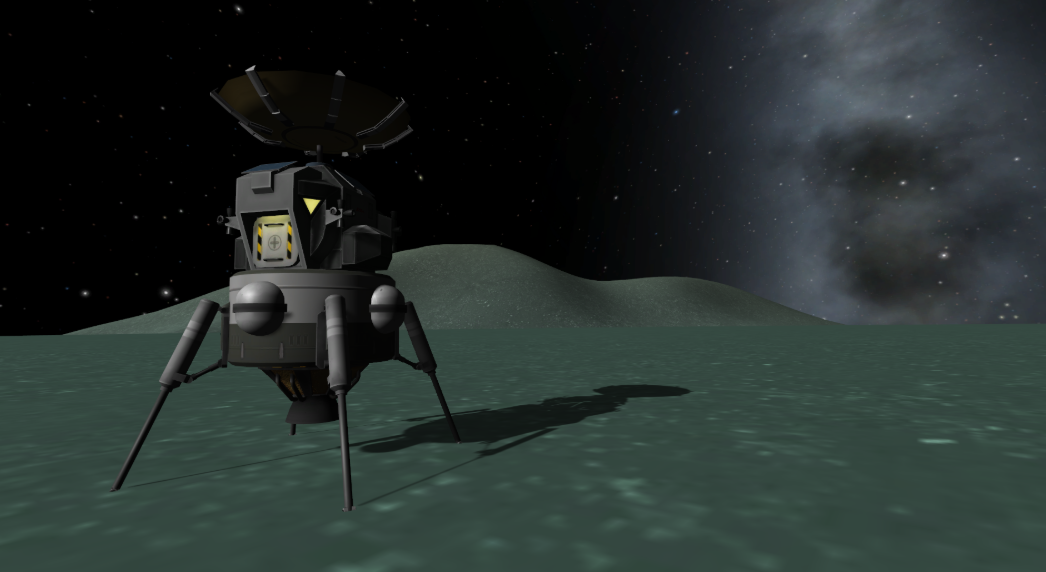
•New parts: The expansion includes dozens of new parts and new spacesuits, which are prototypes of developments created in the era of the space race. All models of the Kerbal space program have new parts and spacesuits.
*Mission Builder: Unleash your imagination! Thanks to this new feature, you will be able to create and edit tasks by yourself. The launch or landing of a spacecraft, the rescue of kerbala lost in outer space, malfunction, explosion and repair are far from a complete list of events that can be included in the mission. Its complexity will depend on the selected victory conditions, the complexity of the task, and the existence of various surprises (usually unpleasant). Create missions and share with other players!
*History collection: Inspired by a series of missions from the events encountered by humans during space exploration. Relive the highlights of history under the unique conditions of the Kerbala system: enter outer space and smash into a cake on landing... The possibilities are endless!
•New parts: The expansion includes dozens of new parts and new spacesuits, which are prototypes of developments created in the era of the space race. All models of the Kerbal space program have new parts and spacesuits.
Minimum Requirements
OS * Windows 7 SP1+
Processor Core 2 Duo
Memory 3GB RAM
Graphics DX10 (SM 4.0) capable, 512MB VRAM
Hard Drive 4 GB HD space
* Starting January 1st, 2024, the Steam Client will only support Windows 10 and later versions.
If you are not familiar with the technical information of your PC, download the CPU-Z program. CPU-Z will give you detailed information about the main system components - CPU, RAM, video card - installed on your system, which you can then compare with the minimum requirements of the game.
- Go to: http://store.steampowered.com/ and download STEAM client
- Click "Install Steam" (from the upper right corner)
- Install and start application, login with your Account name and Password (create one if you don't have).
- Please follow these instructions to activate a new retail purchase on Steam:
- Launch Steam and log into your Steam account.
- Click the Games Menu.
- Choose Activate a Product on Steam...
- Follow the onscreen instructions to complete the process.
- After successful code verification go to the "MY GAMES" tab and start downloading.
Videos & Screenshots






- Payments
-

-

-

-

-

-

-

-

-
