
Buy Lethal VR / CIS + TR

Platform:
Windows
Genre:
Simulator
Publisher:
Team 17
Activation:
Steam
Release Date:
8 november 2016
Languages:
English
Type:
Key
Region:
CIS / TR
5 $
 In stock
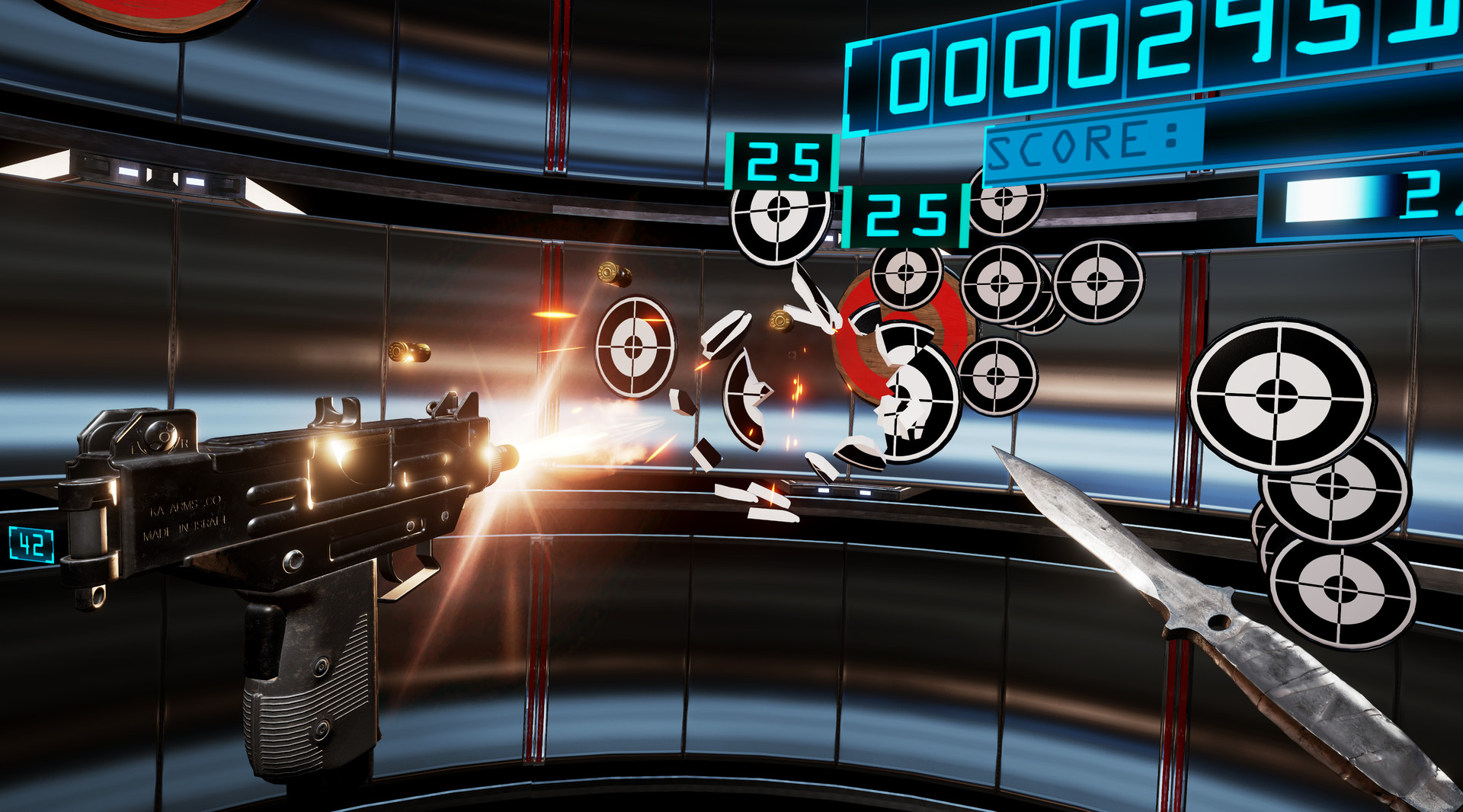
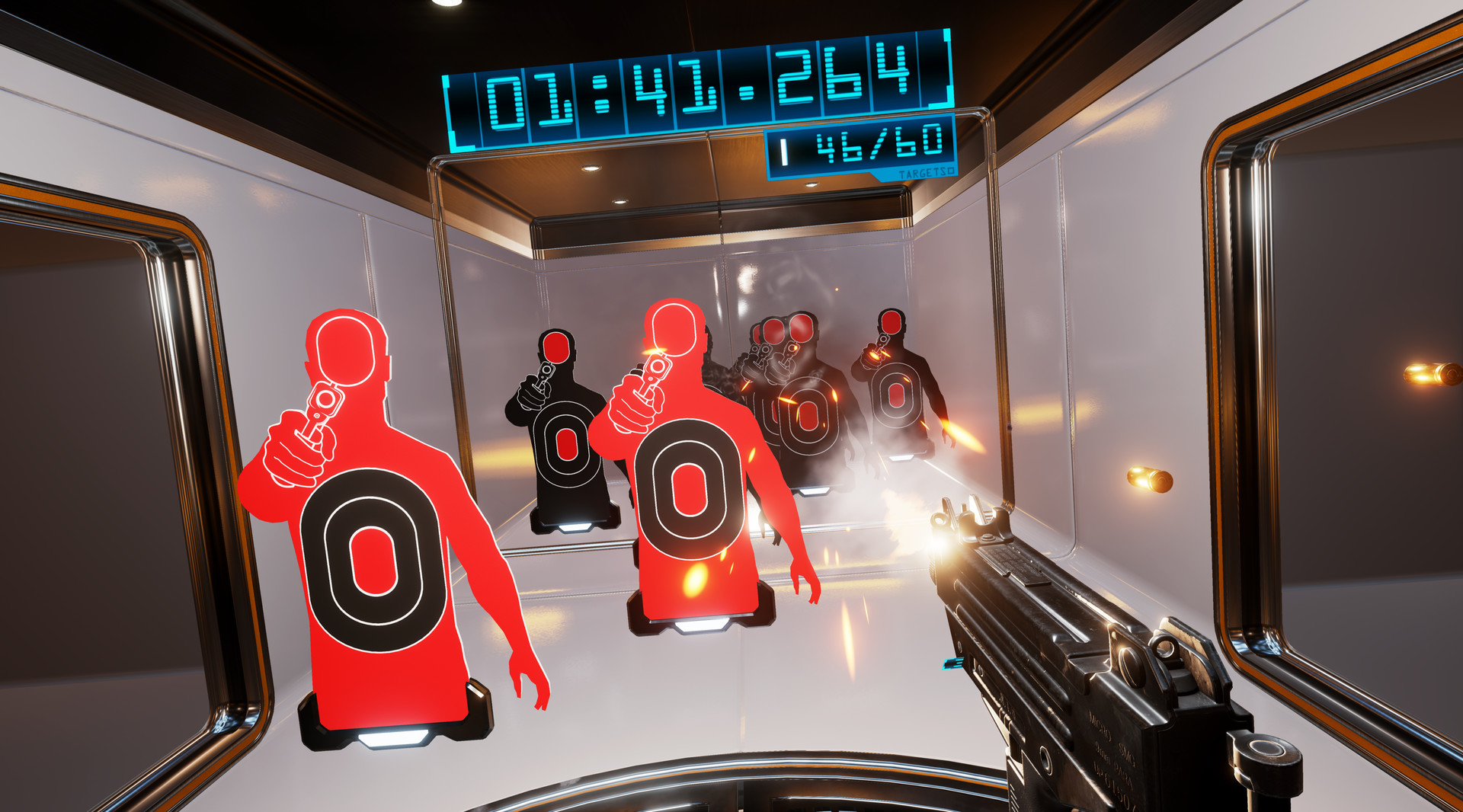
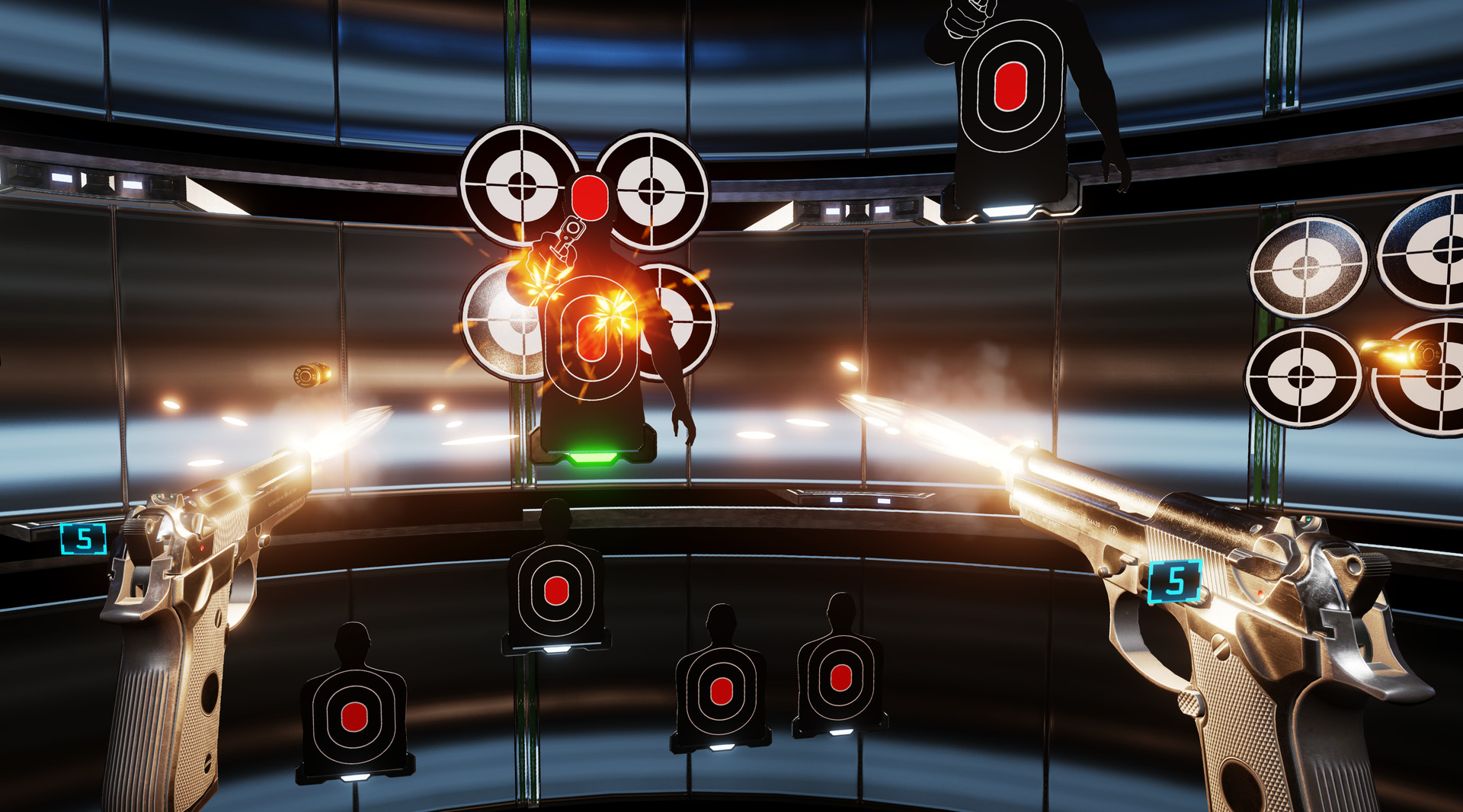
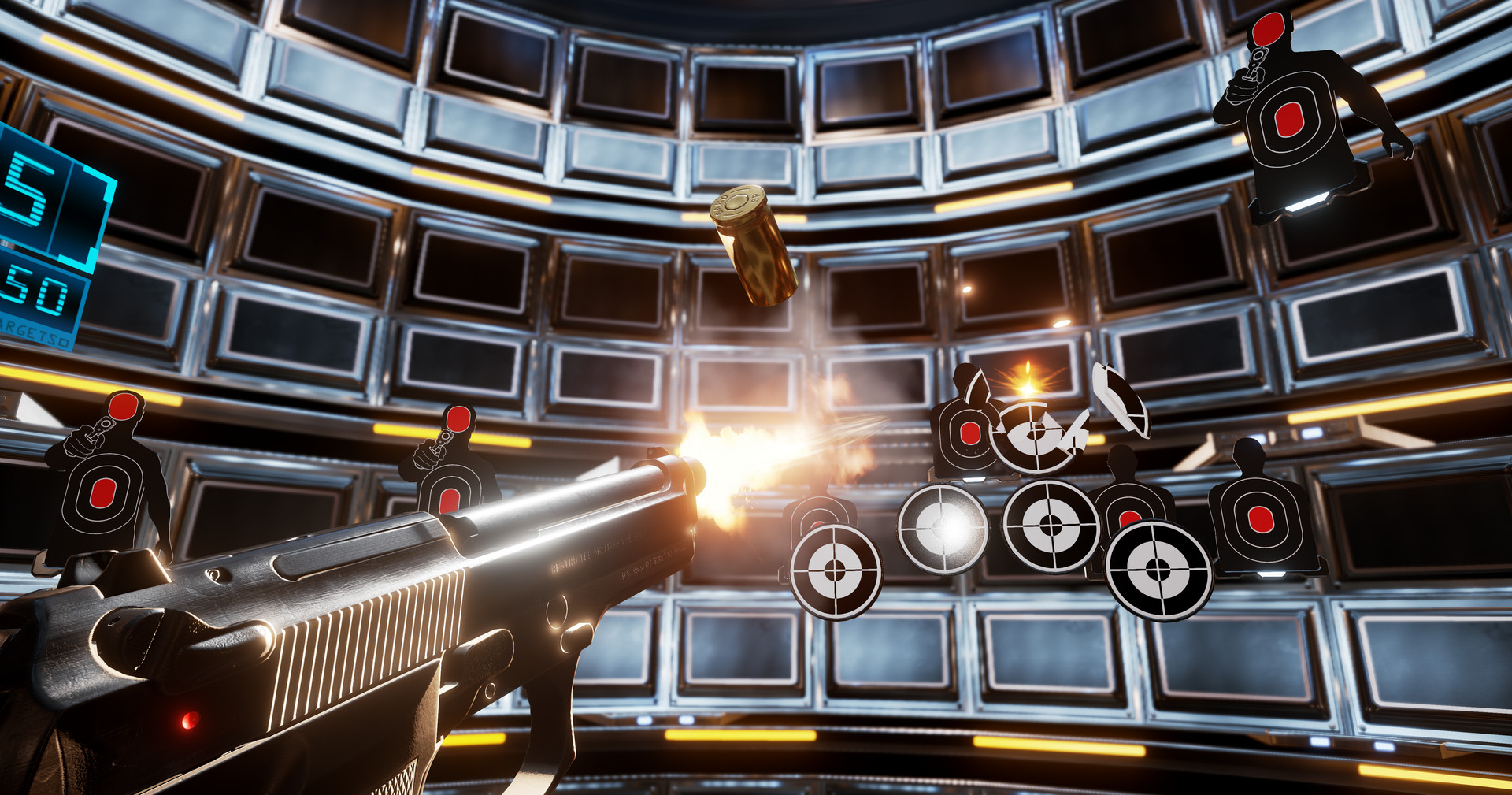
Lethal VR is an immersive Virtual Reality weapons experience for the HTC Vive brought to you from Three Fields Entertainment, creators of Burnout, BLACK and Dangerous Golf.
Step into the shoes of an FBI Recruit and be tested in a series of weapons simulation exercises. Each simulation is comprised of five short challenges featuring a variety of small weapons. At the end of each challenge you will be graded on your performance. Do you have what it takes to earn a Lethal rating?
Your abilities will be tested in 30 different challenges spread across 5 tiers of weapons simulation. You will need to demonstrate speed, precision, deadly accuracy and the ability to remain calm under pressure.
Good Luck, Recruit!
Step into the shoes of an FBI Recruit and be tested in a series of weapons simulation exercises. Each simulation is comprised of five short challenges featuring a variety of small weapons. At the end of each challenge you will be graded on your performance. Do you have what it takes to earn a Lethal rating?
Your abilities will be tested in 30 different challenges spread across 5 tiers of weapons simulation. You will need to demonstrate speed, precision, deadly accuracy and the ability to remain calm under pressure.
Good Luck, Recruit!
Minimum:
- Requires a 64-bit processor and operating system
- OS *: Windows 7 SP1, Windows 8.1 or Windows 10
- Processor: Intel® i5-4590, AMD FX 8350 equivalent or better
- Memory: 4 GB RAM
- Graphics: NVIDIA GeForce® GTX 970, AMD Radeon™ R9 290 equivalent or better
- DirectX: Version 11
- Storage: 600 MB available space
- VR Support: SteamVR. Standing or Room Scale
- Additional Notes: HTC Vive VR headset plus hand controllers
If you are not familiar with the technical information of your PC, download the CPU-Z program. CPU-Z will give you detailed information about the main system components - CPU, RAM, video card - installed on your system, which you can then compare with the minimum requirements of the game.
- Go to: http://store.steampowered.com/ and download STEAM client
- Click "Install Steam" (from the upper right corner)
- Install and start application, login with your Account name and Password (create one if you don't have).
- Please follow these instructions to activate a new retail purchase on Steam:
- Launch Steam and log into your Steam account.
- Click the Games Menu.
- Choose Activate a Product on Steam...
- Follow the onscreen instructions to complete the process.
- After successful code verification go to the "MY GAMES" tab and start downloading.
Videos & Screenshots





- Payments
-

-

-

-

-

-

-

-

-
