
Buy LumenTale: Memories of Trey - Deluxe Edition / CIS+TR

Platform:
Windows
Genre:
Adventure
Publisher:
Team17
Activation:
Steam
Release Date:
26 february 2026
Languages:
English
Type:
Key
Region:
CIS/TR
30 $
 In stock
Embark on an epic journey across Talea with the Deluxe Edition, a special bonus pack filled with items, supplies, and companion rewards to aid adventurers as they rediscover forgotten memories.
Includes:
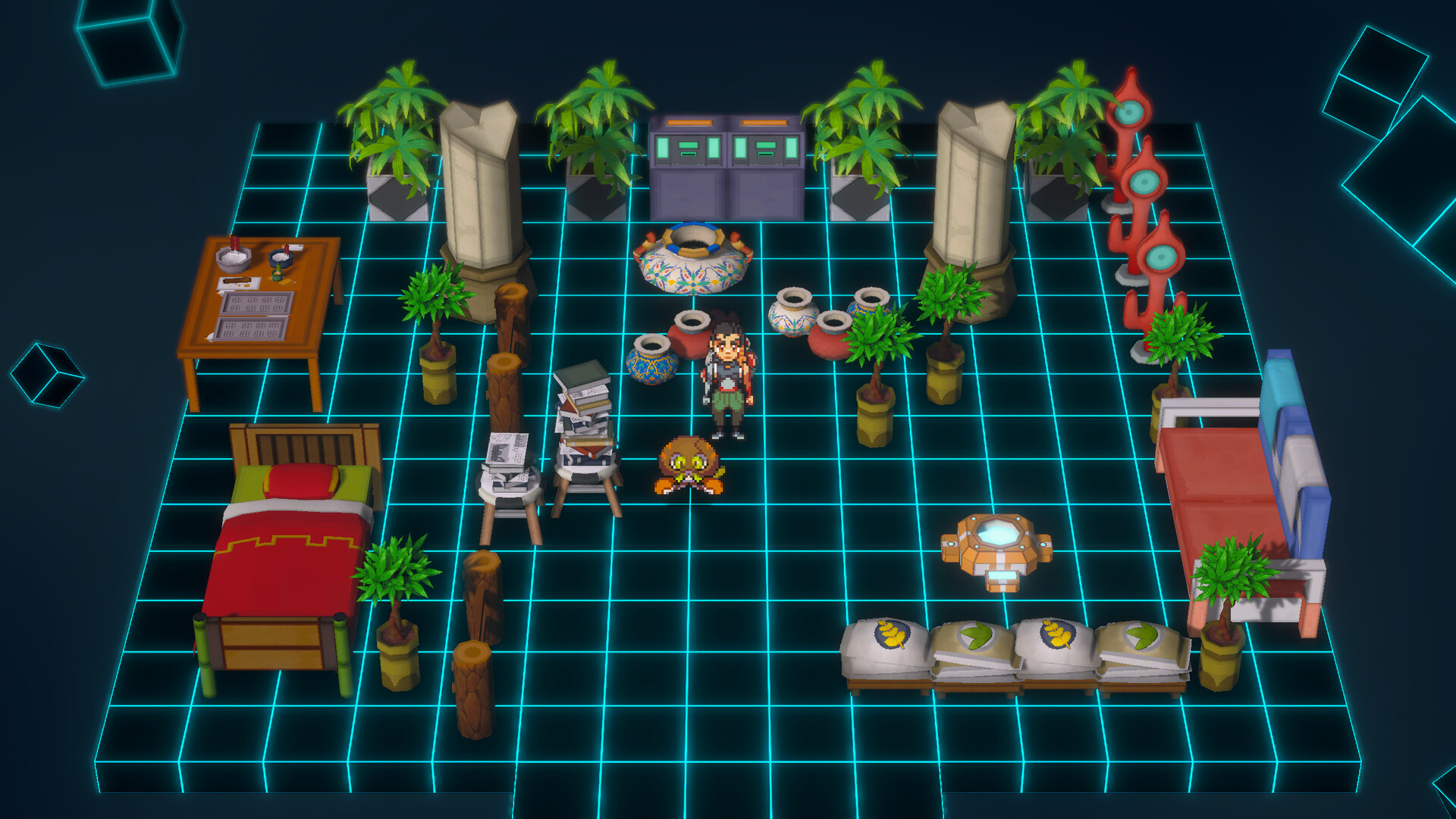
- Exclusive furniture for the Anispace
- Lost variant Lampecko
- 50 standard Bilia
- 10 Lost Bilia
- 20 Velox Bilia
- 10 Memostones
- 25 Balance Buddies
- 25 Magicharms
- 25 pieces of Thick Fur
- 5 Mewaii Holo Cards
- 5 Vortail Holo Cards
- 5 Ozelash Holo Cards
- 5 Salabel Holo Cards
- 5 Queccha Holo Cards
- 1 Katamos Holo Cards
- 1 Arct-Rex Holo Card
Items included in this package
Includes:
- Exclusive furniture for the Anispace
- Lost variant Lampecko
- 50 standard Bilia
- 10 Lost Bilia
- 20 Velox Bilia
- 10 Memostones
- 25 Balance Buddies
- 25 Magicharms
- 25 pieces of Thick Fur
- 5 Mewaii Holo Cards
- 5 Vortail Holo Cards
- 5 Ozelash Holo Cards
- 5 Salabel Holo Cards
- 5 Queccha Holo Cards
- 1 Katamos Holo Cards
- 1 Arct-Rex Holo Card
Items included in this package
Minimum:
- Requires a 64-bit processor and operating system
- OS: Windows 10
- Processor: Intel Core i5-6600K or AMD Ryzen 5 1300X
- Memory: 4 GB RAM
- Graphics: NVIDIA GeForce GTX 1650, 4 GB or AMD Radeon RX 470, 4 GB
- DirectX: Version 11
- Storage: 2 GB available space
- Additional Notes: Low 1080p @ 30 FPS
If you are not familiar with the technical information of your PC, download the CPU-Z program. CPU-Z will give you detailed information about the main system components - CPU, RAM, video card - installed on your system, which you can then compare with the minimum requirements of the game.
- Go to: http://store.steampowered.com/ and download STEAM client
- Click "Install Steam" (from the upper right corner)
- Install and start application, login with your Account name and Password (create one if you don't have).
- Please follow these instructions to activate a new retail purchase on Steam:
- Launch Steam and log into your Steam account.
- Click the Games Menu.
- Choose Activate a Product on Steam...
- Follow the onscreen instructions to complete the process.
- After successful code verification go to the "MY GAMES" tab and start downloading.
Videos & Screenshots







- Payments
-

-

-

-

-

-

-

-

-
