
Buy LumenTale: Memories of Trey / EU

Platform:
Windows
Genre:
Adventure
Publisher:
Teaam 17
Activation:
Steam
Release Date:
26 may 2026
Languages:
English
Type:
Key
Region:
EU
25.00 USD
 In stock
Embark on an unforgettable adventure with LumenTale: Memories of Trey, a captivating Monster Collector RPG set in a beautiful and enchanting world.
Discover an emotional tale of self-discovery, adventure through captivating regions each as unique as their people. Join Trey as he navigates his way through a land full of mystical creatures to reveal the mystery behind his lost memories.
Long ago, in the golden era of Talea, the Emperor kept the lands peaceful, and the people prospered. After passing away without naming a successor between his twin sons, a civil war raged between the North, Logos and the South, Mythos - fighting for who would take control of the throne. The townsfolk lived in fear from the atrocities being carried out in the conflict. In a bid to stop the destruction, a part of the empire’s military became Talea’s dedicated protectors.
From the everlasting darkness of war, these people were the beacon of light that brought people hope. The Lumen were born, and as guardians in their provinces, they ensure the safety of the residents of Talea, both the people and the Animon.
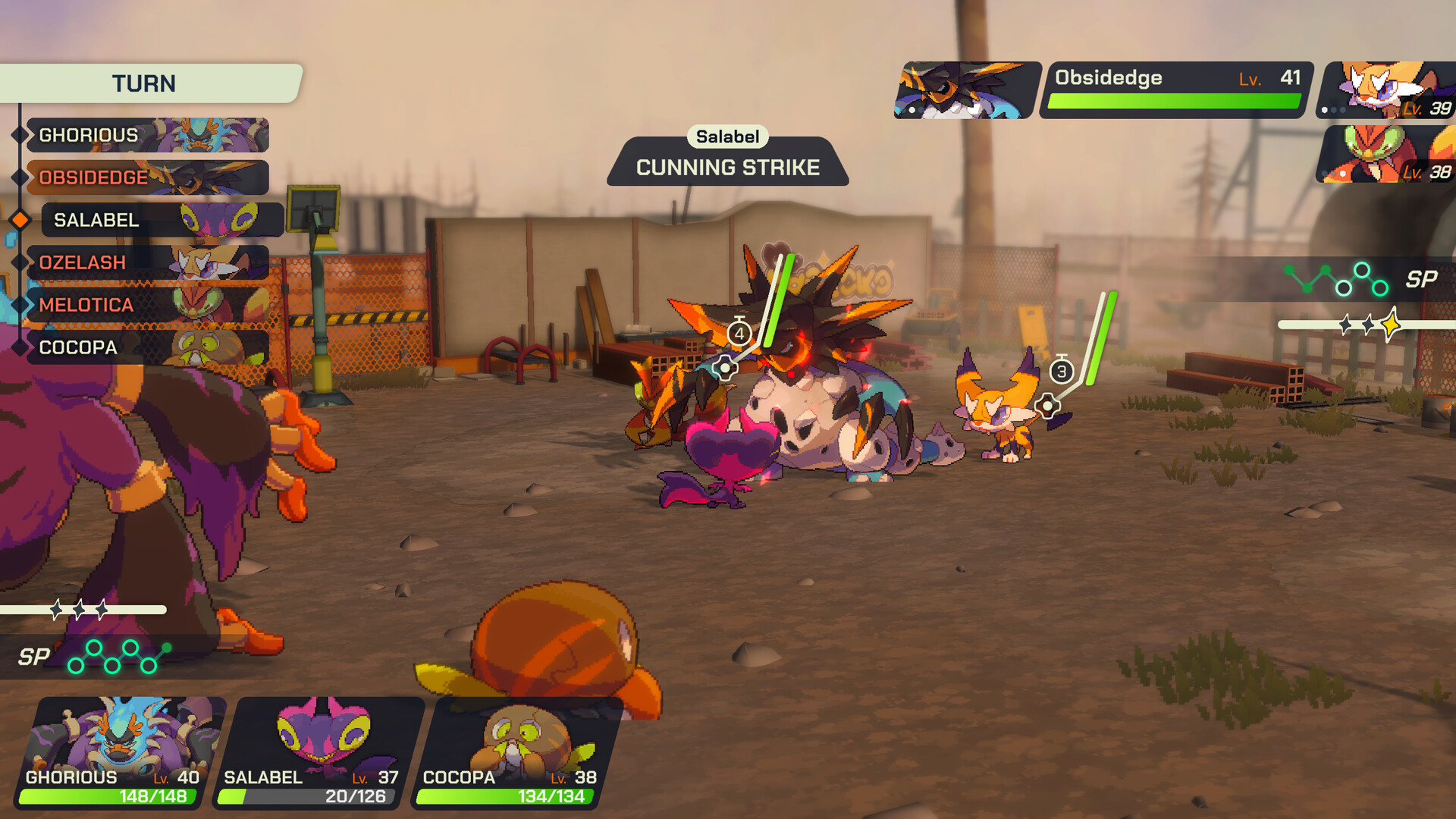
Since ancient times, people have long studied the Animon. Not much is known of their nature to this day. They’re made of Anivis, an energy that flows through the whole world, and they possess the ability to affect emotions and interact with the very soul of every living being. Catch the Animon and become inseparable partners as you harness their elemental powers and battle alongside each other with your Holoken.
Discover an emotional tale of self-discovery, adventure through captivating regions each as unique as their people. Join Trey as he navigates his way through a land full of mystical creatures to reveal the mystery behind his lost memories.
Long ago, in the golden era of Talea, the Emperor kept the lands peaceful, and the people prospered. After passing away without naming a successor between his twin sons, a civil war raged between the North, Logos and the South, Mythos - fighting for who would take control of the throne. The townsfolk lived in fear from the atrocities being carried out in the conflict. In a bid to stop the destruction, a part of the empire’s military became Talea’s dedicated protectors.
From the everlasting darkness of war, these people were the beacon of light that brought people hope. The Lumen were born, and as guardians in their provinces, they ensure the safety of the residents of Talea, both the people and the Animon.
Since ancient times, people have long studied the Animon. Not much is known of their nature to this day. They’re made of Anivis, an energy that flows through the whole world, and they possess the ability to affect emotions and interact with the very soul of every living being. Catch the Animon and become inseparable partners as you harness their elemental powers and battle alongside each other with your Holoken.
Minimum:
- Requires a 64-bit processor and operating system
- OS: Windows 10
- Processor: Intel Core i5-6600K or AMD Ryzen 5 1300X
- Memory: 4 GB RAM
- Graphics: NVIDIA GeForce GTX 1650, 4 GB or AMD Radeon RX 470, 4 GB
- DirectX: Version 11
- Storage: 2 GB available space
- Additional Notes: Low 1080p @ 30 FPS
If you are not familiar with the technical information of your PC, download the CPU-Z program. CPU-Z will give you detailed information about the main system components - CPU, RAM, video card - installed on your system, which you can then compare with the minimum requirements of the game.
- Go to: http://store.steampowered.com/ and download STEAM client
- Click "Install Steam" (from the upper right corner)
- Install and start application, login with your Account name and Password (create one if you don't have).
- Please follow these instructions to activate a new retail purchase on Steam:
- Launch Steam and log into your Steam account.
- Click the Games Menu.
- Choose Activate a Product on Steam...
- Follow the onscreen instructions to complete the process.
- After successful code verification go to the "MY GAMES" tab and start downloading.
Videos & Screenshots

Recommended





- Payments
-

-

-

-

-

-

-

-

-
