
Buy Moving Out 2 / EU

Platform:
Windows
Genre:
Simulator
Publisher:
Team 17
Activation:
Steam
Release Date:
15 august 2023
Languages:
English
Type:
Key
Region:
EU
30 $
 In stock
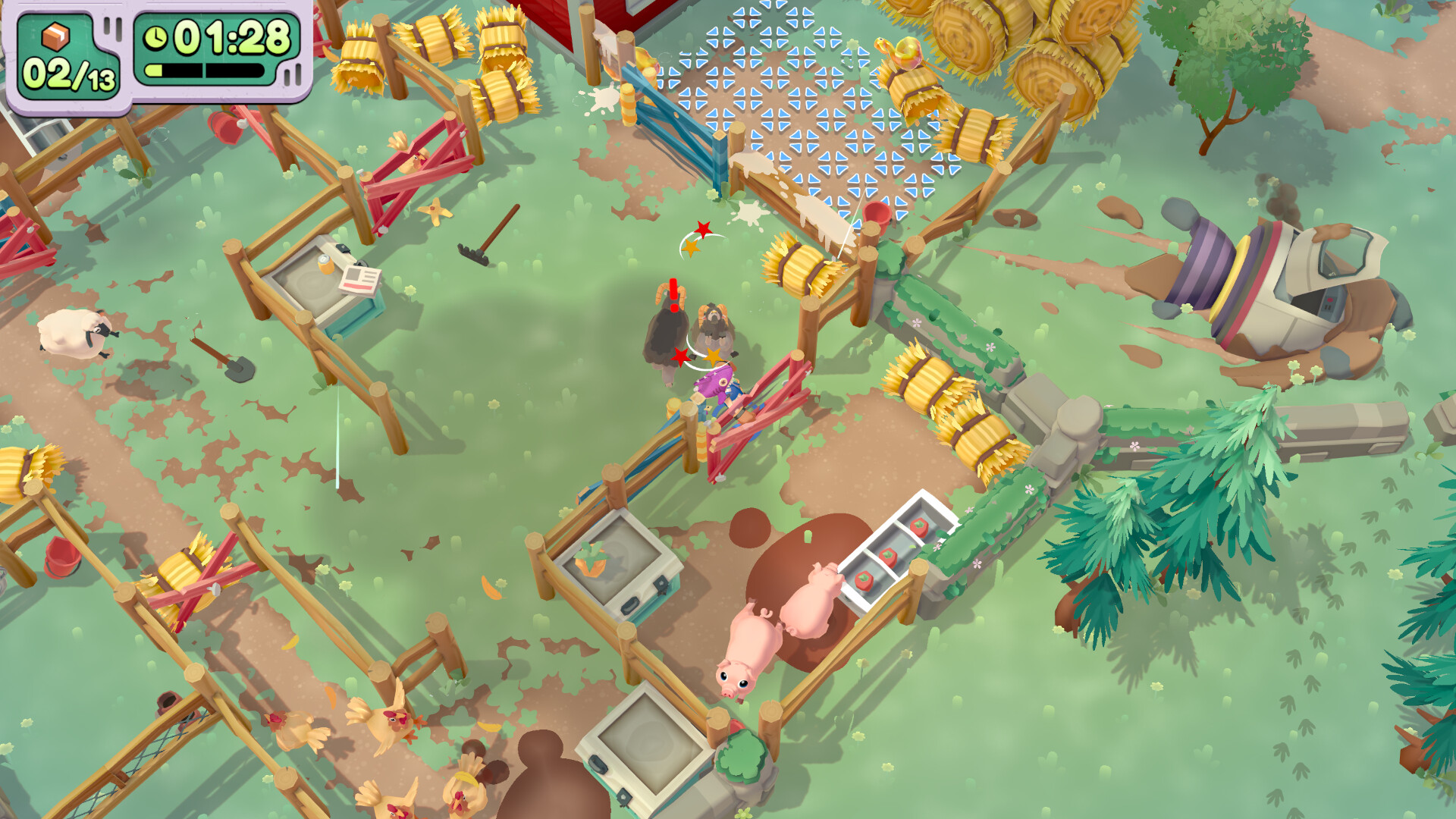
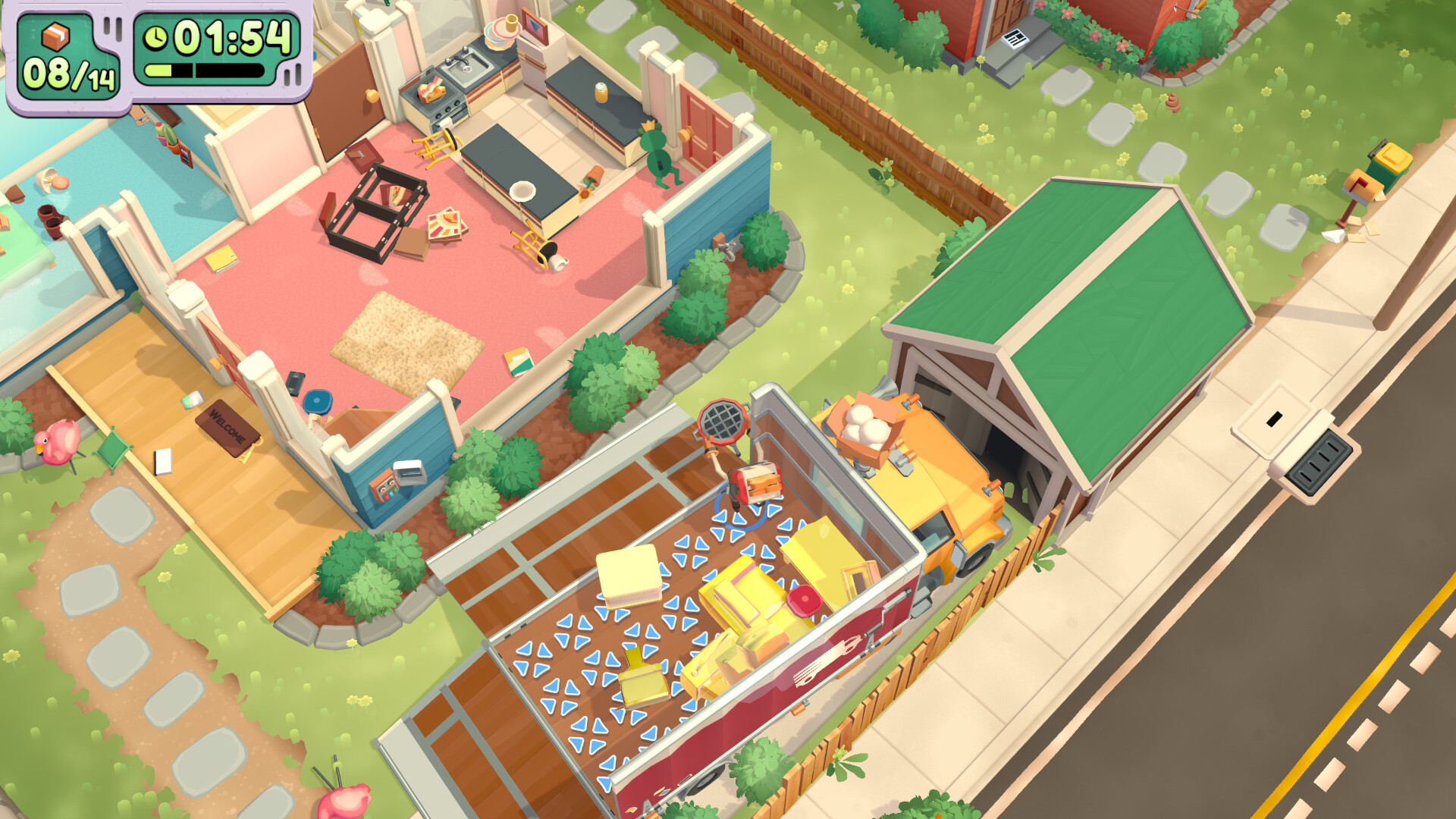
Moving Out 2 is a hilarious sequel to the world-famous physics-based moving simulator. Play solo as an independent contractor, P.O.P.A., or team up with up to three friends, don the Smooth Moves uniform, and help the residents of Pakmore and other cities pack up and move!
MULTI-DIMENSIONAL LOCAL AND ONLINE MULTIPLAYER
Friends who move together, do everything together! Whether you enjoy local co-op or online multiplayer, it doesn't matter! We'll have everything signed, sealed, and delivered in perfect condition!
NEW ADVENTURE
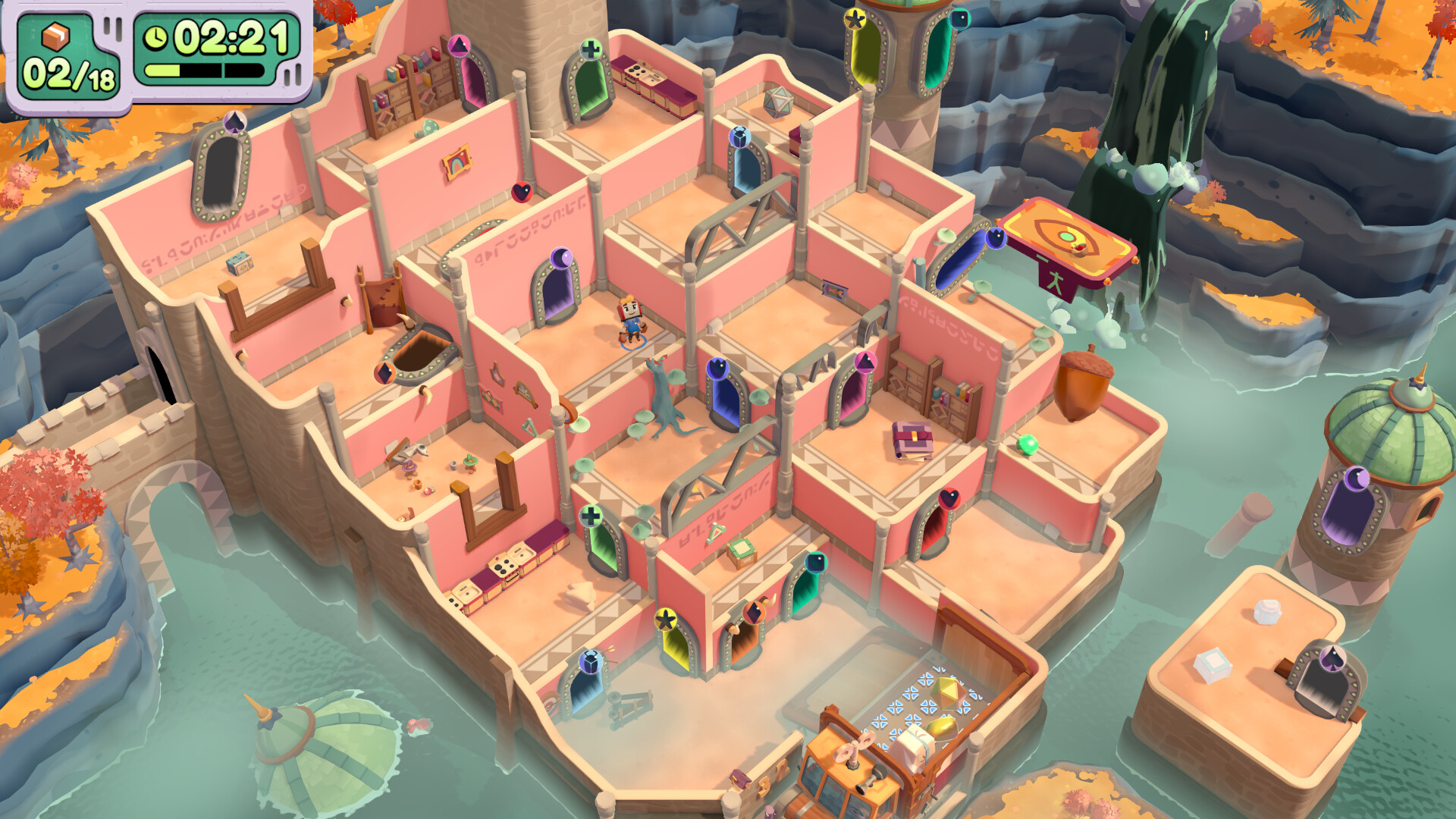
We're no longer in Pakmore... Interdimensional portals have sent you to new worlds filled with incredible, mind-boggling challenges, all wrapped up in chaotic and explosive (laughs) action.
NEW CHARACTERS AND OLD FAVORITES
Moving Out 2 features a whole host of new characters ensure to keep everyone entertained, as Smooth Moves has recruited some new P.O.P.A. recruits! But don't worry, Rai Yu and Sydney are still around…
MULTI-DIMENSIONAL LOCAL AND ONLINE MULTIPLAYER
Friends who move together, do everything together! Whether you enjoy local co-op or online multiplayer, it doesn't matter! We'll have everything signed, sealed, and delivered in perfect condition!
NEW ADVENTURE
We're no longer in Pakmore... Interdimensional portals have sent you to new worlds filled with incredible, mind-boggling challenges, all wrapped up in chaotic and explosive (laughs) action.
NEW CHARACTERS AND OLD FAVORITES
Moving Out 2 features a whole host of new characters ensure to keep everyone entertained, as Smooth Moves has recruited some new P.O.P.A. recruits! But don't worry, Rai Yu and Sydney are still around…
Minimum:
- Requires a 64-bit processor and operating system
- OS: Windows 10 (64-bit)
- Processor: Intel Core i3-550 or AMD Phenom II X4 965
- Memory: 4 GB RAM
- Graphics: NVIDIA GeForce GTS 450, 1 GB or AMD Radeon HD 5770, 1 GB or Intel HD Graphics 630
- DirectX: Version 11
- Storage: 2 GB available space
- Additional Notes: 1080p @ 30 FPS
If you are not familiar with the technical information of your PC, download the CPU-Z program. CPU-Z will give you detailed information about the main system components - CPU, RAM, video card - installed on your system, which you can then compare with the minimum requirements of the game.
- Go to: http://store.steampowered.com/ and download STEAM client
- Click "Install Steam" (from the upper right corner)
- Install and start application, login with your Account name and Password (create one if you don't have).
- Please follow these instructions to activate a new retail purchase on Steam:
- Launch Steam and log into your Steam account.
- Click the Games Menu.
- Choose Activate a Product on Steam...
- Follow the onscreen instructions to complete the process.
- After successful code verification go to the "MY GAMES" tab and start downloading.
Videos & Screenshots






- Payments
-

-

-

-

-

-

-

-

-
