
Buy Operation: Tango / EU
 In stock
This is an online co-op game; a microphone is required.
With Friend Pass, you can play for free with any number of your friends.
Cross-platform play is available.
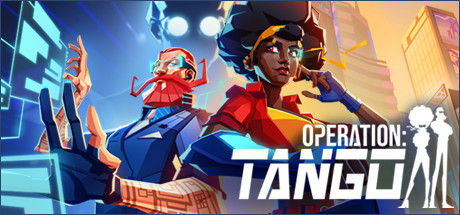
Operation: Tango — Spy Action Where Your Voice Matters!
Operation Tango is available for purchase now—it's a unique co-op action game where you and your partner become an Agent and a Hacker, saving the world from cyber threats. Full Russian localization (interface and subtitles), cross-platform play, and the Friend Pass system make the game ideal for those who enjoy intense puzzles and live communication.
Why is Operation: Tango a must-have for co-op fans?
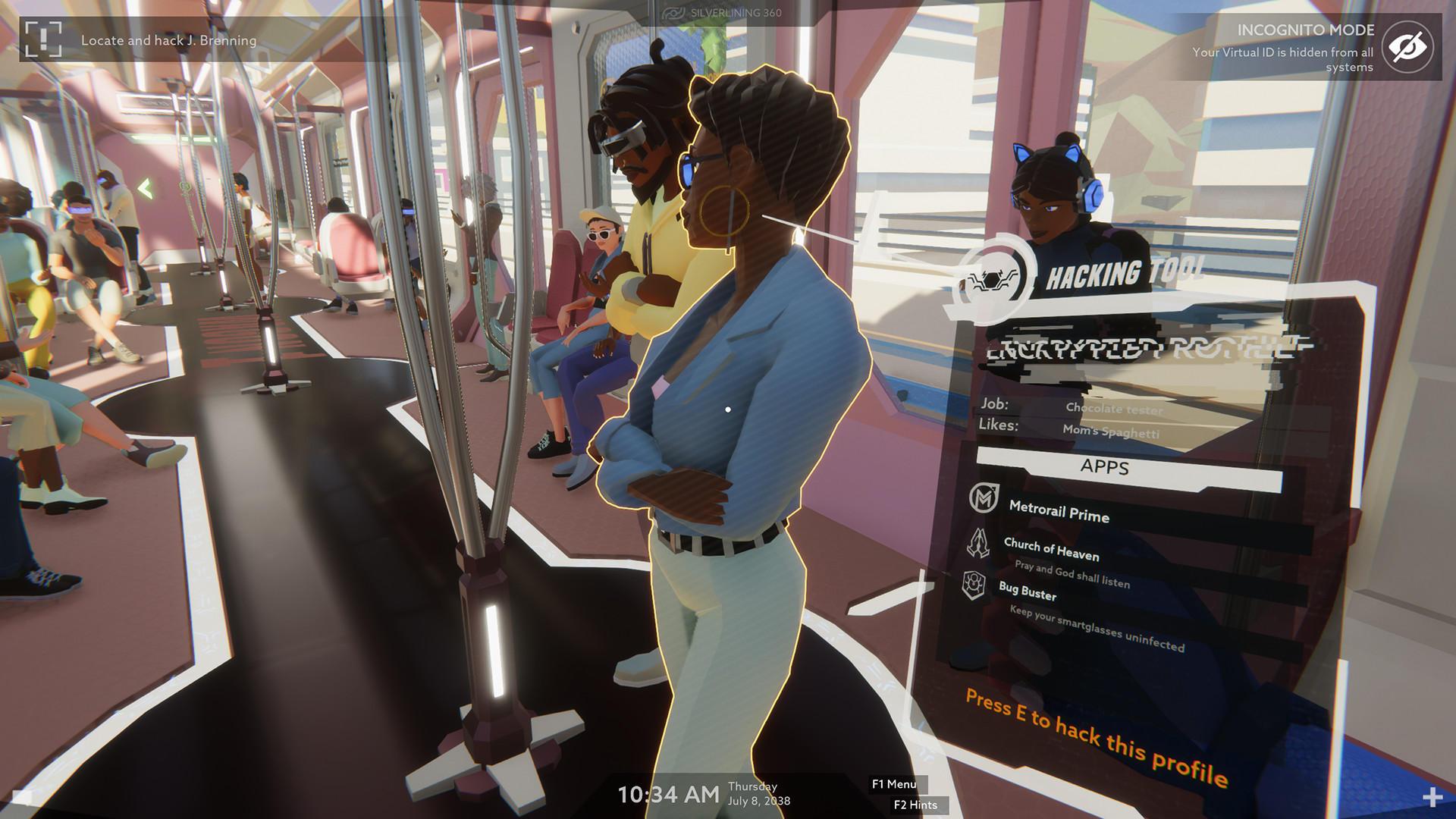
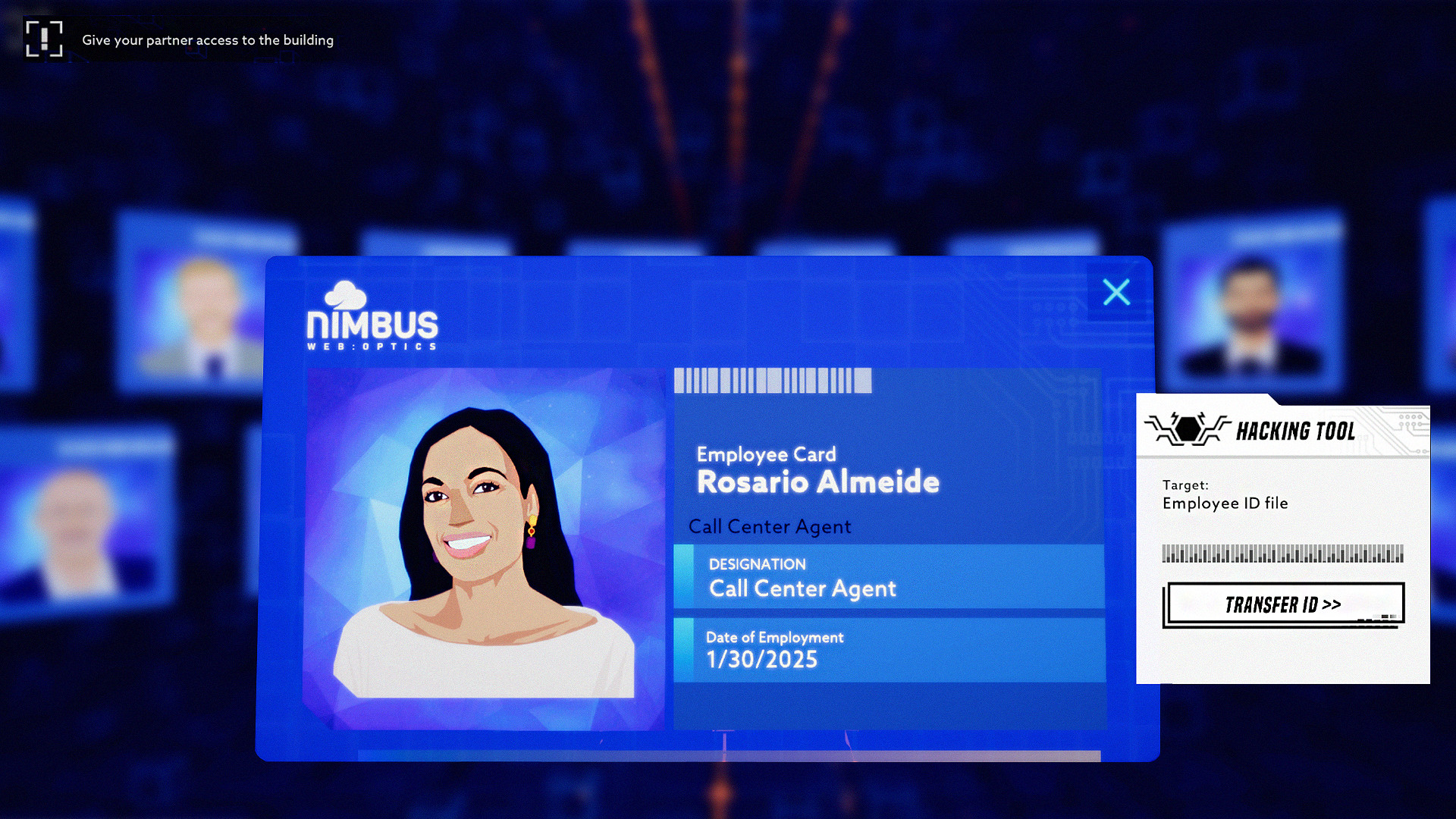
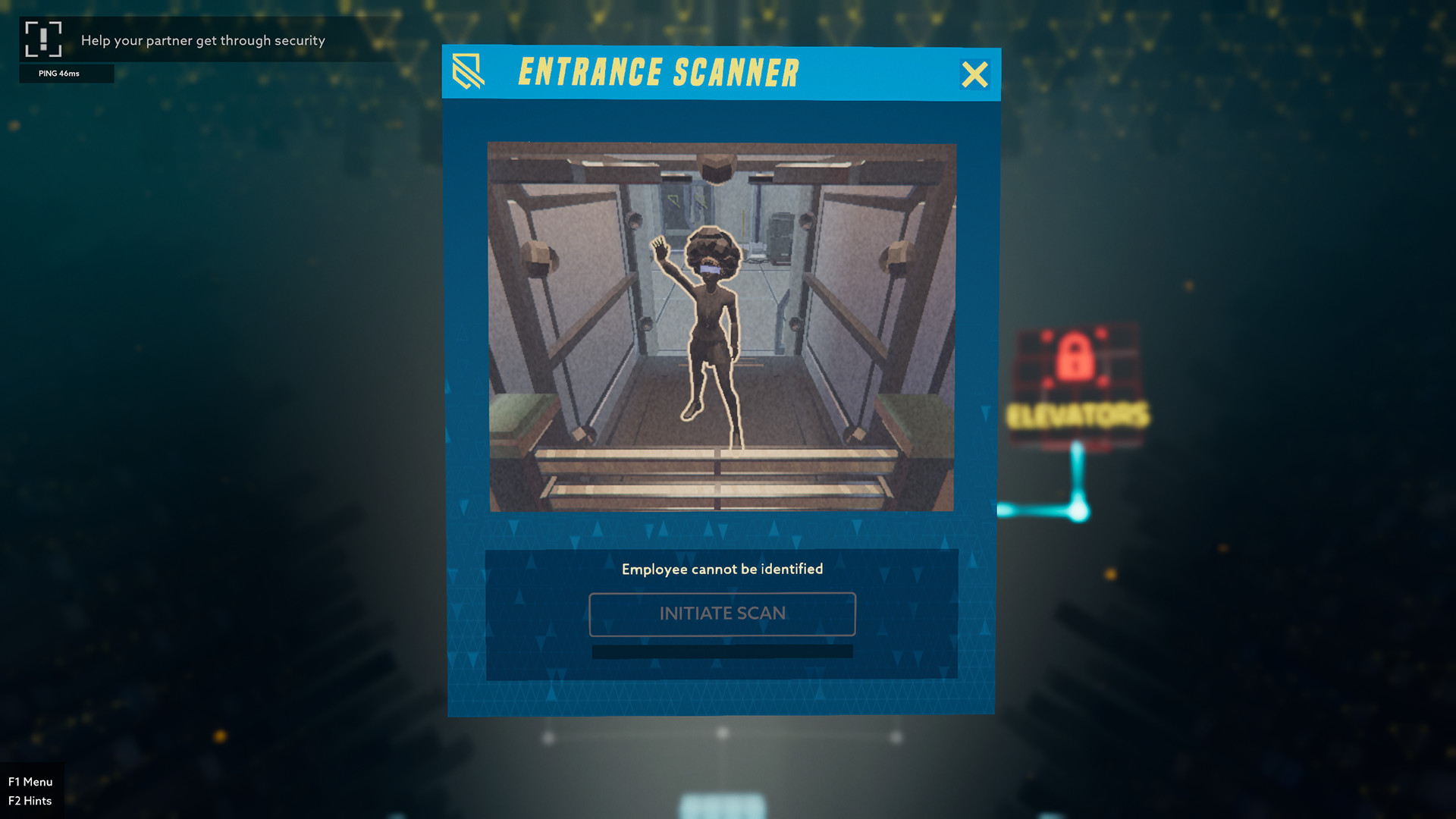
Operation: Tango is an asymmetrical spy action game where success depends solely on your ability to work as a team. One player becomes an Agent in the field, while the other becomes a Hacker, controlling systems remotely. Communication is exclusively via voice chat, with no text prompts—a true challenge for those who value teamwork and strategy. The game received high marks from IGN and The Escapist for its innovative gameplay and atmosphere.
- Requires a 64-bit processor and operating system
- OS *: Win 7
- Processor: Quad-core CPU
- Memory: 8 GB RAM
- Graphics: NVIDIA GeForce GTX 1050 or AMD Radeon R9 380
- Network: Broadband Internet connection
- Storage: 3 GB available space
If you are not familiar with the technical information of your PC, download the CPU-Z program. CPU-Z will give you detailed information about the main system components - CPU, RAM, video card - installed on your system, which you can then compare with the minimum requirements of the game.
- Go to: http://store.steampowered.com/ and download STEAM client
- Click "Install Steam" (from the upper right corner)
- Install and start application, login with your Account name and Password (create one if you don't have).
- Please follow these instructions to activate a new retail purchase on Steam:
- Launch Steam and log into your Steam account.
- Click the Games Menu.
- Choose Activate a Product on Steam...
- Follow the onscreen instructions to complete the process.
- After successful code verification go to the "MY GAMES" tab and start downloading.
Videos & Screenshots







- Payments
-

-

-

-

-

-

-

-

-
