
Buy Overcooked! 2 / CIS+TR

Platform:
Windows
Genre:
Action
Publisher:
Team 17
Activation:
Steam
Release Date:
7 august 2018
Languages:
English
Type:
Key
Region:
CIS+TR
11 $
 In stock
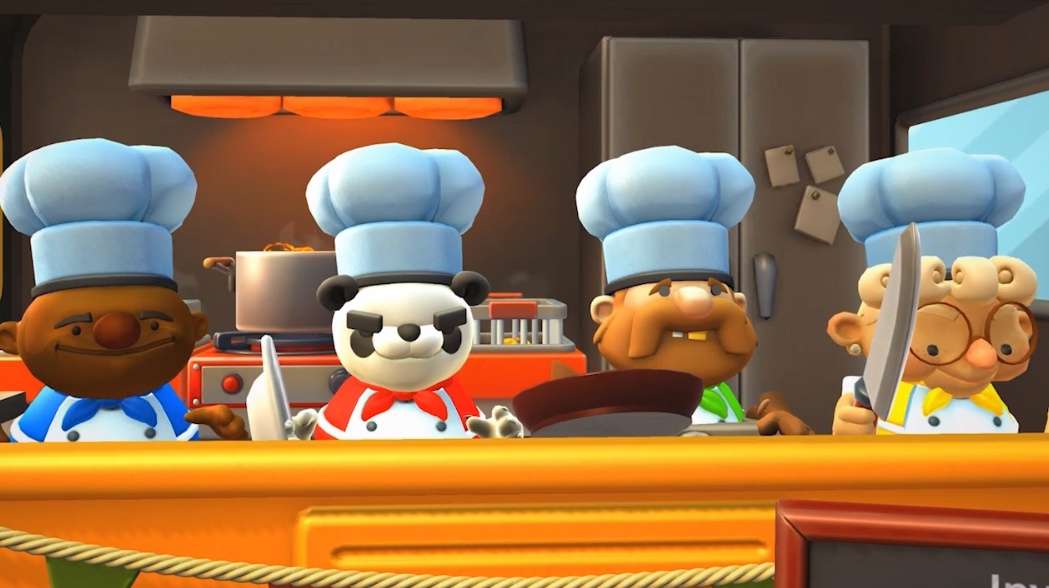
Overcooked is back with a new batch of crazy cooking! You will travel to the Onion Kingdom again and assemble a team of chefs for a classic local or online cooperative game that can be played by up to 4 people. Grab your aprons — it's time (again) to save the world!
Out of the fire and into the flames...
You have saved the world from an eternally hungry monster. But now a new threat has emerged! It's time to return to the kitchen to satisfy the hunger of the Walking Bread.
*NETWORK OR LOCAL MADNESS*
You're in this mix together: only as a team (or competing with each other) can you get the most points in a local or online game.
*MAKE A FEAST FOR YOUR EYES*
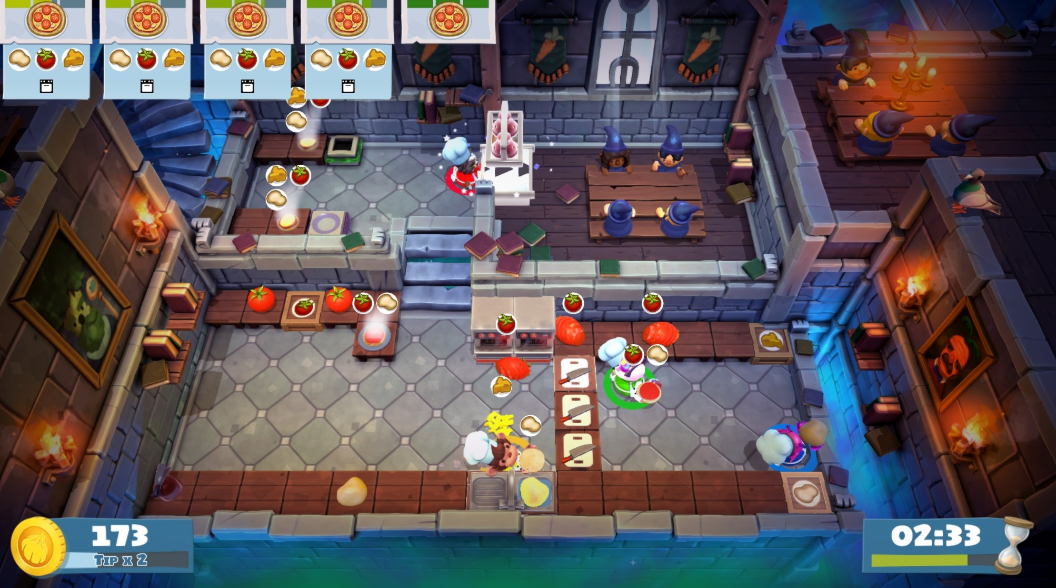
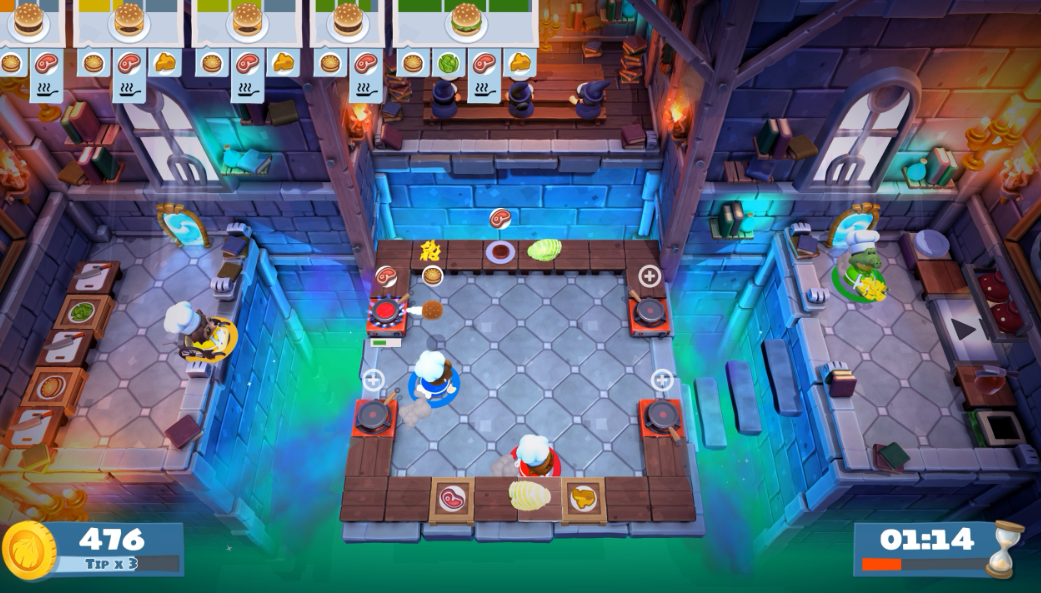
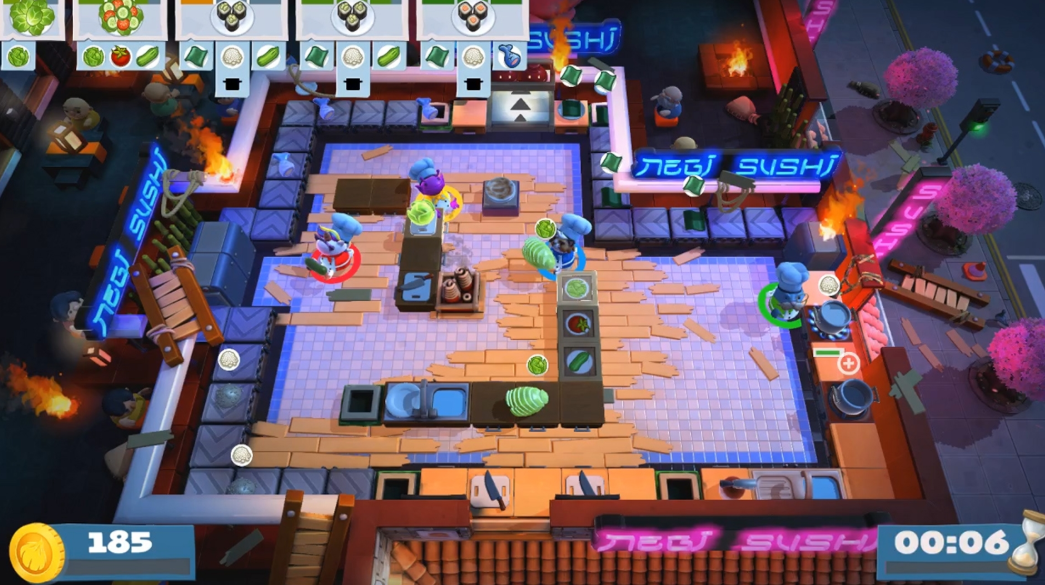
Travel the world map by land, sea and air. Cook in an atmosphere of new themes: it can be a Japanese restaurant, a magic school, a mine or another planet!
* BUILD UP YOUR APPETITE! *
Travel the world cooking new dishes that will appeal to any gourmet: sushi, cakes, burgers, pizza.
* DON'T GET ALL WORKED UP! *
Travel through teleporters on moving platforms, save time by throwing ingredients through dynamic kitchens that change and evolve. From some kitchens, your chefs will even be able to get to completely new places.
Out of the fire and into the flames...
You have saved the world from an eternally hungry monster. But now a new threat has emerged! It's time to return to the kitchen to satisfy the hunger of the Walking Bread.
*NETWORK OR LOCAL MADNESS*
You're in this mix together: only as a team (or competing with each other) can you get the most points in a local or online game.
*MAKE A FEAST FOR YOUR EYES*
Travel the world map by land, sea and air. Cook in an atmosphere of new themes: it can be a Japanese restaurant, a magic school, a mine or another planet!
* BUILD UP YOUR APPETITE! *
Travel the world cooking new dishes that will appeal to any gourmet: sushi, cakes, burgers, pizza.
* DON'T GET ALL WORKED UP! *
Travel through teleporters on moving platforms, save time by throwing ingredients through dynamic kitchens that change and evolve. From some kitchens, your chefs will even be able to get to completely new places.
Minimum Requirements
OS Windows 7-64 bit
Processor Intel i5-4590
Memory 4096 MB RAM
Graphics GeForce GTX 650
DirectX Version 11
Storage 3 GB available space
If you are not familiar with the technical information of your PC, download the CPU-Z program. CPU-Z will give you detailed information about the main system components - CPU, RAM, video card - installed on your system, which you can then compare with the minimum requirements of the game.
- Go to: http://store.steampowered.com/ and download STEAM client
- Click "Install Steam" (from the upper right corner)
- Install and start application, login with your Account name and Password (create one if you don't have).
- Please follow these instructions to activate a new retail purchase on Steam:
- Launch Steam and log into your Steam account.
- Click the Games Menu.
- Choose Activate a Product on Steam...
- Follow the onscreen instructions to complete the process.
- After successful code verification go to the "MY GAMES" tab and start downloading.
Videos & Screenshots





- Payments
-

-

-

-

-

-

-

-

-
