
Buy Overcooked! All You Can Eat / EU

Platform:
Windows
Genre:
Casual
Publisher:
Team 17
Activation:
Steam
Release Date:
23 march 2021
Languages:
English
Type:
Key
Region:
EU
40 $
 In stock
Overcooked!, Overcooked! 2, and all the additional content are all rolled into one deluxe remaster!
Enjoy hundreds of levels of co-op culinary mayhem in increasingly dangerous and outrageous kitchens!
Overcooked! Online
For the first time ever, online multiplayer is now available in Overcooked! Experience your favorite kitchens from the first game in stunning 4K resolution – ONLINE!
Cross-platform multiplayer
Get into a culinary frenzy with all your friends thanks to cross-platform support and voice chat. A single queue will reduce multiplayer waits and leave more time for culinary battles!
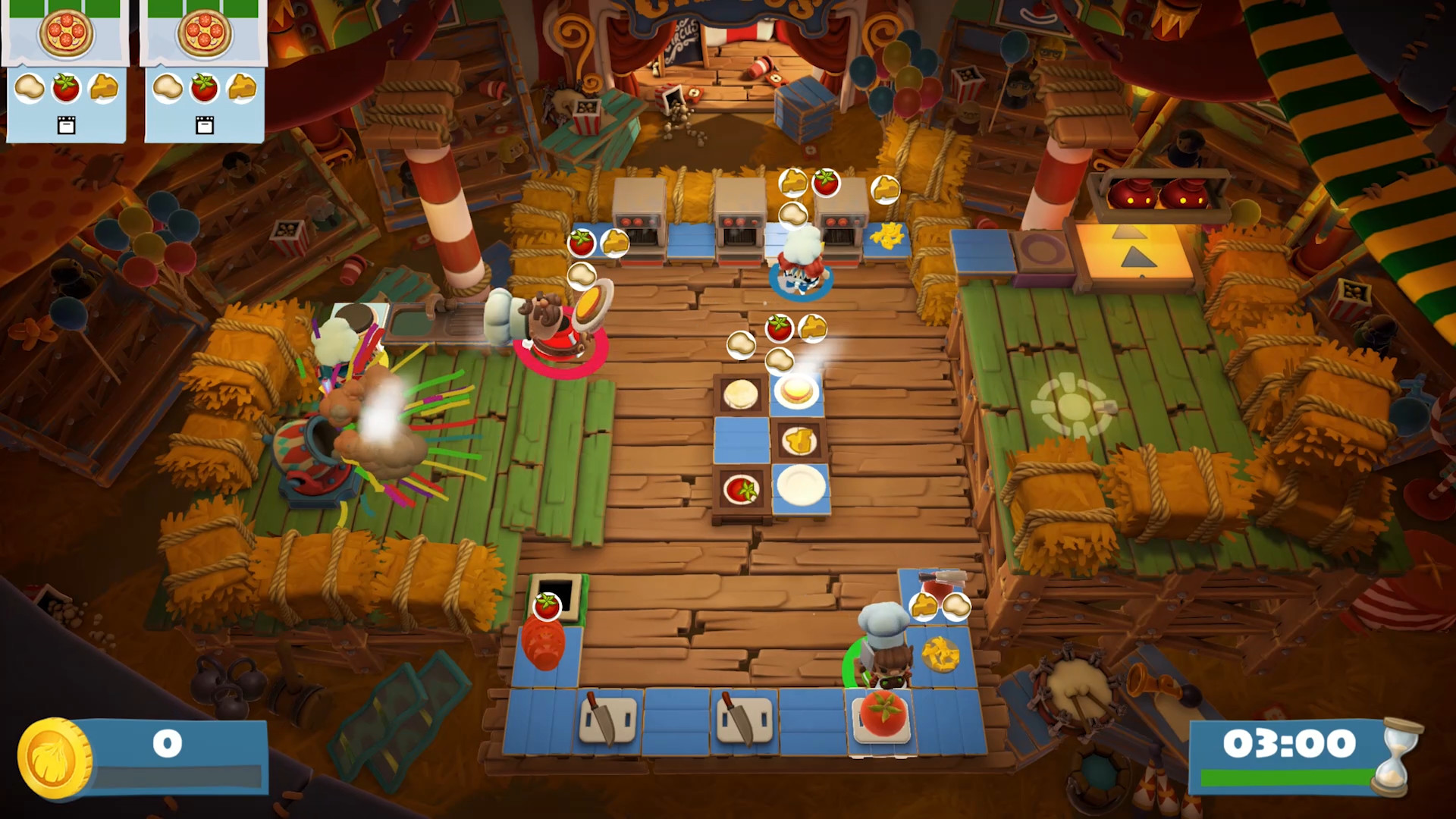
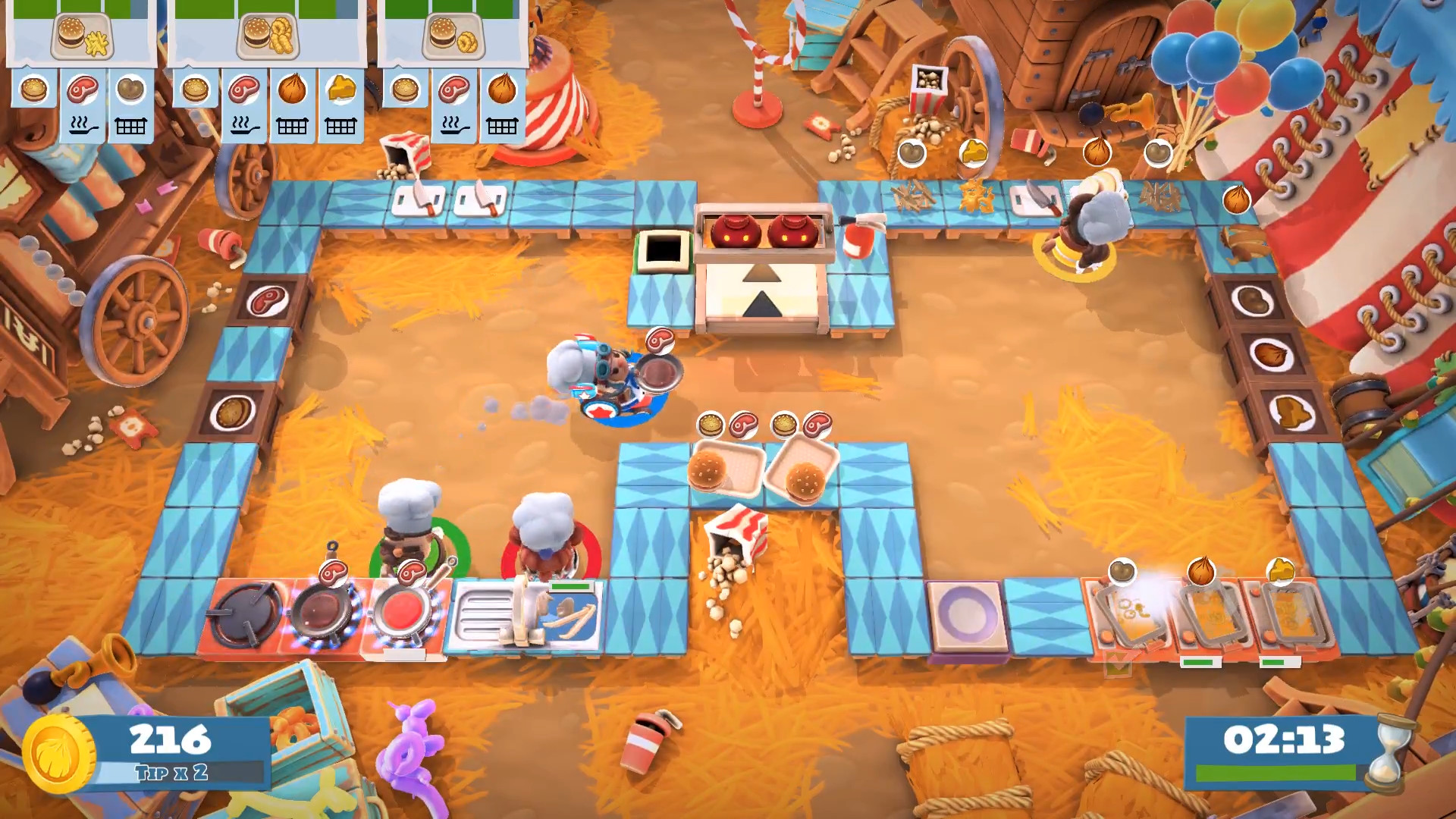
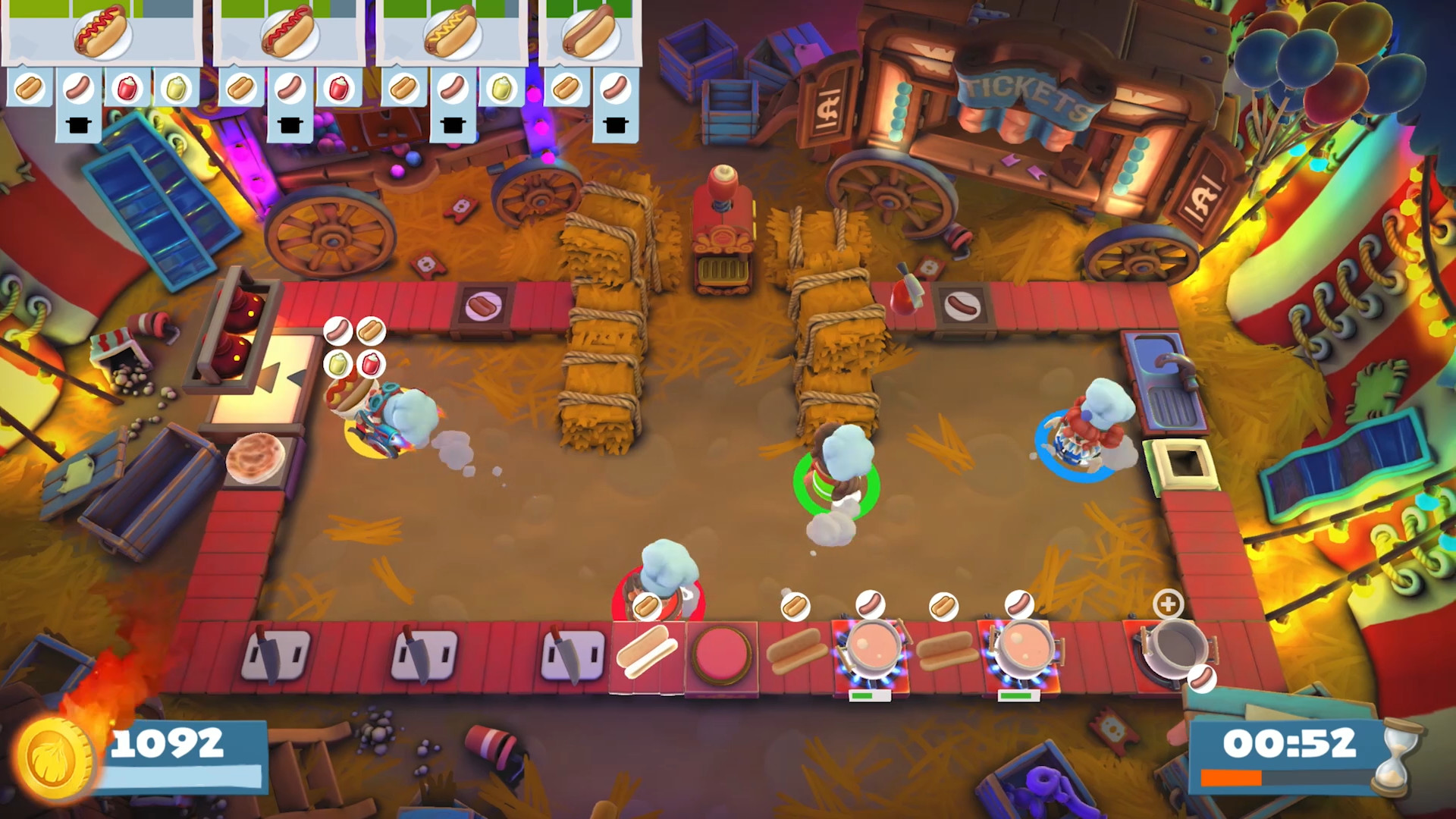
A feast for the eyes!
The graphics of both games have been elevated to a whole new level in stunning 4K. The Overcooked! series has never looked so good.
New delicious content!
New levels, new chefs, new absurdities – exclusive to Overcooked! All You Can Eat.
Enjoy hundreds of levels of co-op culinary mayhem in increasingly dangerous and outrageous kitchens!
Overcooked! Online
For the first time ever, online multiplayer is now available in Overcooked! Experience your favorite kitchens from the first game in stunning 4K resolution – ONLINE!
Cross-platform multiplayer
Get into a culinary frenzy with all your friends thanks to cross-platform support and voice chat. A single queue will reduce multiplayer waits and leave more time for culinary battles!
A feast for the eyes!
The graphics of both games have been elevated to a whole new level in stunning 4K. The Overcooked! series has never looked so good.
New delicious content!
New levels, new chefs, new absurdities – exclusive to Overcooked! All You Can Eat.
Minimum:
- Requires a 64-bit processor and operating system
- OS: WIN7-64 bit
- Processor: Intel Core 2 Quad Q6600 or AMD Phenom II X3 720
- Memory: 4 GB RAM
- Graphics: NVIDIA GeForce GTS 450, 1 GB / AMD Radeon HD 5750, 1 GB
- DirectX: Version 11
- Storage: 8 GB available space
If you are not familiar with the technical information of your PC, download the CPU-Z program. CPU-Z will give you detailed information about the main system components - CPU, RAM, video card - installed on your system, which you can then compare with the minimum requirements of the game.
- Go to: http://store.steampowered.com/ and download STEAM client
- Click "Install Steam" (from the upper right corner)
- Install and start application, login with your Account name and Password (create one if you don't have).
- Please follow these instructions to activate a new retail purchase on Steam:
- Launch Steam and log into your Steam account.
- Click the Games Menu.
- Choose Activate a Product on Steam...
- Follow the onscreen instructions to complete the process.
- After successful code verification go to the "MY GAMES" tab and start downloading.
Videos & Screenshots







- Payments
-

-

-

-

-

-

-

-

-
