
Buy Overcooked / EU

Platform:
Windows
Genre:
Casual
Publisher:
Team 17
Activation:
Steam
Release Date:
3 august 2016
Languages:
English
Type:
Key
Region:
EU
17 $
 In stock
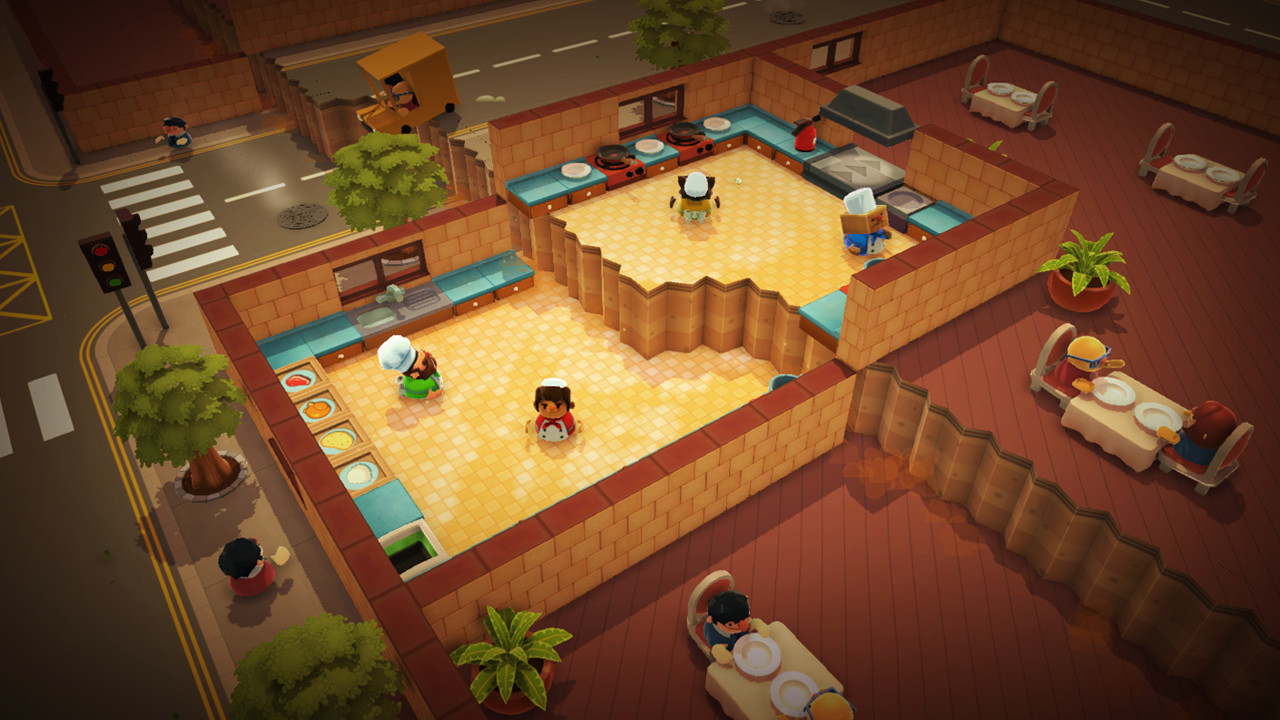
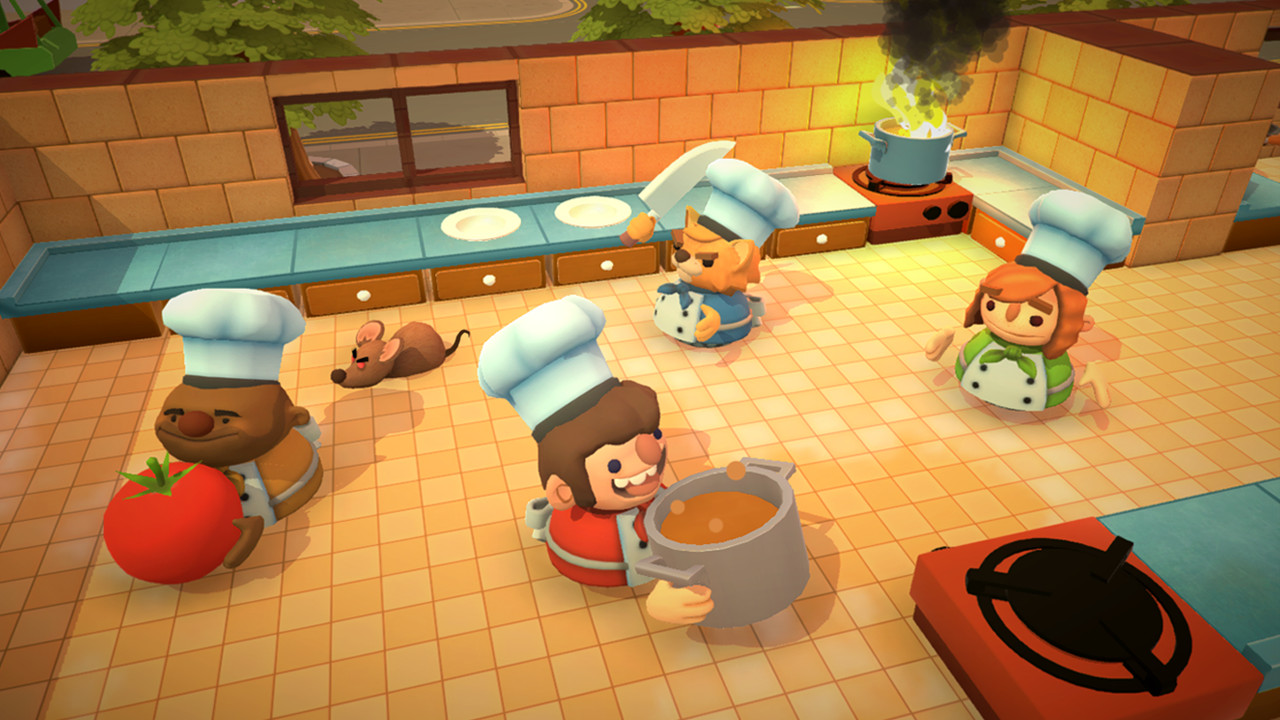
Overcooked is a chaotic couch co-op cooking game for one to four players. Working as a team, you and your fellow chefs must prepare, cook and serve up a variety of tasty orders before the baying customers storm out in a huff. Sharpen your knives and dust off your chef’s whites, there isn’t mushroom for error and the steaks are high in these crazy kitchens!
The Onion Kingdom is in danger and only the finest cooking can save it! In Overcooked players must journey through a variety of cruel and unusual kitchens on their quest to become master chefs capable of conquering an ancient edible evil which plagues the land.
Play solo or engage in classic, chaotic couch co-op for up to four players in both co-operative and competitive challenge modes. You’ll have to cook a range of different dishes and work together in order to become the most effective and ultimate team!
A CULINARY QUEST
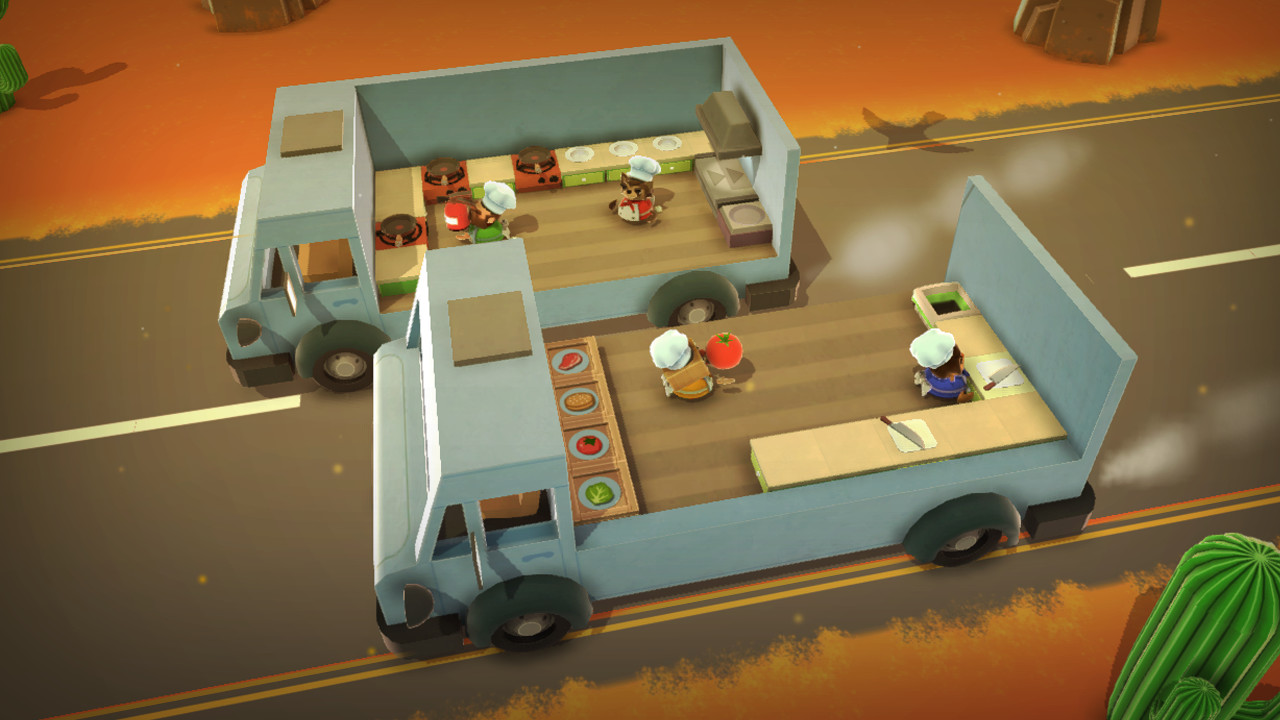
The Onion Kingdom is a rich world full of cruel and unusual kitchens for you to conquer. Take part in an epic journey and tackle an increasingly challenging and bizarre gauntlet of kitchens which will push your skills of co-operation and co-ordination to the very limits. Each level brings a new challenge for you and your team to overcome, whether it's sliding around on a pirate ship, moving between speeding trucks, cooking on an ice floe or serving food in the bowels of a fiery underworld, each level will test the mettle of even the bravest chefs.
The Onion Kingdom is in danger and only the finest cooking can save it! In Overcooked players must journey through a variety of cruel and unusual kitchens on their quest to become master chefs capable of conquering an ancient edible evil which plagues the land.
Play solo or engage in classic, chaotic couch co-op for up to four players in both co-operative and competitive challenge modes. You’ll have to cook a range of different dishes and work together in order to become the most effective and ultimate team!
A CULINARY QUEST
The Onion Kingdom is a rich world full of cruel and unusual kitchens for you to conquer. Take part in an epic journey and tackle an increasingly challenging and bizarre gauntlet of kitchens which will push your skills of co-operation and co-ordination to the very limits. Each level brings a new challenge for you and your team to overcome, whether it's sliding around on a pirate ship, moving between speeding trucks, cooking on an ice floe or serving food in the bowels of a fiery underworld, each level will test the mettle of even the bravest chefs.
Minimum:
- OS *: Windows 7 (32-bit)
- Processor: Dual Core 2.4Ghz
- Memory: 2 GB RAM
- Graphics: GeForce 8800 GT / AMD HD 6850 / Intel HD Graphics 4400 or above
- DirectX: Version 11
- Storage: 750 MB available space
- Sound Card: DirectX Compatible Sound Card
- Additional Notes: Gamepads Recommended
If you are not familiar with the technical information of your PC, download the CPU-Z program. CPU-Z will give you detailed information about the main system components - CPU, RAM, video card - installed on your system, which you can then compare with the minimum requirements of the game.
- Go to: http://store.steampowered.com/ and download STEAM client
- Click "Install Steam" (from the upper right corner)
- Install and start application, login with your Account name and Password (create one if you don't have).
- Please follow these instructions to activate a new retail purchase on Steam:
- Launch Steam and log into your Steam account.
- Click the Games Menu.
- Choose Activate a Product on Steam...
- Follow the onscreen instructions to complete the process.
- After successful code verification go to the "MY GAMES" tab and start downloading.
Videos & Screenshots






- Payments
-

-

-

-

-

-

-

-

-
