
Buy Overruled! / CIS+TR
Platform:
Windows
Genre:
Indie
Publisher:
Team 17
Activation:
Steam
Release Date:
15 september 2015
Languages:
English
Type:
Key
Region:
CIS/TR
13 $
 In stock
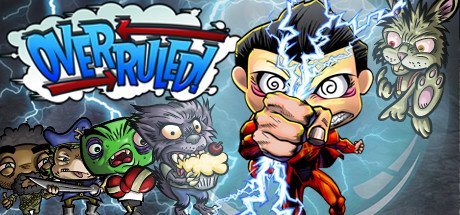
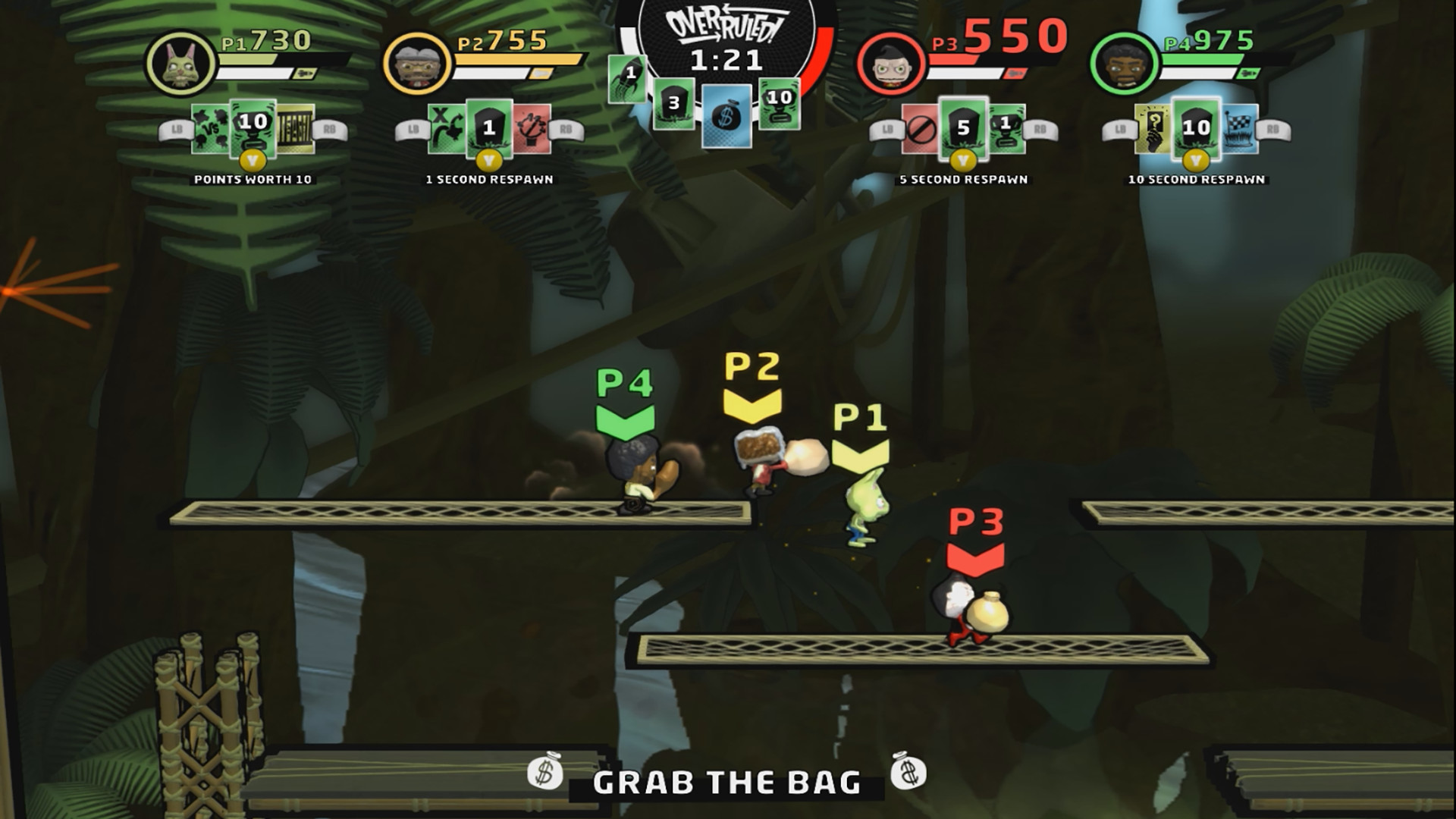
Overruled is the only multiplayer brawl where players change the rules on the fly, shaping the dynamics and direction of the battle.
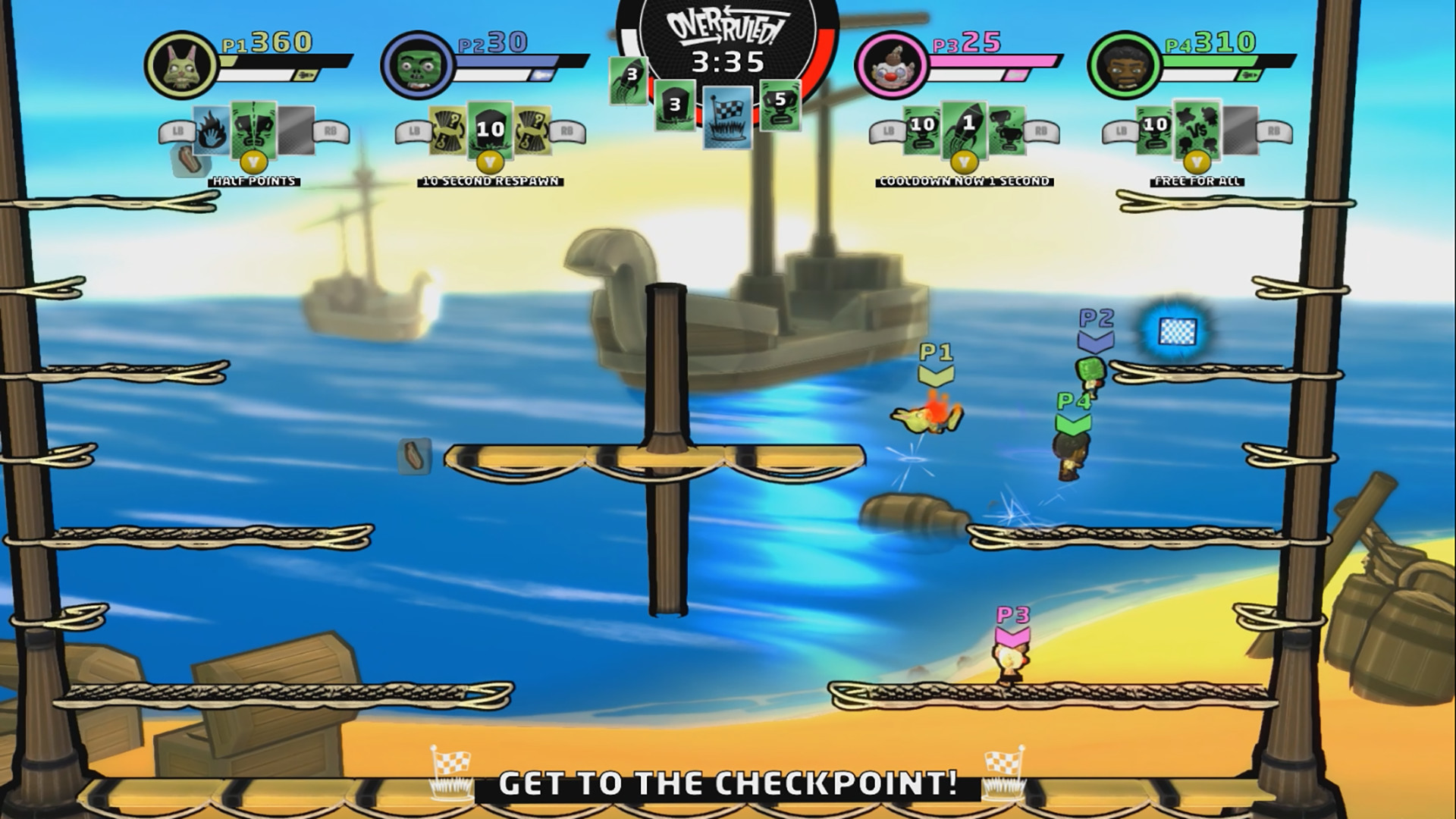
Challenge your friends—one to three—in local or online play. The player with the most points wins.
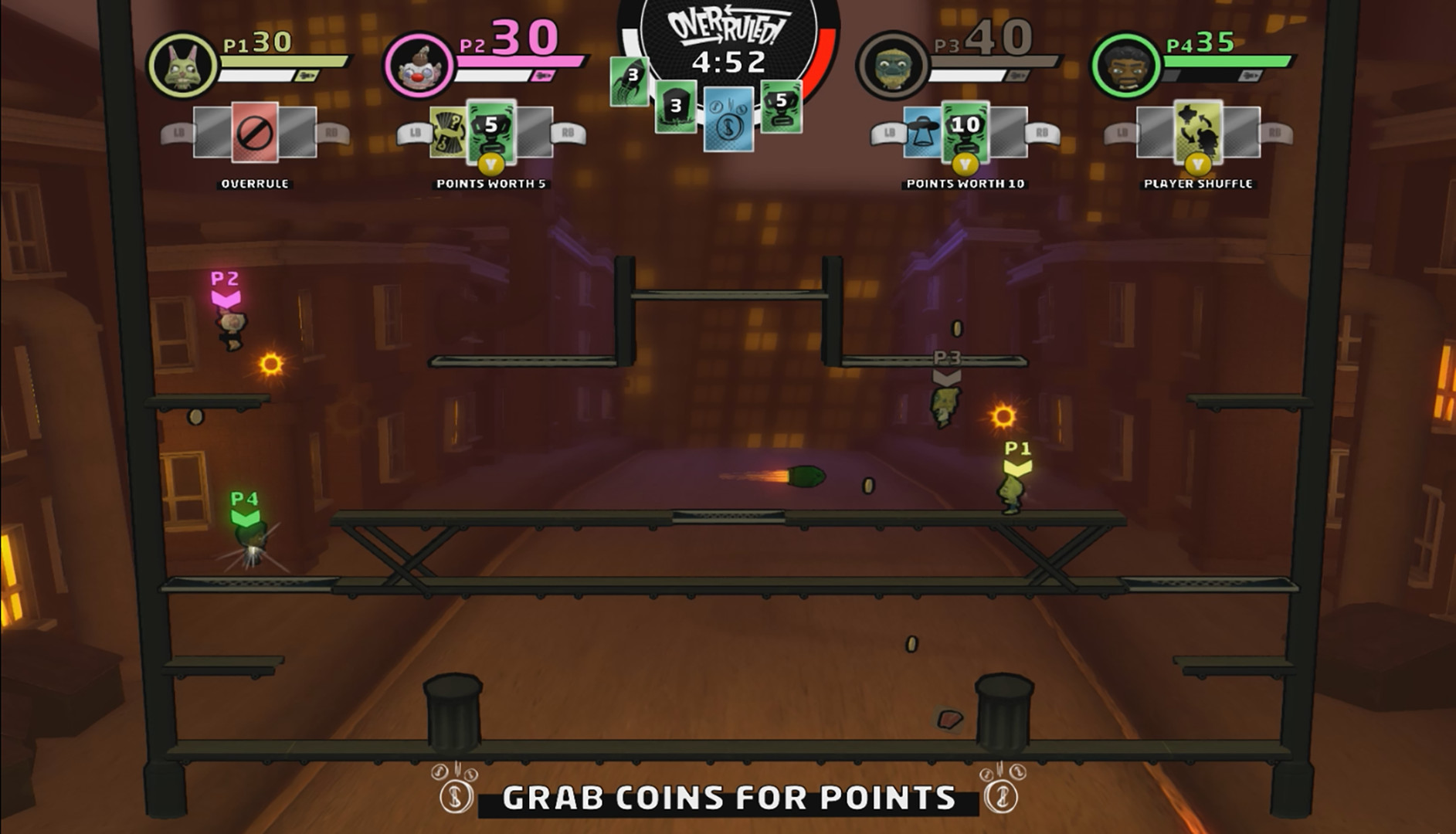
Overruled is a wild mix of action and ever-changing gameplay conditions! Use over 25 customization cards to create chaos, disrupt your opponents, and tailor the game to your unique style—every match is unique!
Don't underestimate your opponent, because your fate is in their hands! You started the battle in Free-for-All mode, but your opponents can easily change it to Swag Bag, King of the Hill, Capture the Flag, and many other modes.
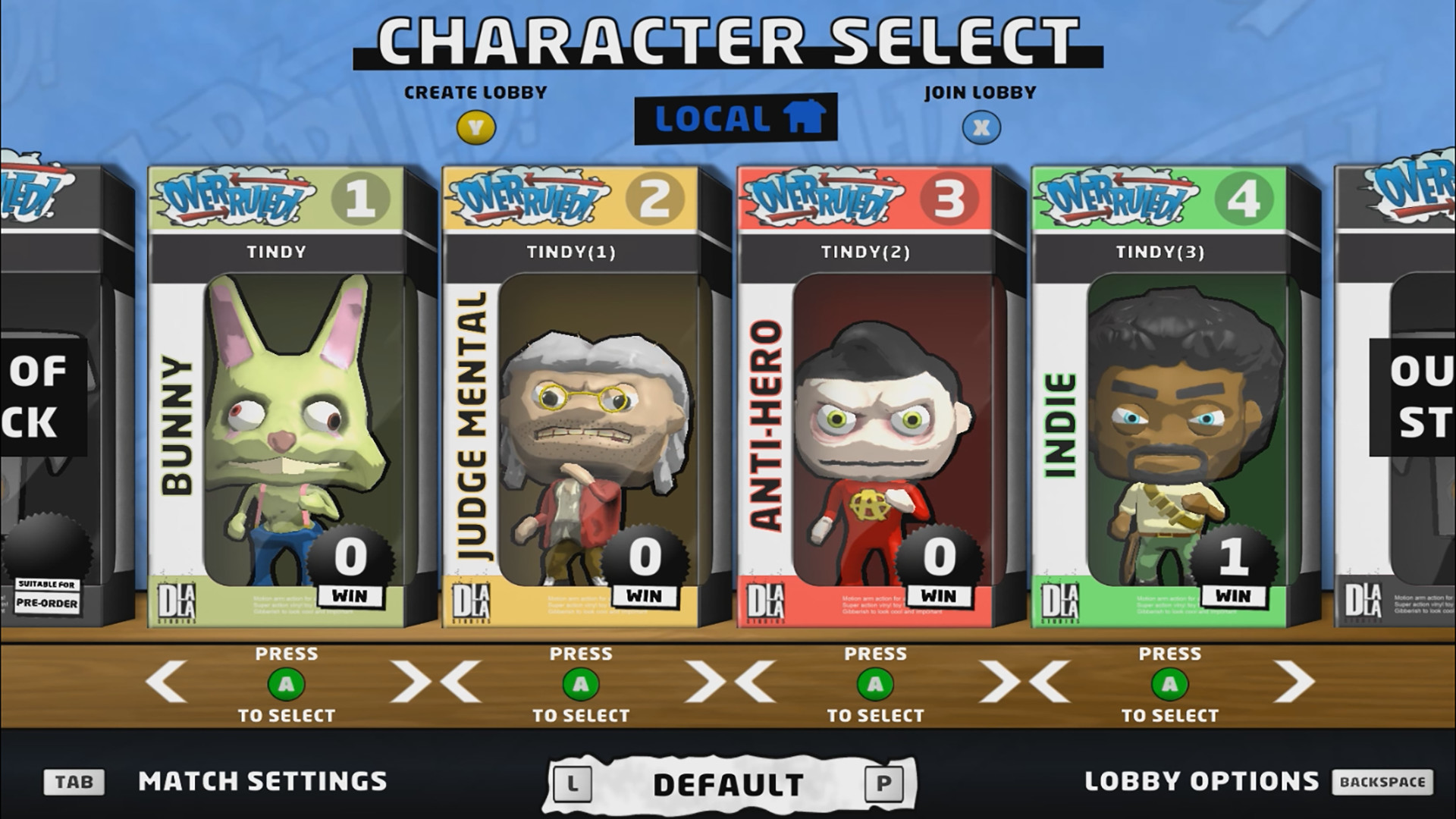
Everyone dead? Double your respawn time. Losing a brawl? Activate Team Mode. Got the Swag Bag? Double your bonus points. The game features an ever-expanding cast of wacky characters who will join you and your friends in the challenging battle to become the winner and the strongest player.
Challenge your friends—one to three—in local or online play. The player with the most points wins.
Overruled is a wild mix of action and ever-changing gameplay conditions! Use over 25 customization cards to create chaos, disrupt your opponents, and tailor the game to your unique style—every match is unique!
Don't underestimate your opponent, because your fate is in their hands! You started the battle in Free-for-All mode, but your opponents can easily change it to Swag Bag, King of the Hill, Capture the Flag, and many other modes.
Everyone dead? Double your respawn time. Losing a brawl? Activate Team Mode. Got the Swag Bag? Double your bonus points. The game features an ever-expanding cast of wacky characters who will join you and your friends in the challenging battle to become the winner and the strongest player.
Minimum:
- Processor: Dual Core CPU
- Memory: 2 GB RAM
- Graphics: Nvidia GeForce 8600GT; ATI Radeon HD4650; Intel HD3000
- Network: Broadband Internet connection
- Storage: 400 MB available space
- Sound Card: Windows Compatible Card
If you are not familiar with the technical information of your PC, download the CPU-Z program. CPU-Z will give you detailed information about the main system components - CPU, RAM, video card - installed on your system, which you can then compare with the minimum requirements of the game.
- Go to: http://store.steampowered.com/ and download STEAM client
- Click "Install Steam" (from the upper right corner)
- Install and start application, login with your Account name and Password (create one if you don't have).
- Please follow these instructions to activate a new retail purchase on Steam:
- Launch Steam and log into your Steam account.
- Click the Games Menu.
- Choose Activate a Product on Steam...
- Follow the onscreen instructions to complete the process.
- After successful code verification go to the "MY GAMES" tab and start downloading.
Videos & Screenshots



- Payments
-

-

-

-

-

-

-

-

-
