
Buy Penarium / CIS+TR
Platform:
Windows
Genre:
Indie
Publisher:
Team 17
Activation:
Steam
Release Date:
22 september 2015
Languages:
English
Type:
Key
Region:
CIS/TR
10 $
 In stock
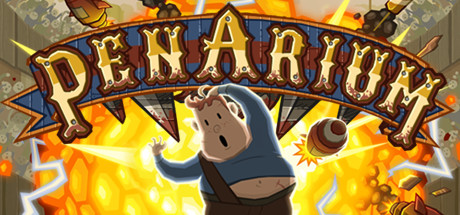
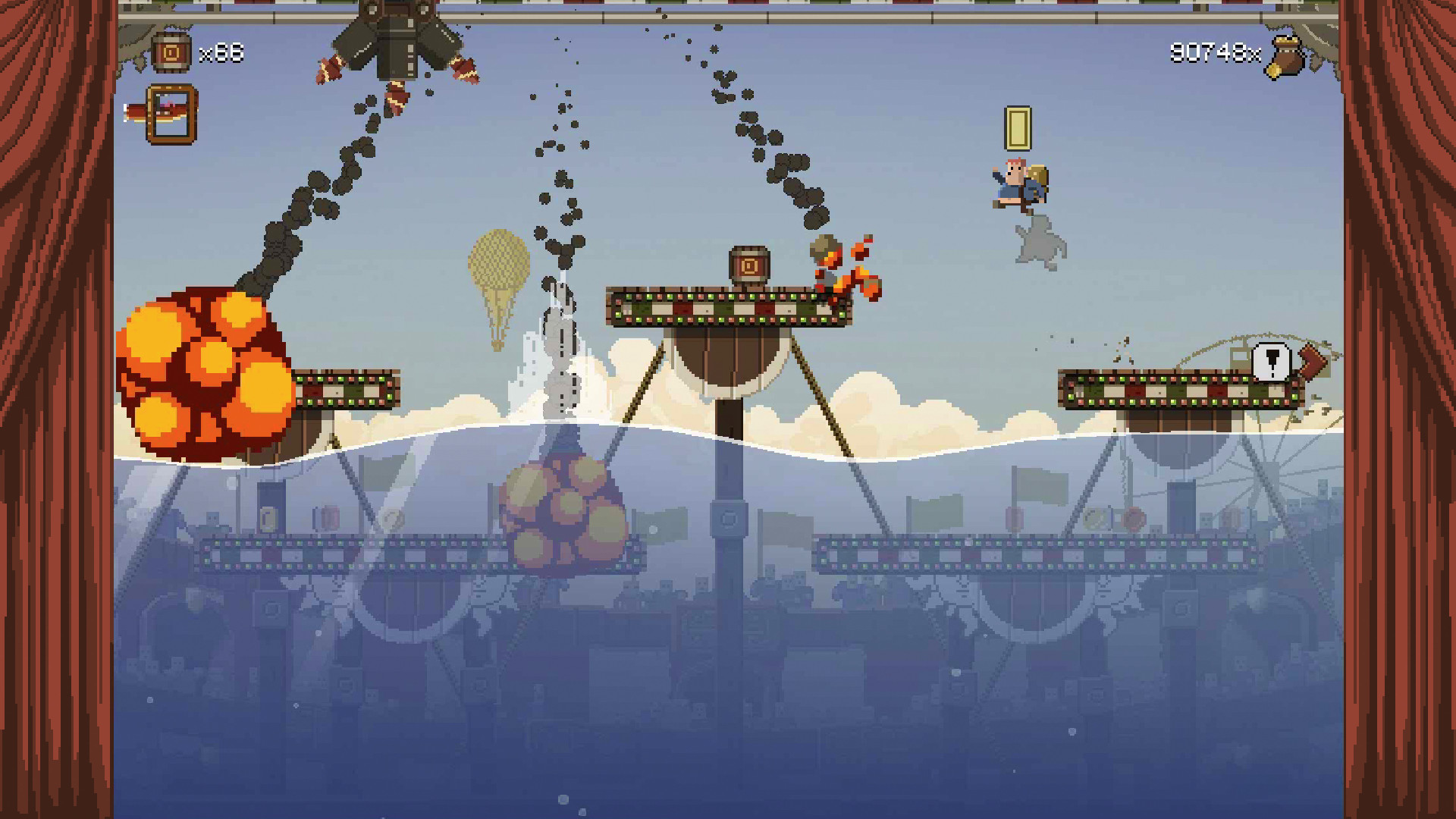
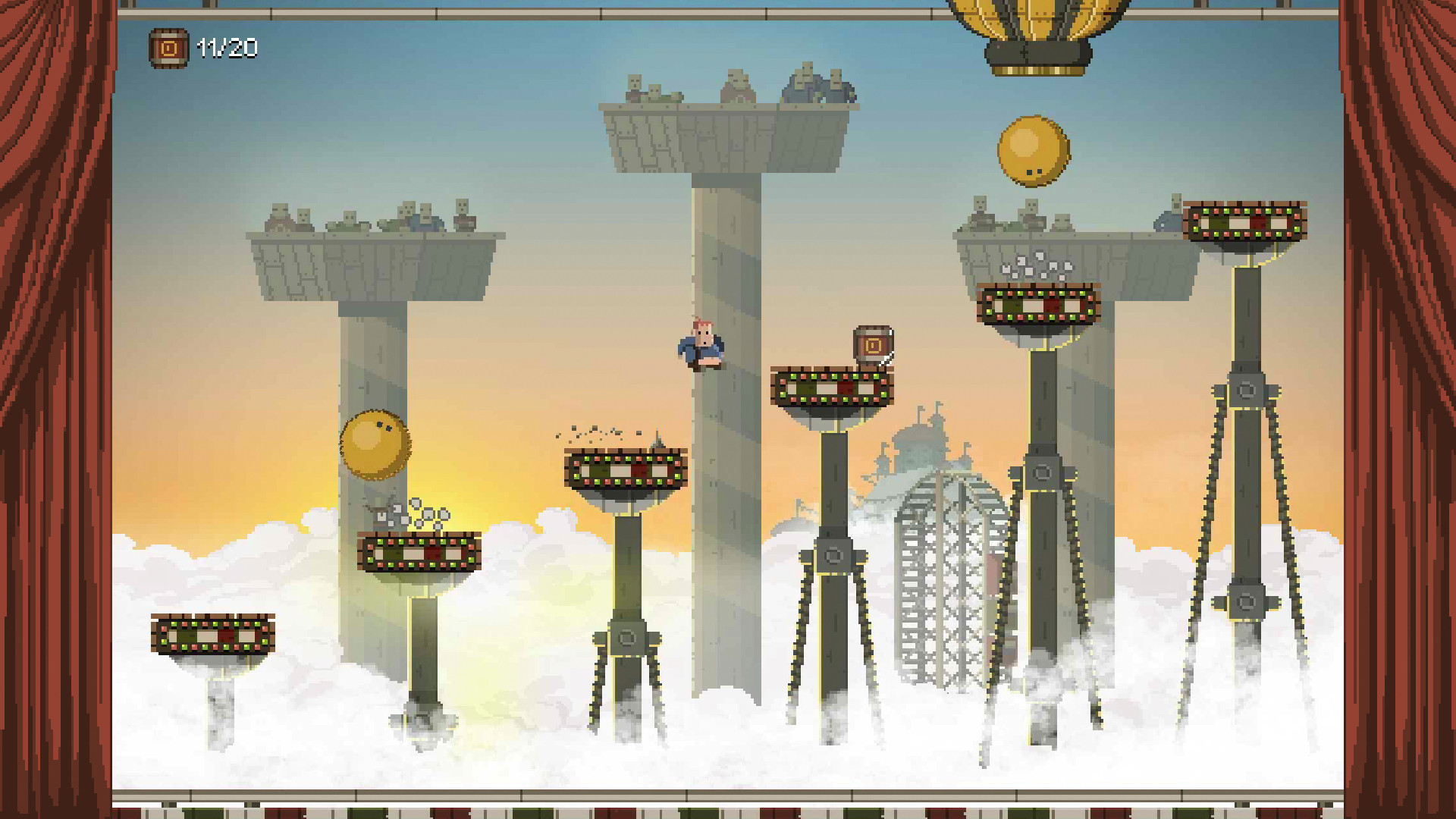
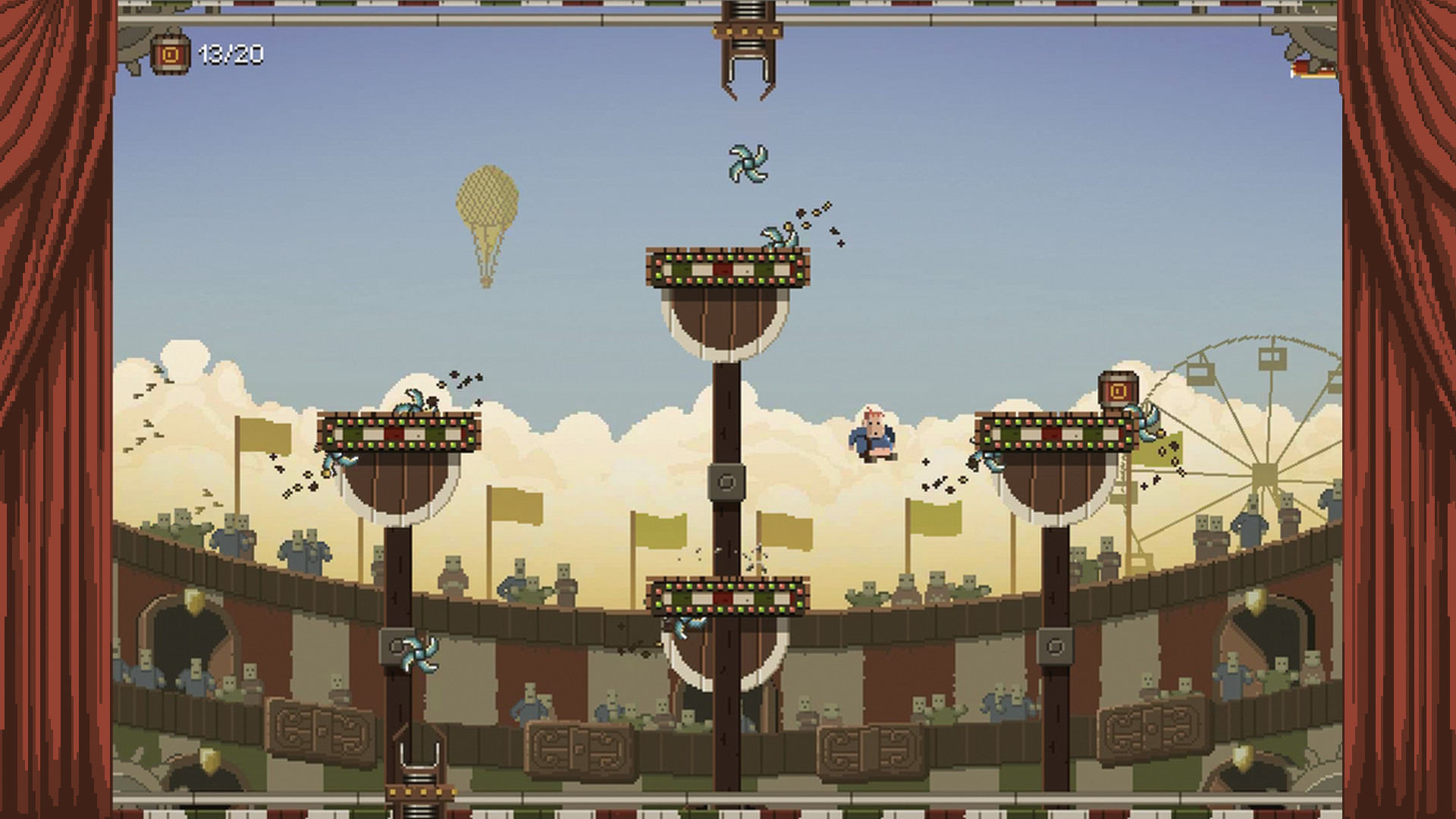
Penarium is set in a sinister circus arena, where contestants, much like Gladiators of old, are forced to entertain a sadistic crowd. In this frantic 2D arena arcade game, you take on the role of our quirky antihero; Willy who, to survive, is forced to run, jump and avoid an array of killer death-traps. Succeed and Willy will become the Champion of Penarium. Fail and he will die in a most horrendous way, much to the delight of the baying crowd.
Guide poor Willy through this evil madness in single player and 2 player local COOP and Competitive modes. Every kid wants to go to circus but no kid wants to die in one.
Feature List
3 Arenas
4 Game Modes
Campaign mode featuring 30 challenges
Arcade mode featuring over a dozen of unlockable power-ups
COOP and VS local multiplayer
Online leaderboards
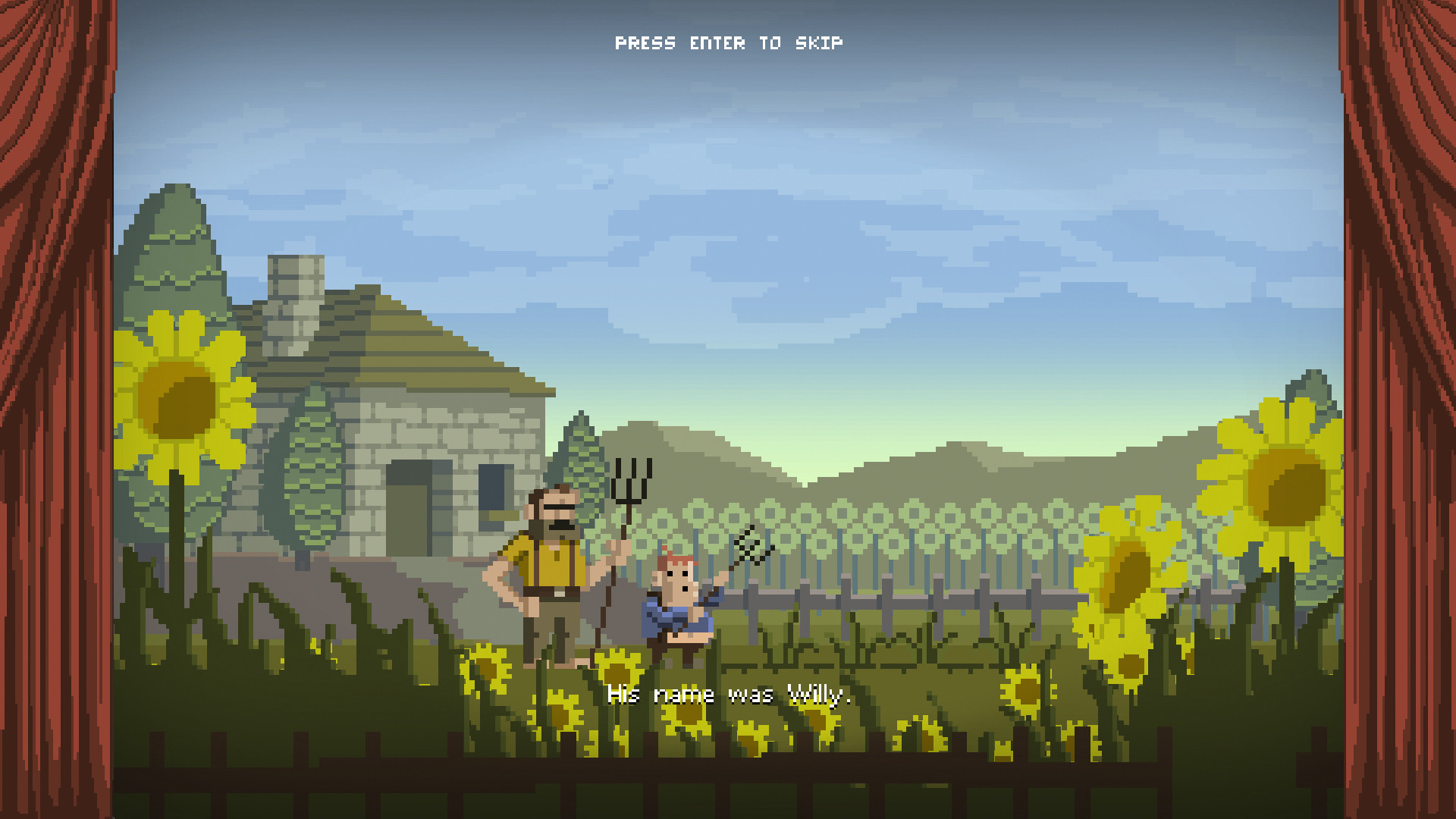
Dark comical dialogue and cutscenes
Guide poor Willy through this evil madness in single player and 2 player local COOP and Competitive modes. Every kid wants to go to circus but no kid wants to die in one.
Feature List
3 Arenas
4 Game Modes
Campaign mode featuring 30 challenges
Arcade mode featuring over a dozen of unlockable power-ups
COOP and VS local multiplayer
Online leaderboards
Dark comical dialogue and cutscenes
- Minimum:
- OS *: Windows Vista
- Processor: Dual Core CPU 2.4 gHz
- Memory: 2 GB RAM
- Graphics: Intel HD Graphics 4000, Nvidia GeForce 8000, ATI Radeon HD 4800 Series
- DirectX: Version 9.0
- Storage: 300 MB available space
- Sound Card: Windows Compatible Card
* Starting January 1st, 2024, the Steam Client will only support Windows 10 and later versions.
If you are not familiar with the technical information of your PC, download the CPU-Z program. CPU-Z will give you detailed information about the main system components - CPU, RAM, video card - installed on your system, which you can then compare with the minimum requirements of the game.
- Go to: http://store.steampowered.com/ and download STEAM client
- Click "Install Steam" (from the upper right corner)
- Install and start application, login with your Account name and Password (create one if you don't have).
- Please follow these instructions to activate a new retail purchase on Steam:
- Launch Steam and log into your Steam account.
- Click the Games Menu.
- Choose Activate a Product on Steam...
- Follow the onscreen instructions to complete the process.
- After successful code verification go to the "MY GAMES" tab and start downloading.
Videos & Screenshots


- Payments
-

-

-

-

-

-

-

-

-
