
Buy Space Grunts: Chrono Shard / EU
Platform:
Windows
Genre:
Strategies
Publisher:
HandyGames
Activation:
Steam
Release Date:
22 june 2026
Languages:
English
Type:
Key
Region:
EU
16 $
 In stock
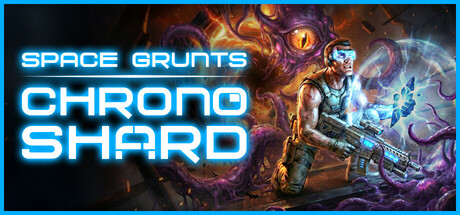
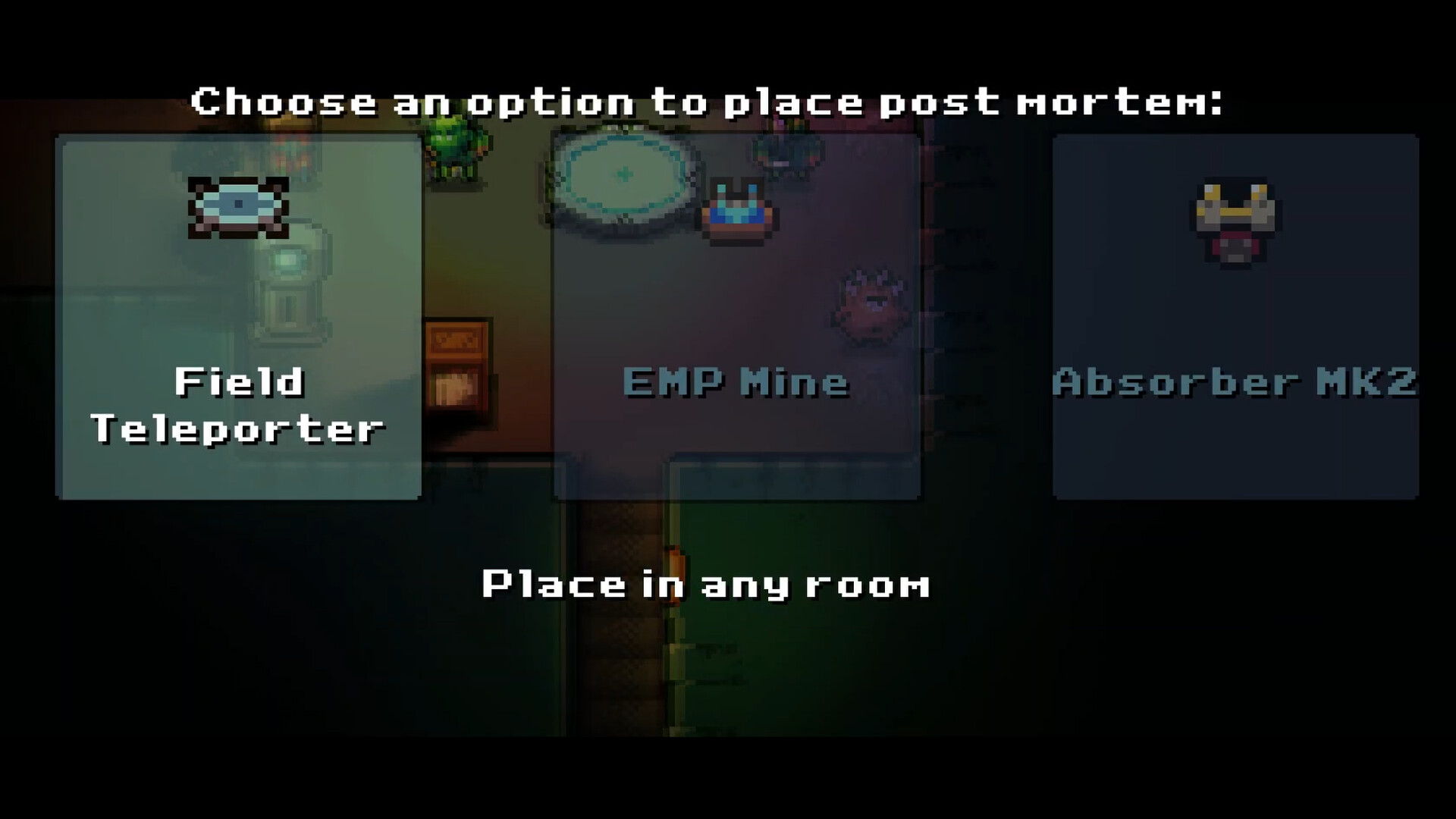
Space Grunts: Chrono Shard is a high-octane blend of tactical depth and arcade energy. With the power of the Chrono Shard, you don't just survive the void, you master it. The Chrono Loop
Use your Shard to rewind the clock. Any items you’ve placed or changes you’ve made to the environment stay exactly where they are for your next attempt. Learn from the past to conquer the future.
Rapid-Fire Strategy
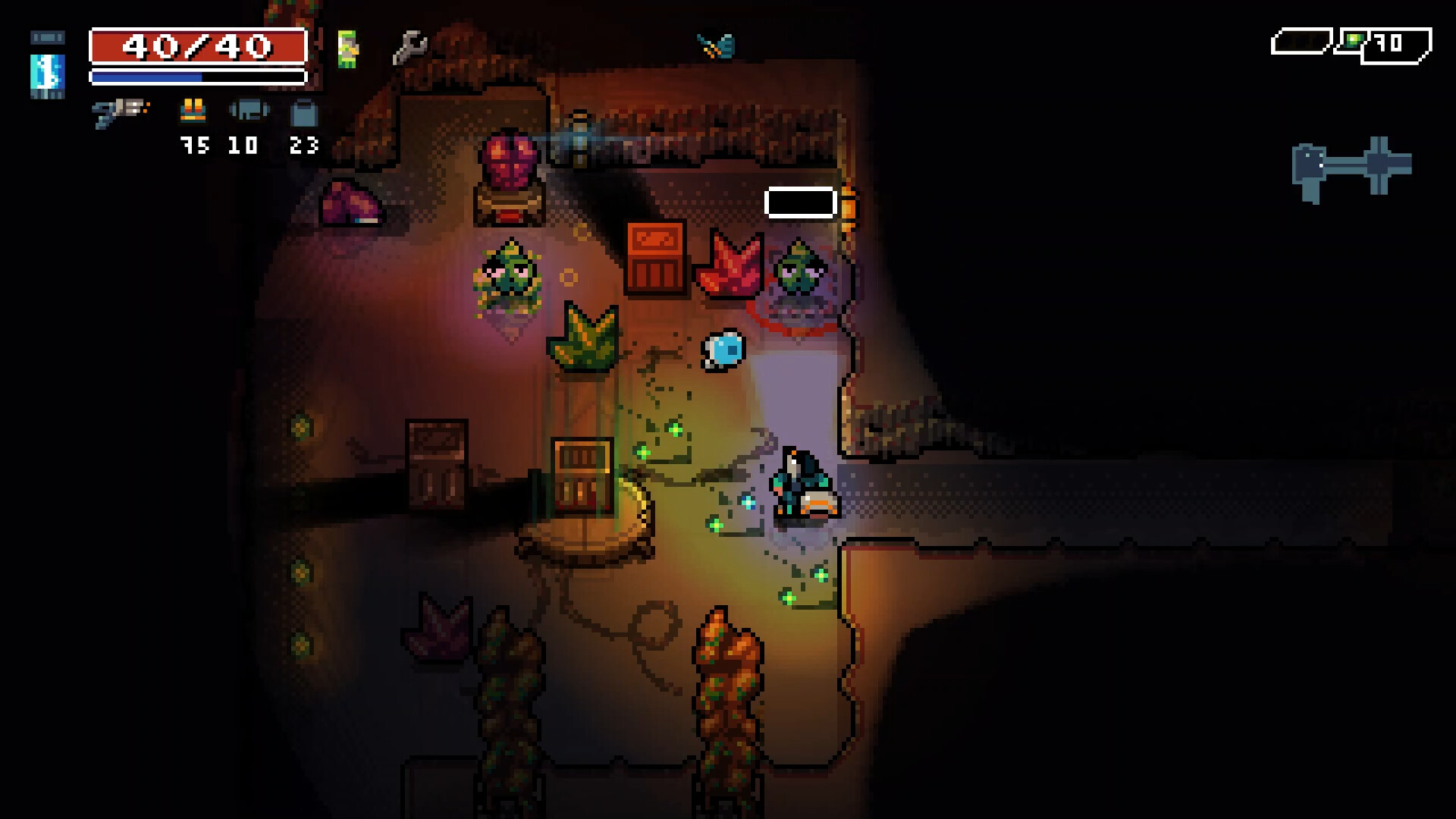
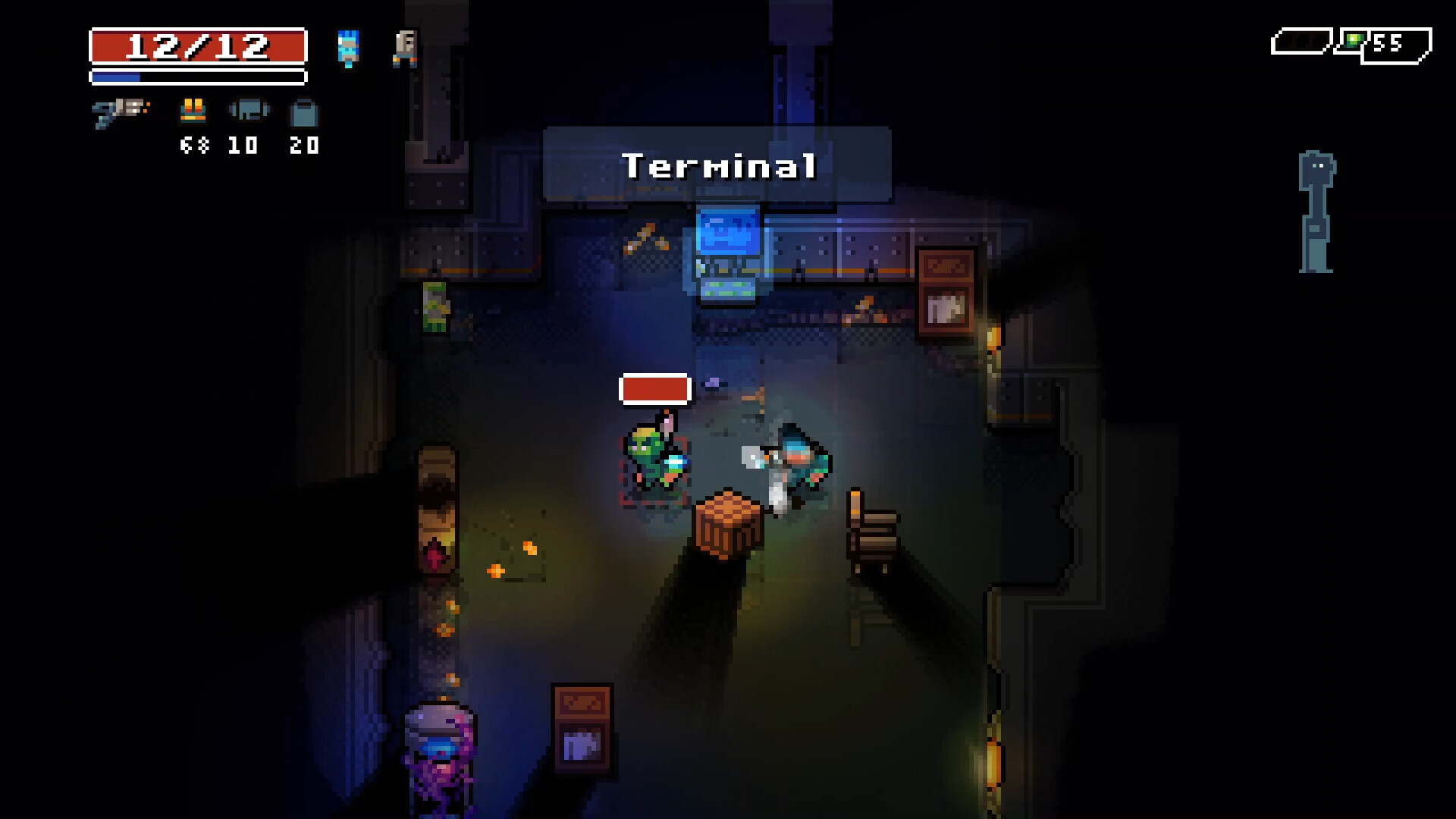
Forget slow-paced menus. This is the original Space Grunts speed. Fast-paced, turn-based combat that rewards quick thinking and even quicker trigger fingers.
Use your Shard to rewind the clock. Any items you’ve placed or changes you’ve made to the environment stay exactly where they are for your next attempt. Learn from the past to conquer the future.
Rapid-Fire Strategy
Forget slow-paced menus. This is the original Space Grunts speed. Fast-paced, turn-based combat that rewards quick thinking and even quicker trigger fingers.
- Minimum:
- OS *: Windows 7 or higher
- Processor: 2.0 ghz Dual Core
- Memory: 2 GB RAM
- Graphics: Intel HD3000 or higher with OpenGL 2.1 support
- Storage: 200 MB available space
- Sound Card: OpenAL supported sound card
* Starting January 1st, 2024, the Steam Client will only support Windows 10 and later versions
If you are not familiar with the technical information of your PC, download the CPU-Z program. CPU-Z will give you detailed information about the main system components - CPU, RAM, video card - installed on your system, which you can then compare with the minimum requirements of the game.
- Go to: http://store.steampowered.com/ and download STEAM client
- Click "Install Steam" (from the upper right corner)
- Install and start application, login with your Account name and Password (create one if you don't have).
- Please follow these instructions to activate a new retail purchase on Steam:
- Launch Steam and log into your Steam account.
- Click the Games Menu.
- Choose Activate a Product on Steam...
- Follow the onscreen instructions to complete the process.
- After successful code verification go to the "MY GAMES" tab and start downloading.
Videos & Screenshots



- Payments
-

-

-

-

-

-

-

-

-
