
Buy Sports Card Shop Simulator / EU

Platform:
Windows
Genre:
Sports
Publisher:
Ultimate Games S.A
Activation:
Steam
Release Date:
4 june 2026
Languages:
English
Type:
Key
Region:
EU
13.00 USD
 In stock
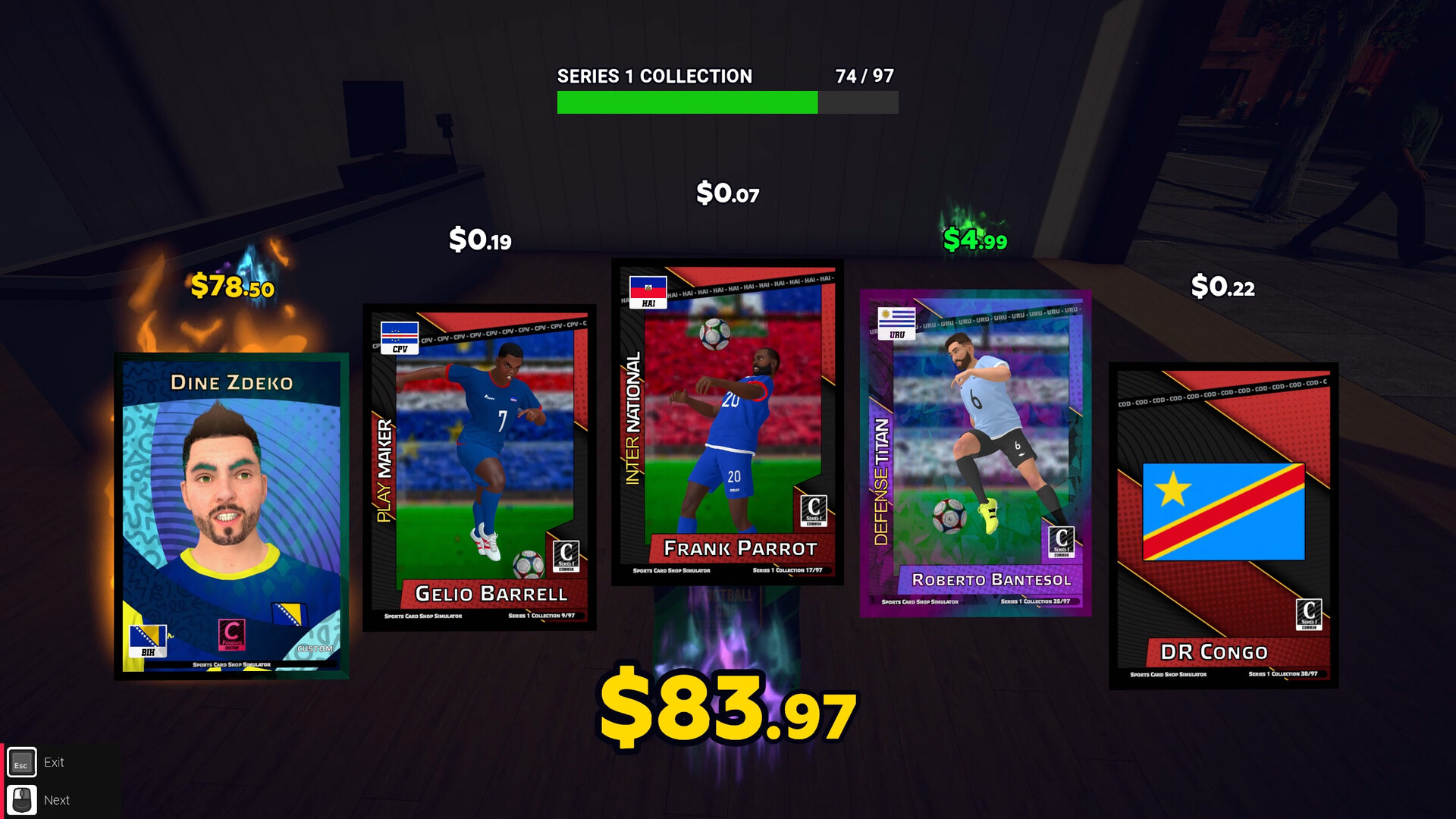
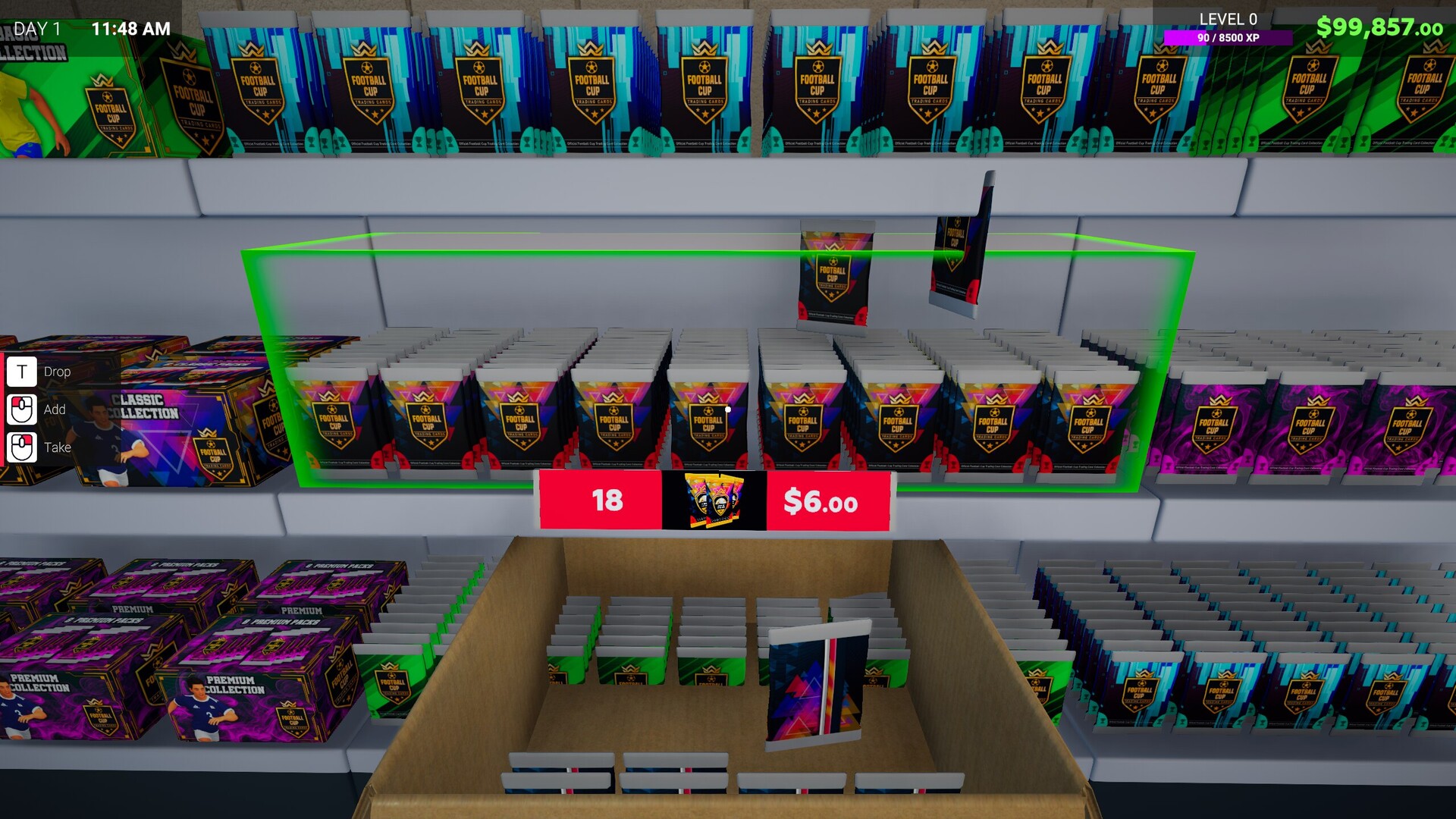
Welcome to Sports Card Shop Simulator! Open packs, search for rare cards, and build the best sports card shop. Hunt for holos, autos, and numbered variants to satisfy your collection obsession. Design custom cards and enjoy the thrill of pulling those creations from a fresh pack!
📦Welcome to the Cardboard Empire
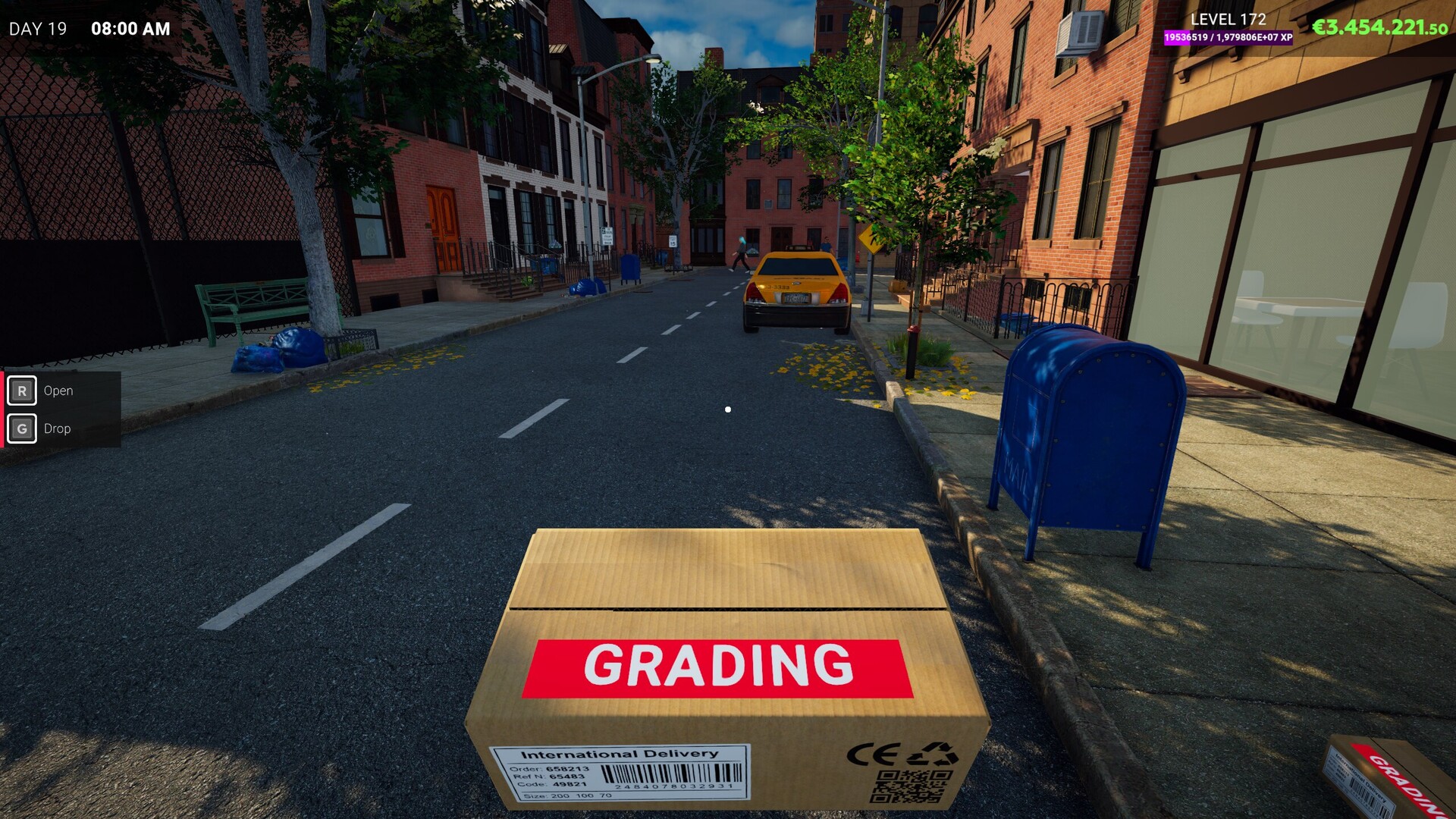
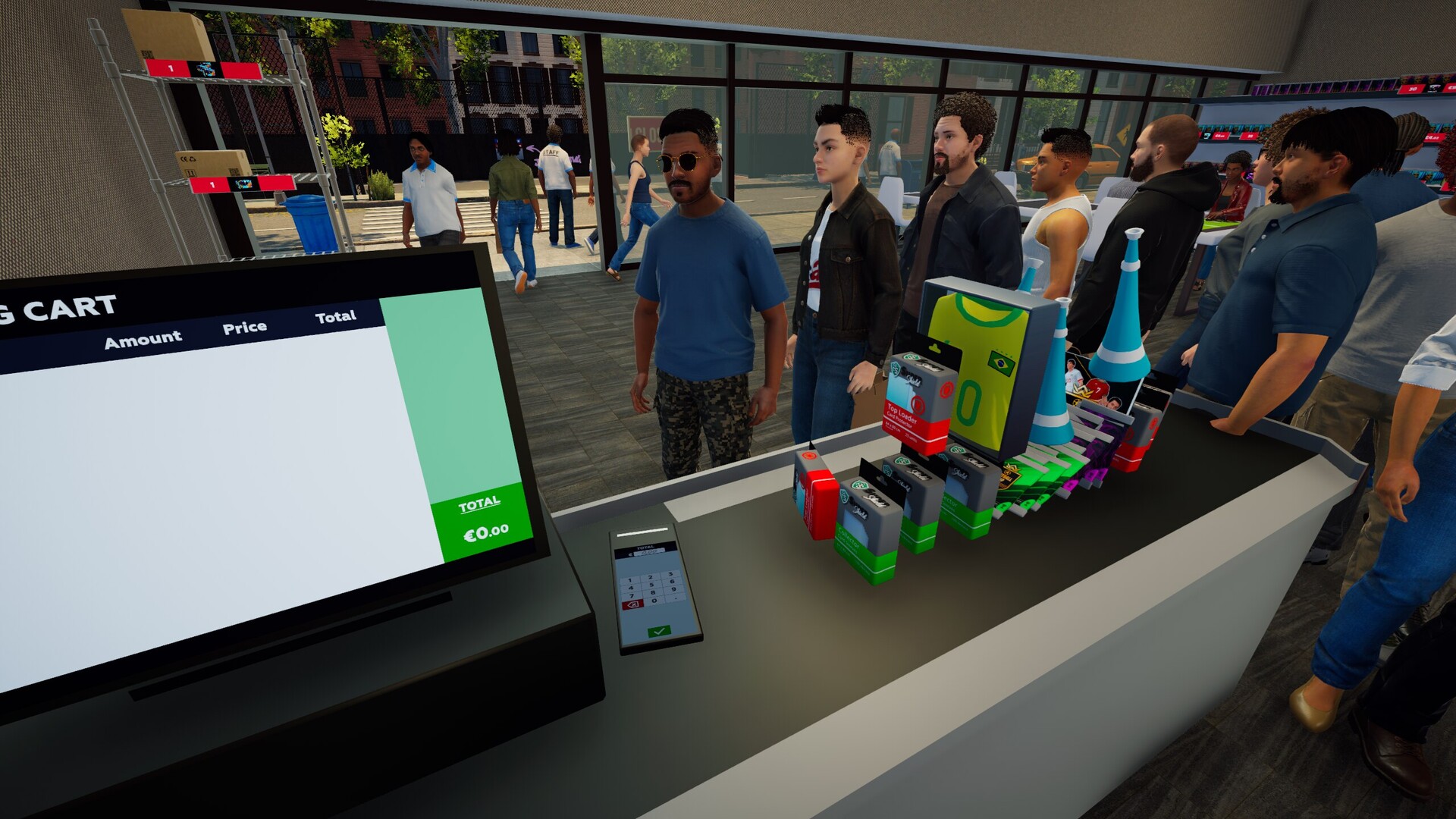
Welcome to Sports Card Shop Simulator, where the smell of fresh packs and cardboard dreams fills the air. Run a growing card shop that mixes the love of collecting with modern business gameplay. Buy, sell, grade, trade, customize, and auction sports cards in a lively, changing market. Turn a small shop into the perfect place for collectors.
⚽Kick Off the Collection
Begin the season with the world’s most popular sport: football! Collect players from over 50 national teams as they compete to win the CUP! Enjoy the excitement of the game as you open cards revealing unforgettable tournament moments.
📦Welcome to the Cardboard Empire
Welcome to Sports Card Shop Simulator, where the smell of fresh packs and cardboard dreams fills the air. Run a growing card shop that mixes the love of collecting with modern business gameplay. Buy, sell, grade, trade, customize, and auction sports cards in a lively, changing market. Turn a small shop into the perfect place for collectors.
⚽Kick Off the Collection
Begin the season with the world’s most popular sport: football! Collect players from over 50 national teams as they compete to win the CUP! Enjoy the excitement of the game as you open cards revealing unforgettable tournament moments.
- Minimum:
- Requires a 64-bit processor and operating system
- OS: Windows 10 (64-bit)
- Processor: Intel Core i5-7400 / AMD Ryzen 3 1200
- Memory: 8 GB RAM
- Graphics: NVIDIA GeForce GTX 1660 (6 GB) / Radeon RX 5500 XT (8 GB)
- DirectX: Version 11
- Storage: 10 GB available space
- Sound Card: DirectX Compatible
- Additional Notes: LOW Quality / 60FPS / 1920x1080.
If you are not familiar with the technical information of your PC, download the CPU-Z program. CPU-Z will give you detailed information about the main system components - CPU, RAM, video card - installed on your system, which you can then compare with the minimum requirements of the game.
- Go to: http://store.steampowered.com/ and download STEAM client
- Click "Install Steam" (from the upper right corner)
- Install and start application, login with your Account name and Password (create one if you don't have).
- Please follow these instructions to activate a new retail purchase on Steam:
- Launch Steam and log into your Steam account.
- Click the Games Menu.
- Choose Activate a Product on Steam...
- Follow the onscreen instructions to complete the process.
- After successful code verification go to the "MY GAMES" tab and start downloading.
Videos & Screenshots
Recommended






- Payments
-

-

-

-

-

-

-

-

-
