
Buy StarRupture
Platform:
Windows
Genre:
Strategies
Publisher:
Creepy Jar S.A.
Activation:
Steam
Release Date:
20 january 2025
Languages:
English
Type:
Key
Region:
EU
20 $
 In stock
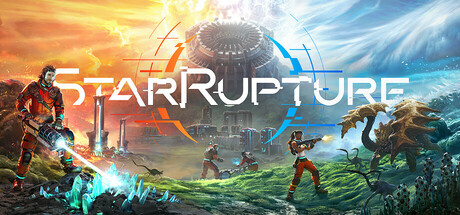
Explore a mysterious planet in an ever-changing open world torn by recurring cataclysms. Build a complex industrial system to extract resources, produce goods and expand your base. Fight against hordes of alien monsters to defend your base and survive, alone or with friends.
Explore the deadly planet
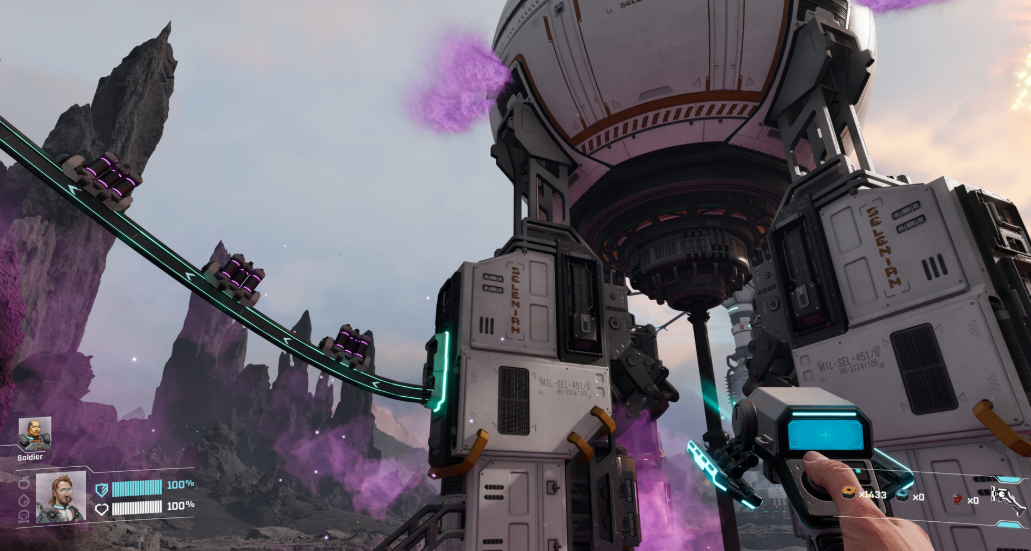
Explore this vast open world, rich in resources, places and secrets to be found. Discover the beauty of this constantly reborn dangerous world torn apart by repeated cataclysms.
Build to thrive
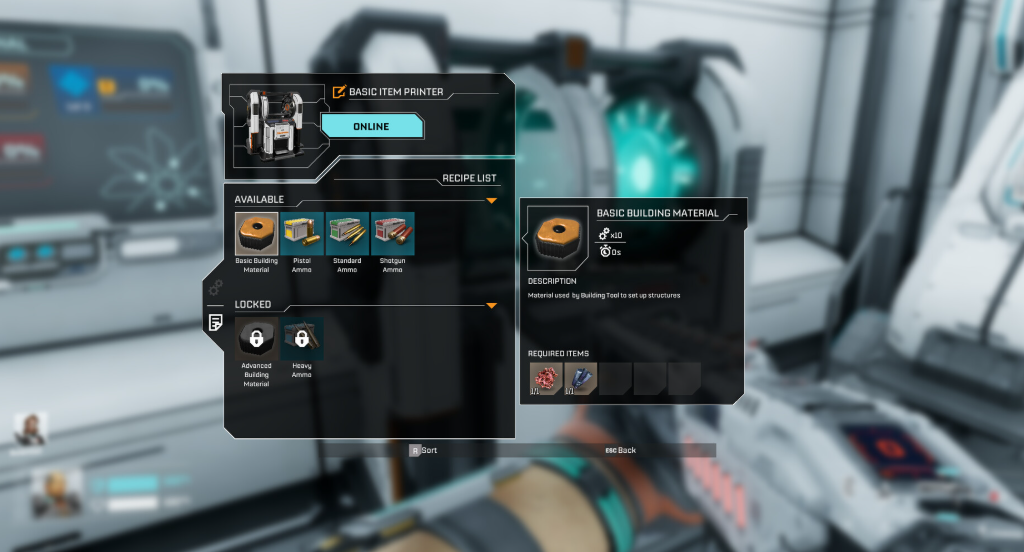
Search, mine and process resources to develop your complex industrial system. Unlock new technologies that will allow you and your base to survive the harsh conditions on the planet.
Fight to survive
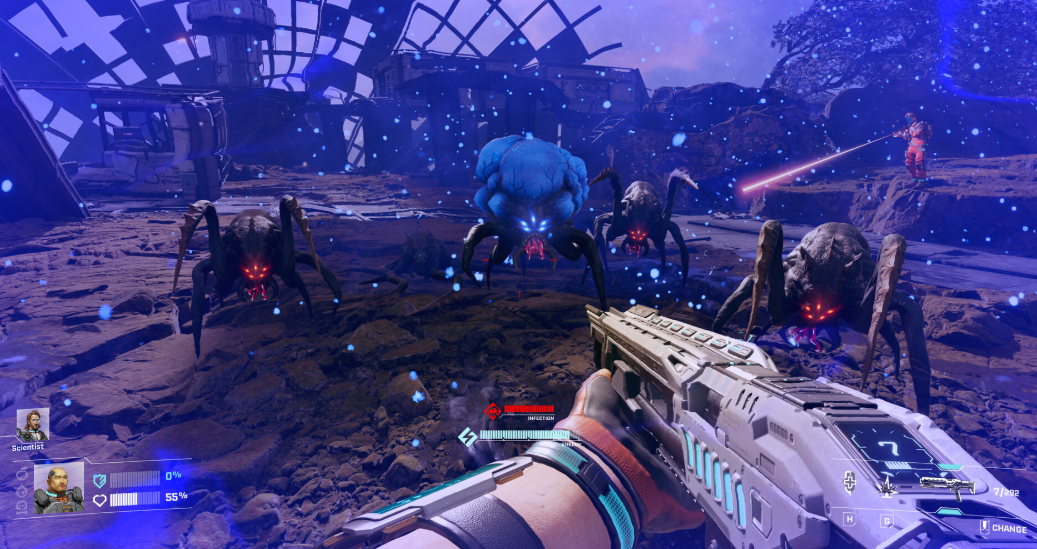
The planet will surprise you at every turn. Extreme temperatures are not the only things you’ll be challenged with. Get ready to defend yourself, your team and your base from a horde of aggressive alien creatures.
Alone or with friends
Experience and survive everything you encounter on this harsh planet. Do it alone or in a group of up to 4 friends. This world is waiting for you to be discovered.
Explore the deadly planet
Explore this vast open world, rich in resources, places and secrets to be found. Discover the beauty of this constantly reborn dangerous world torn apart by repeated cataclysms.
Build to thrive
Search, mine and process resources to develop your complex industrial system. Unlock new technologies that will allow you and your base to survive the harsh conditions on the planet.
Fight to survive
The planet will surprise you at every turn. Extreme temperatures are not the only things you’ll be challenged with. Get ready to defend yourself, your team and your base from a horde of aggressive alien creatures.
Alone or with friends
Experience and survive everything you encounter on this harsh planet. Do it alone or in a group of up to 4 friends. This world is waiting for you to be discovered.
Minimum Requirements
Requires a 64-bit processor and operating system
OS Windows 10 or later (64-Bit)
Processor Intel Core i5-8400 / AMD Ryzen 5 2600
Memory 16 GB RAM
Graphics NVIDIA GeForce GTX 1060 (6 GB VRAM) / Radeon RX 580 (8 GB VRAM)
DirectX Version 12
Storage 45 GB available space
Additional Notes SSD required. Internet connection required for multiplayer.
If you are not familiar with the technical information of your PC, download the CPU-Z program. CPU-Z will give you detailed information about the main system components - CPU, RAM, video card - installed on your system, which you can then compare with the minimum requirements of the game.
- Go to: http://store.steampowered.com/ and download STEAM client
- Click "Install Steam" (from the upper right corner)
- Install and start application, login with your Account name and Password (create one if you don't have).
- Please follow these instructions to activate a new retail purchase on Steam:
- Launch Steam and log into your Steam account.
- Click the Games Menu.
- Choose Activate a Product on Steam...
- Follow the onscreen instructions to complete the process.
- After successful code verification go to the "MY GAMES" tab and start downloading.
Videos & Screenshots




- Payments
-

-

-

-

-

-

-

-

-
