
Buy We Were Here Expeditions: The FriendShip
Platform:
Windows
Genre:
Adventure
Publisher:
TMG Studios B.V.
Activation:
Steam
Release Date:
14 september 2023
Languages:
English
Type:
Key
Region:
EU
4.00 USD
 In stock
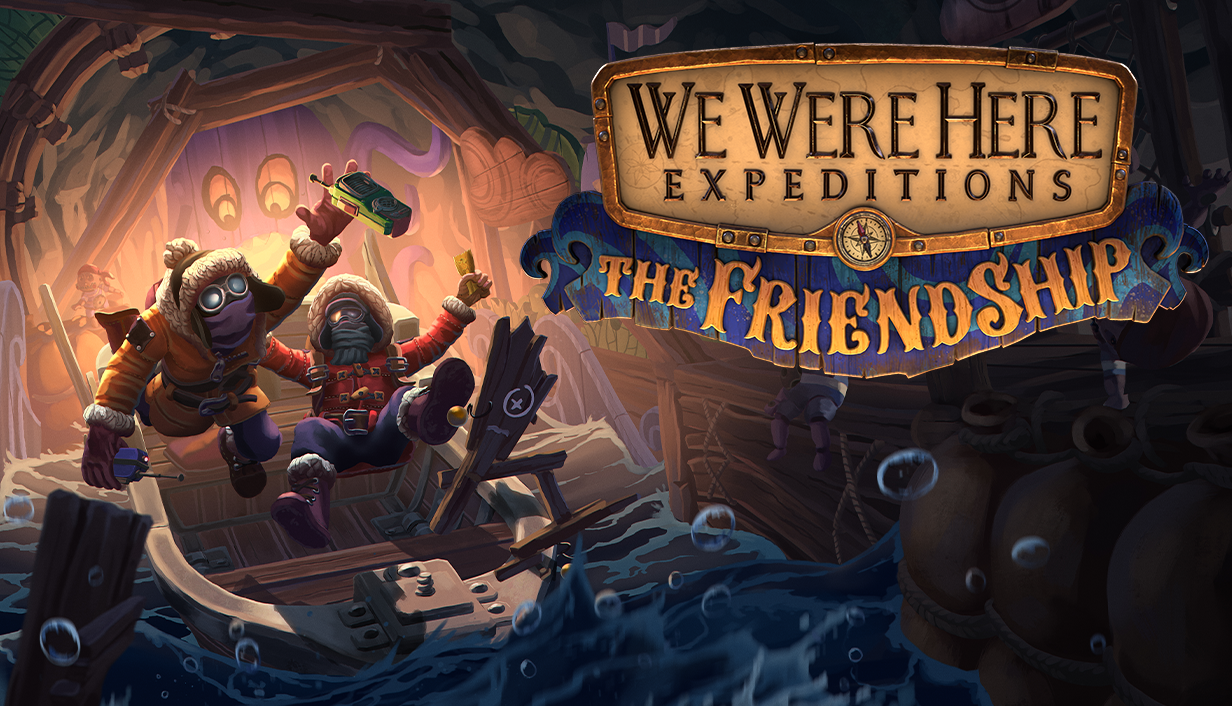
Think you and your bestie can take on any challenge together? We’d like to see you try! This new bite-sized standalone We Were Here experience will really put your friendship to the test. To prove that your friendship can overcome anything, you will need to take on several puzzling challenges.
It’s all about Communication, Teamwork… and Trust. Talk together, work together, and most of all, believe in your friend.
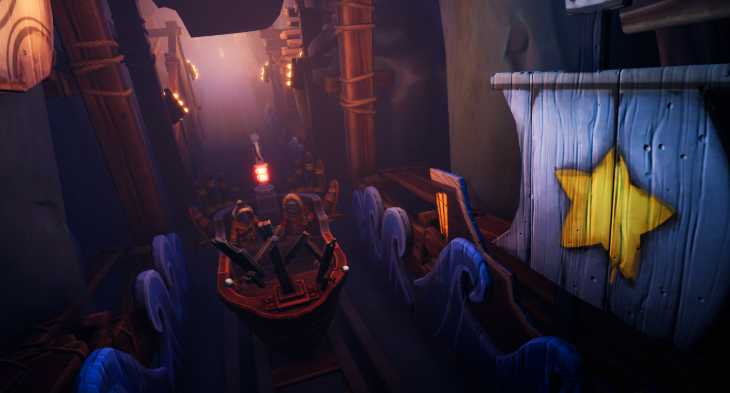
The two of you are alone at sea when pursuing a distress call leads you to a deserted island, where you encounter a mysterious boat ride in an abandoned amusement park. This is a voyage you won’t forget, with puzzles that take two to solve. The state of your friendship will directly affect the state of your friend-ship!
Be aware, this is an actual test as you’ll be graded on how well you solve these puzzles! Will friendship truly last forever? Or is this friend-ship sinking to the bottom of the ocean?
It’s all about Communication, Teamwork… and Trust. Talk together, work together, and most of all, believe in your friend.
The two of you are alone at sea when pursuing a distress call leads you to a deserted island, where you encounter a mysterious boat ride in an abandoned amusement park. This is a voyage you won’t forget, with puzzles that take two to solve. The state of your friendship will directly affect the state of your friend-ship!
Be aware, this is an actual test as you’ll be graded on how well you solve these puzzles! Will friendship truly last forever? Or is this friend-ship sinking to the bottom of the ocean?
Minimum Requirements
Requires a 64-bit processor and operating system
OS Windows 10 64 bit
Processor Intel Core i5 4000 series or equivalent
Memory 8 GB RAM
Graphics Nvidia GTX 1060 6GB or equivalent, integrated graphics not supported
DirectX Version 11
Network Broadband Internet connection
Storage 10 GB available space
Additional Notes A working PC-compatible microphone
If you are not familiar with the technical information of your PC, download the CPU-Z program. CPU-Z will give you detailed information about the main system components - CPU, RAM, video card - installed on your system, which you can then compare with the minimum requirements of the game.
- Go to: http://store.steampowered.com/ and download STEAM client
- Click "Install Steam" (from the upper right corner)
- Install and start application, login with your Account name and Password (create one if you don't have).
- Please follow these instructions to activate a new retail purchase on Steam:
- Launch Steam and log into your Steam account.
- Click the Games Menu.
- Choose Activate a Product on Steam...
- Follow the onscreen instructions to complete the process.
- After successful code verification go to the "MY GAMES" tab and start downloading.
Videos & Screenshots

Recommended




- Payments
-

-

-

-

-

-

-

-

-
