
Buy Death Howl - Deluxe Edition
Platform:
Windows
Genre:
Adventure
Publisher:
11 bit studios
Activation:
Steam
Release Date:
9 december 2025
Languages:
English
Type:
Key
Region:
EU
23 $
 In stock
Original Soundtrack
Crafted by Danish composer and musician Chris Bjørumslet and game director Malte Burup, the soundtrack to Death Howl weaves together shamanic rhythms, haunting chants and cinematic tension to guide the player between worlds.
Rooted in both organic and synthetic granular textures, the score becomes a ritual in itself – echoing the game’s mythic themes of grief, loss and transformation – creating a sonic journey as immersive and unpredictable as Ro’s path through the shadow world.
The tracks are available in MP3, WAV, FLAC formats.
Artbook & Relics
Venture into the spiritual world of Death Howl, shrouded in unique relics.
Contents:
Artbook:
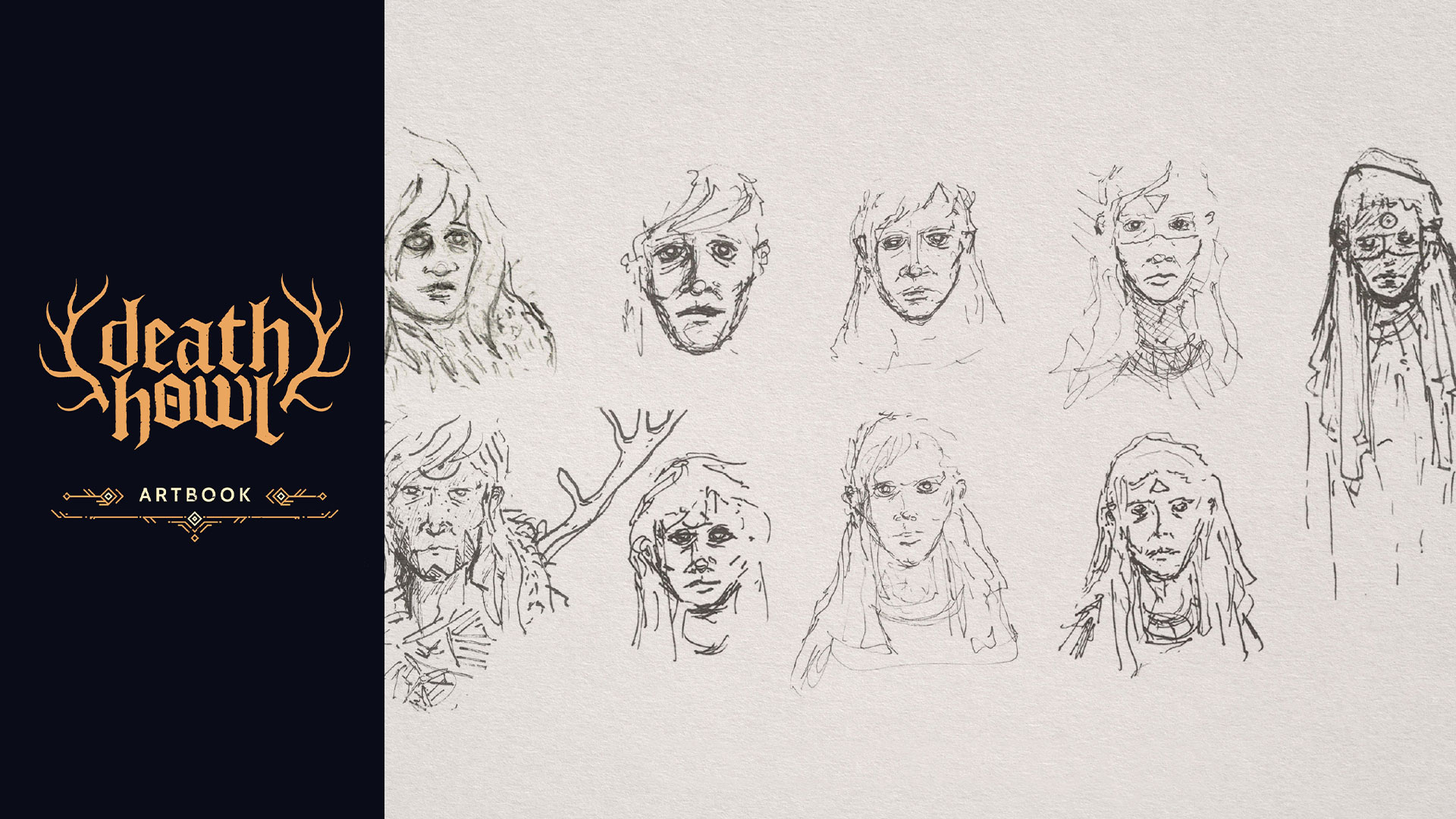
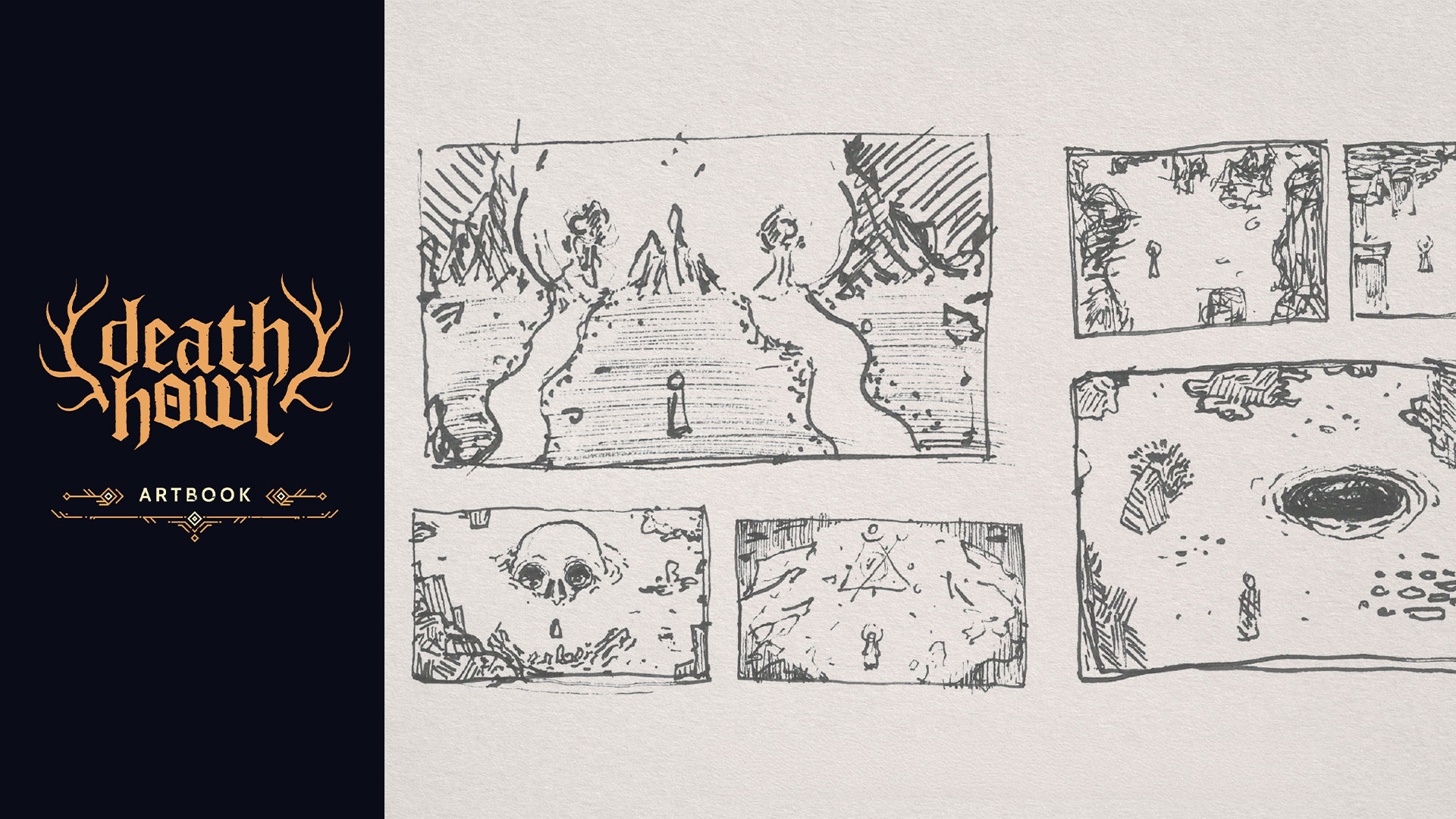
Descend into the primal sketches of the game with an intro from game director Malte Burup. From the nascent stages of logo and key art design to the inaugural drawings of the main protagonist Ro, the entire spirit world, and its adversaries.
Printable Poster:
Unleash the key art from the game in A2 format.
Printable Spirit World Map:
Explore the enigmatic Spirit World in profound detail with a comprehensive map unveiling all of its regions.
Digital Wallpapers:
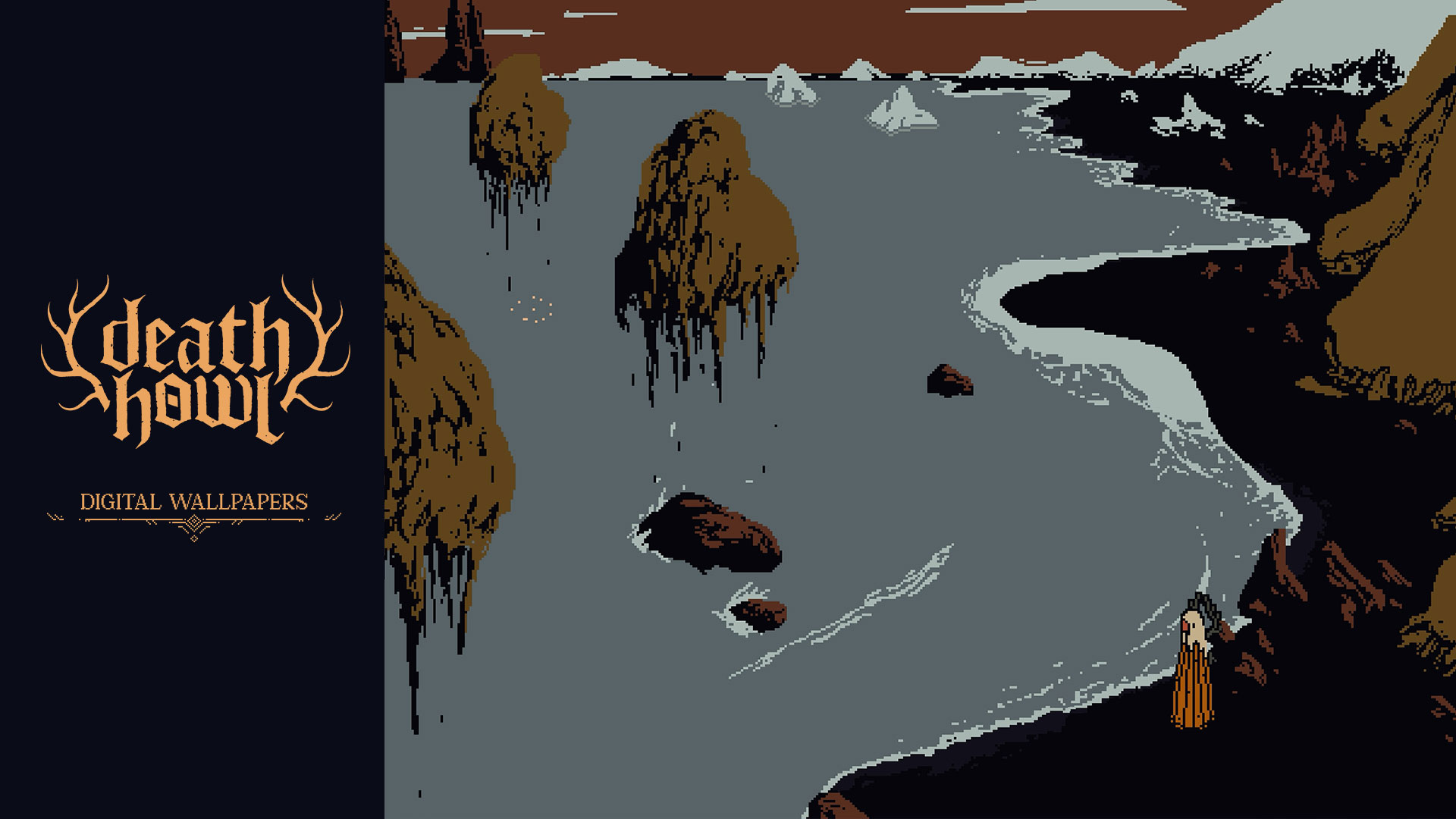
Remain ensnared in the grim realm of Death Howl with unique desktop wallpapers.
Crafted by Danish composer and musician Chris Bjørumslet and game director Malte Burup, the soundtrack to Death Howl weaves together shamanic rhythms, haunting chants and cinematic tension to guide the player between worlds.
Rooted in both organic and synthetic granular textures, the score becomes a ritual in itself – echoing the game’s mythic themes of grief, loss and transformation – creating a sonic journey as immersive and unpredictable as Ro’s path through the shadow world.
The tracks are available in MP3, WAV, FLAC formats.
Artbook & Relics
Venture into the spiritual world of Death Howl, shrouded in unique relics.
Contents:
Artbook:
Descend into the primal sketches of the game with an intro from game director Malte Burup. From the nascent stages of logo and key art design to the inaugural drawings of the main protagonist Ro, the entire spirit world, and its adversaries.
Printable Poster:
Unleash the key art from the game in A2 format.
Printable Spirit World Map:
Explore the enigmatic Spirit World in profound detail with a comprehensive map unveiling all of its regions.
Digital Wallpapers:
Remain ensnared in the grim realm of Death Howl with unique desktop wallpapers.
Minimum Requirements
--Windows--
Requires a 64-bit processor and operating system
OS Windows 10
Processor 3.2 GHz Quad Core Processor
Memory 4 GB RAM
Graphics GeForce 960, Radeon RX 570 or equivalent with 4GB of video RAM
DirectX Version 11
Storage 2 GB available space
If you are not familiar with the technical information of your PC, download the CPU-Z program. CPU-Z will give you detailed information about the main system components - CPU, RAM, video card - installed on your system, which you can then compare with the minimum requirements of the game.
- Go to: http://store.steampowered.com/ and download STEAM client
- Click "Install Steam" (from the upper right corner)
- Install and start application, login with your Account name and Password (create one if you don't have).
- Please follow these instructions to activate a new retail purchase on Steam:
- Launch Steam and log into your Steam account.
- Click the Games Menu.
- Choose Activate a Product on Steam...
- Follow the onscreen instructions to complete the process.
- After successful code verification go to the "MY GAMES" tab and start downloading.
Videos & Screenshots



- Payments
-

-

-

-

-

-

-

-

-
