
Buy Overcooked! 2: Carnival of Chaos / CIS-TR

DLC
Platform:
Windows
Genre:
Adventure
Publisher:
Team 17
Activation:
Steam
Release Date:
12 september 2019
Languages:
English
Type:
Key
Region:
CIS-TR
2.00 USD
 In stock
Extra Content
Overcooked! 2 / CIS+TR required to run
Have more fun in the game "Overcooked! 2" at the Carnival of Chaos!
«Overcooked! Carnival of Chaos 2 invites you to participate in a cooperative game related to cooking and chaos! This colorful new downloadable add-on will test players as they tackle combo dishes and the most important thing in the kitchen is guns!
Guns! Non-traditional cuisine requires non-traditional modes of transportation. The chefs must dive into the cannon and fly through the air with maximum ease.
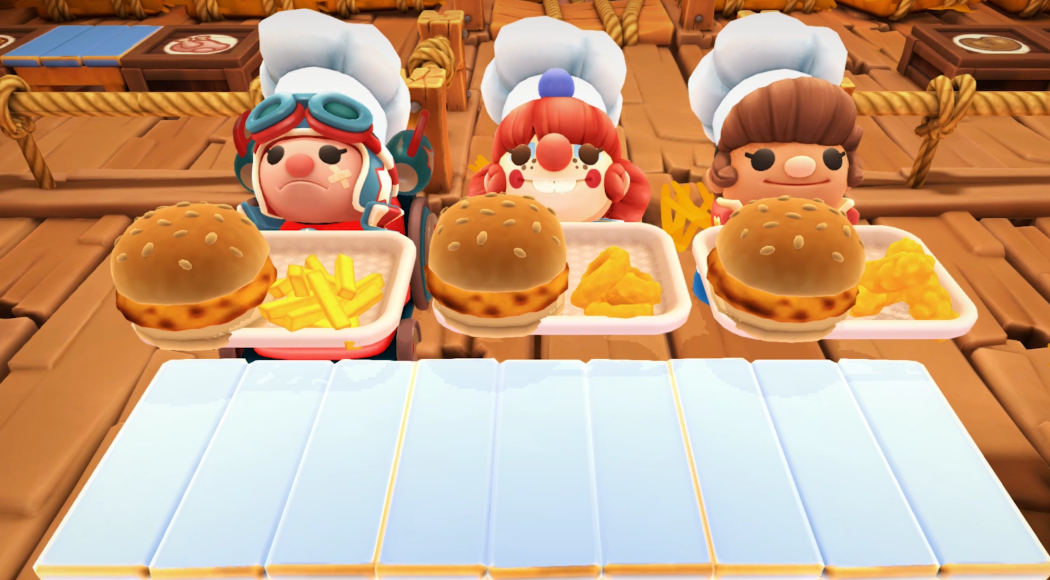
Combined dishes! For very hungry customers, players must combine dishes from different cuisines on a reliable tray and add a refreshing drink.
New recipes! Hot dogs and everyone's favorite round pastry, the mighty donut! Join the menu!
Sauces! Is it possible to eat a hot dog without ketchup or mustard... or without ketchup and mustard?!
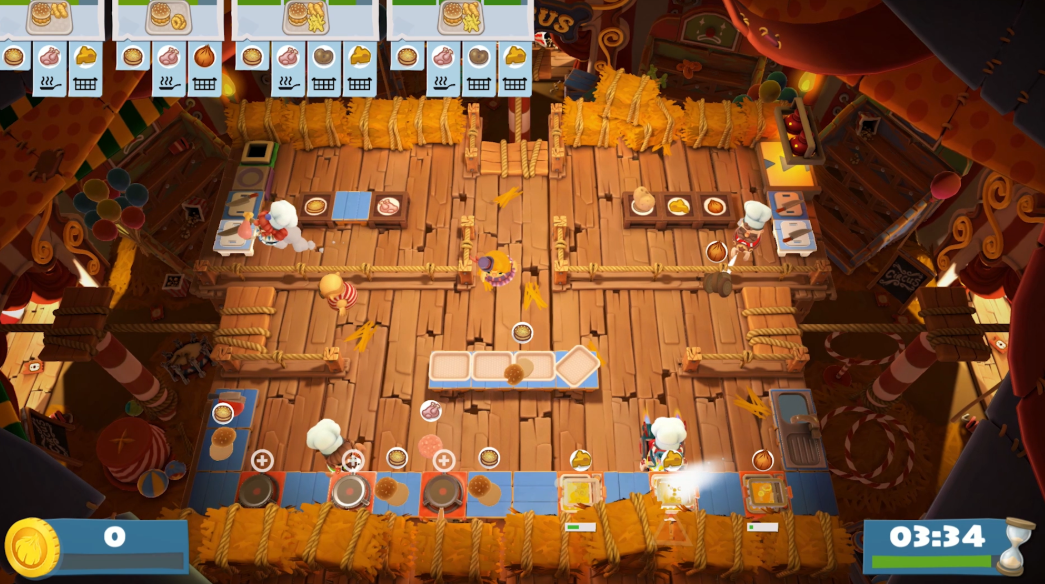
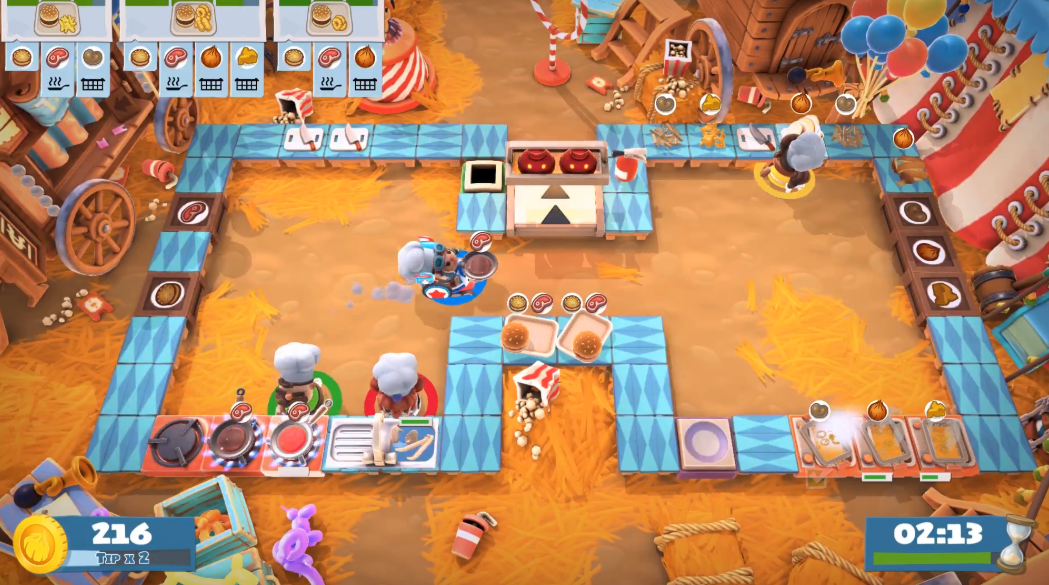
Plus 15 new levels! Players will roast burgers under the dome of the circus and grab treats on a tightrope in a series of new action-packed levels.
Four new chefs! A quartet of colorful characters joins the culinary chaos: Chef Presenter (Ringmaster Chef), Chef Athlete, Chef Clown and Chef Stuntman!
«Overcooked! 2 Carnival of Chaos" is available for a fee or for free for those players who have purchased a season pass for the game Overcooked! 2
«Overcooked! Carnival of Chaos 2 invites you to participate in a cooperative game related to cooking and chaos! This colorful new downloadable add-on will test players as they tackle combo dishes and the most important thing in the kitchen is guns!
Guns! Non-traditional cuisine requires non-traditional modes of transportation. The chefs must dive into the cannon and fly through the air with maximum ease.
Combined dishes! For very hungry customers, players must combine dishes from different cuisines on a reliable tray and add a refreshing drink.
New recipes! Hot dogs and everyone's favorite round pastry, the mighty donut! Join the menu!
Sauces! Is it possible to eat a hot dog without ketchup or mustard... or without ketchup and mustard?!
Plus 15 new levels! Players will roast burgers under the dome of the circus and grab treats on a tightrope in a series of new action-packed levels.
Four new chefs! A quartet of colorful characters joins the culinary chaos: Chef Presenter (Ringmaster Chef), Chef Athlete, Chef Clown and Chef Stuntman!
«Overcooked! 2 Carnival of Chaos" is available for a fee or for free for those players who have purchased a season pass for the game Overcooked! 2
Minimum Requirements
*Windows*
OS WIN7-64 bit
Processor Intel i3-2100 / AMD A8-5600k
Memory 4 GB RAM
Graphics GeForce GTX 630 / Radeon HD 6570
DirectX Version 11
Storage 3 GB available space
If you are not familiar with the technical information of your PC, download the CPU-Z program. CPU-Z will give you detailed information about the main system components - CPU, RAM, video card - installed on your system, which you can then compare with the minimum requirements of the game.
- Go to: http://store.steampowered.com/ and download STEAM client
- Click "Install Steam" (from the upper right corner)
- Install and start application, login with your Account name and Password (create one if you don't have).
- Please follow these instructions to activate a new retail purchase on Steam:
- Launch Steam and log into your Steam account.
- Click the Games Menu.
- Choose Activate a Product on Steam...
- Follow the onscreen instructions to complete the process.
- After successful code verification go to the "MY GAMES" tab and start downloading.
Videos & Screenshots




- Payments
-

-

-

-

-

-

-

-

-
