
Buy Overcooked! 2: Carnival of Chaos / EU
DLC
Platform:
Windows
Genre:
Indie
Publisher:
Team 17
Activation:
Steam
Release Date:
12 september 2019
Languages:
English
Type:
Key
Region:
EU
6 $
 In stock
Extra Content
Overcooked! 2 / EU required to run
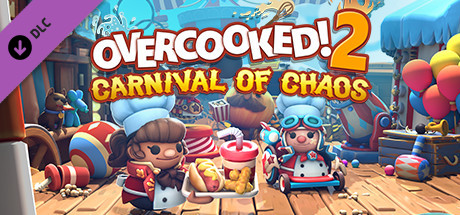
More fun in Overcooked! 2 at the Carnival of Chaos!
Overcooked! 2 Carnival of Chaos invites you to join a co-op game of cooking and mayhem! This colorful new downloadable content will challenge players as they tackle combo dishes and the most important thing in the kitchen: cannons!
Features:
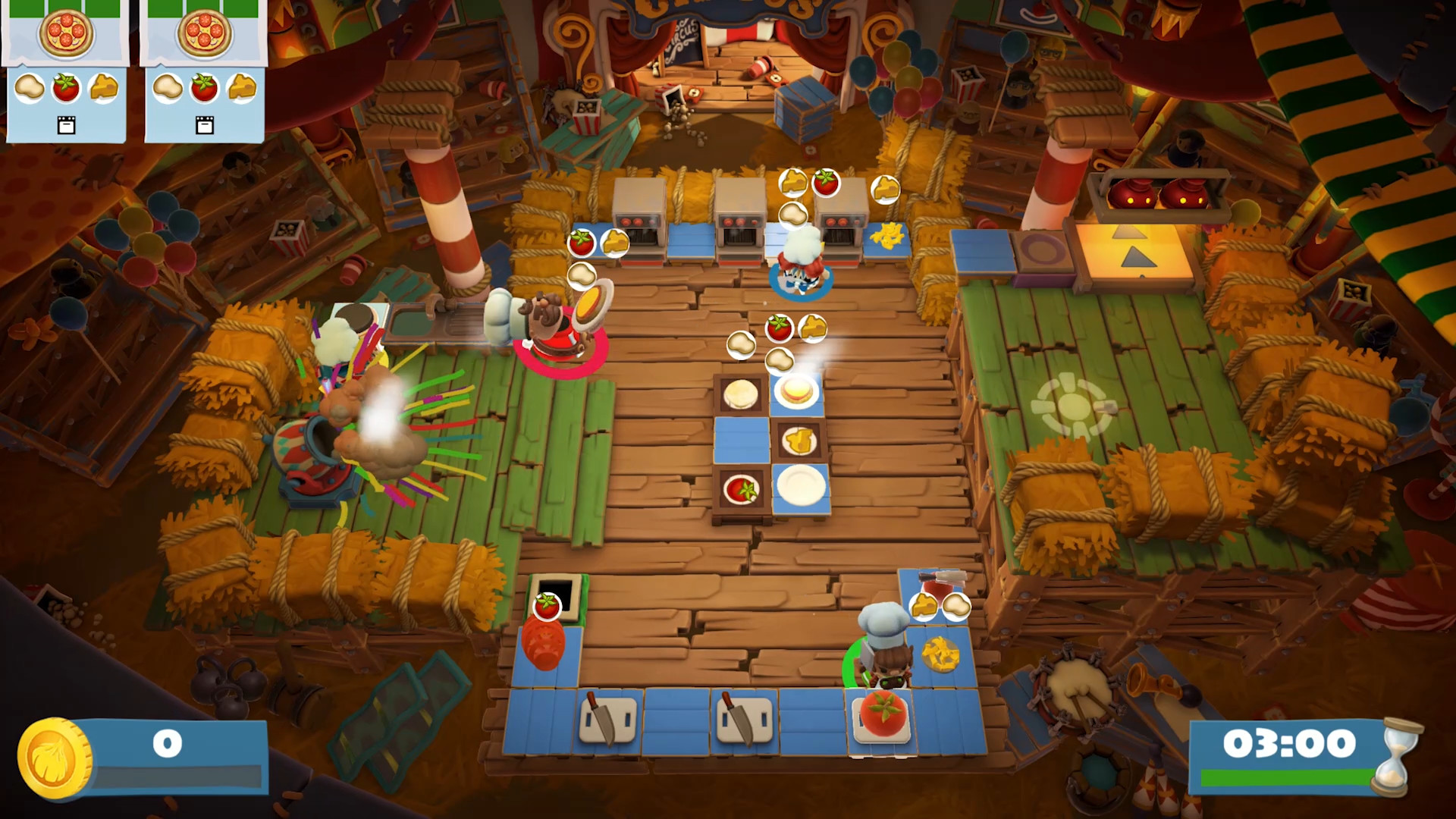
Cannons! Unconventional cuisine requires unconventional means of transportation. Chefs must load into a cannon and fly through the air with maximum ease.
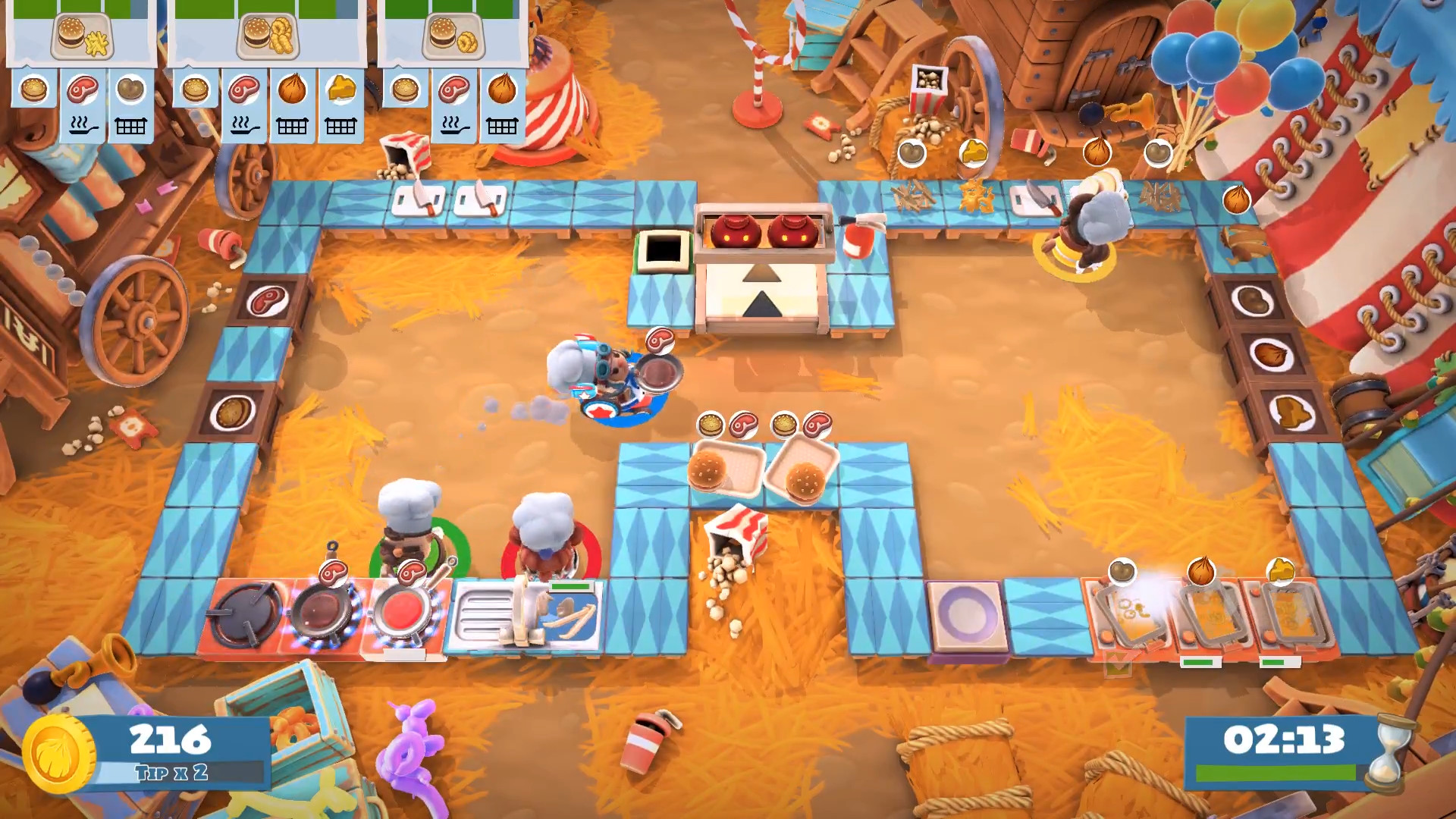
Combo Dishes! For very hungry customers, players must combine dishes from different cuisines on a reliable tray and serve a refreshing drink.
New Recipes! Hot dogs and everyone's favorite round pastry – the mighty donut! Join the menu!
Sauces! What's a hot dog without ketchup or mustard... or without ketchup AND mustard?!
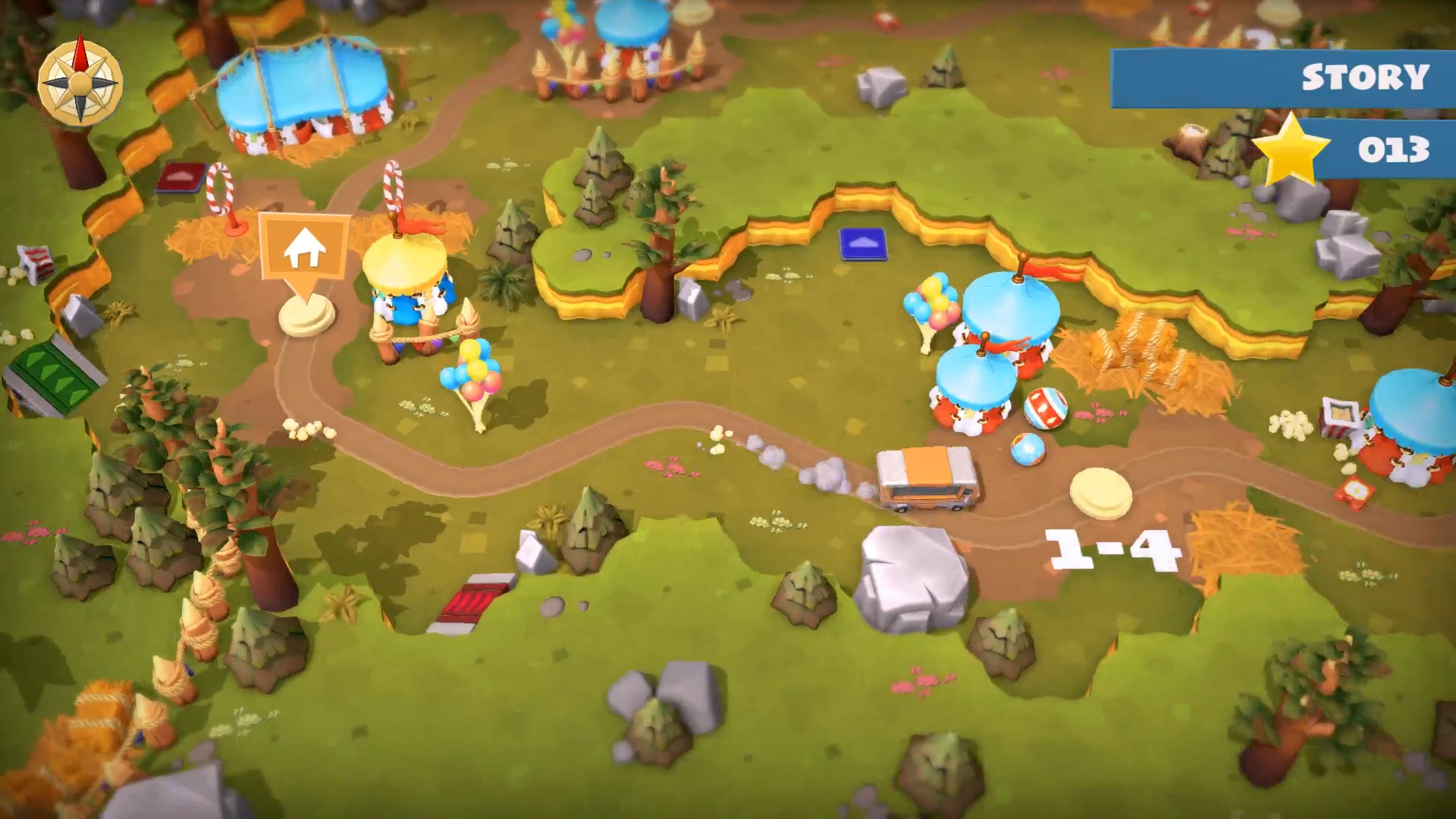
Plus 15 new levels! Players will grill burgers under the big top and grab treats on a tightrope in a series of action-packed new levels.
Four new chefs! A quartet of colorful characters joins the culinary chaos: Ringmaster Chef, Athlete Chef, Clown Chef, and Stunt Chef!
Overcooked! 2 Carnival of Chaos invites you to join a co-op game of cooking and mayhem! This colorful new downloadable content will challenge players as they tackle combo dishes and the most important thing in the kitchen: cannons!
Features:
Cannons! Unconventional cuisine requires unconventional means of transportation. Chefs must load into a cannon and fly through the air with maximum ease.
Combo Dishes! For very hungry customers, players must combine dishes from different cuisines on a reliable tray and serve a refreshing drink.
New Recipes! Hot dogs and everyone's favorite round pastry – the mighty donut! Join the menu!
Sauces! What's a hot dog without ketchup or mustard... or without ketchup AND mustard?!
Plus 15 new levels! Players will grill burgers under the big top and grab treats on a tightrope in a series of action-packed new levels.
Four new chefs! A quartet of colorful characters joins the culinary chaos: Ringmaster Chef, Athlete Chef, Clown Chef, and Stunt Chef!
Minimum:
- OS: WIN7-64 bit
- Processor: Intel i3-2100 / AMD A8-5600k
- Memory: 4 GB RAM
- Graphics: GeForce GTX 630 / Radeon HD 6570
- DirectX: Version 11
- Storage: 3 GB available space
- Sound Card: DirectX Compatible Sound Card
If you are not familiar with the technical information of your PC, download the CPU-Z program. CPU-Z will give you detailed information about the main system components - CPU, RAM, video card - installed on your system, which you can then compare with the minimum requirements of the game.
- Go to: http://store.steampowered.com/ and download STEAM client
- Click "Install Steam" (from the upper right corner)
- Install and start application, login with your Account name and Password (create one if you don't have).
- Please follow these instructions to activate a new retail purchase on Steam:
- Launch Steam and log into your Steam account.
- Click the Games Menu.
- Choose Activate a Product on Steam...
- Follow the onscreen instructions to complete the process.
- After successful code verification go to the "MY GAMES" tab and start downloading.
Videos & Screenshots




- Payments
-

-

-

-

-

-

-

-

-
