
Buy Overcooked! 2 / EU

Platform:
Windows
Genre:
Casual
Publisher:
Team 17
Activation:
Steam
Release Date:
7 august 2018
Languages:
English
Type:
Key
Region:
EU
25 $
 In stock
Overcooked! 2 — Cooking Fun and Chaotic with Friends!
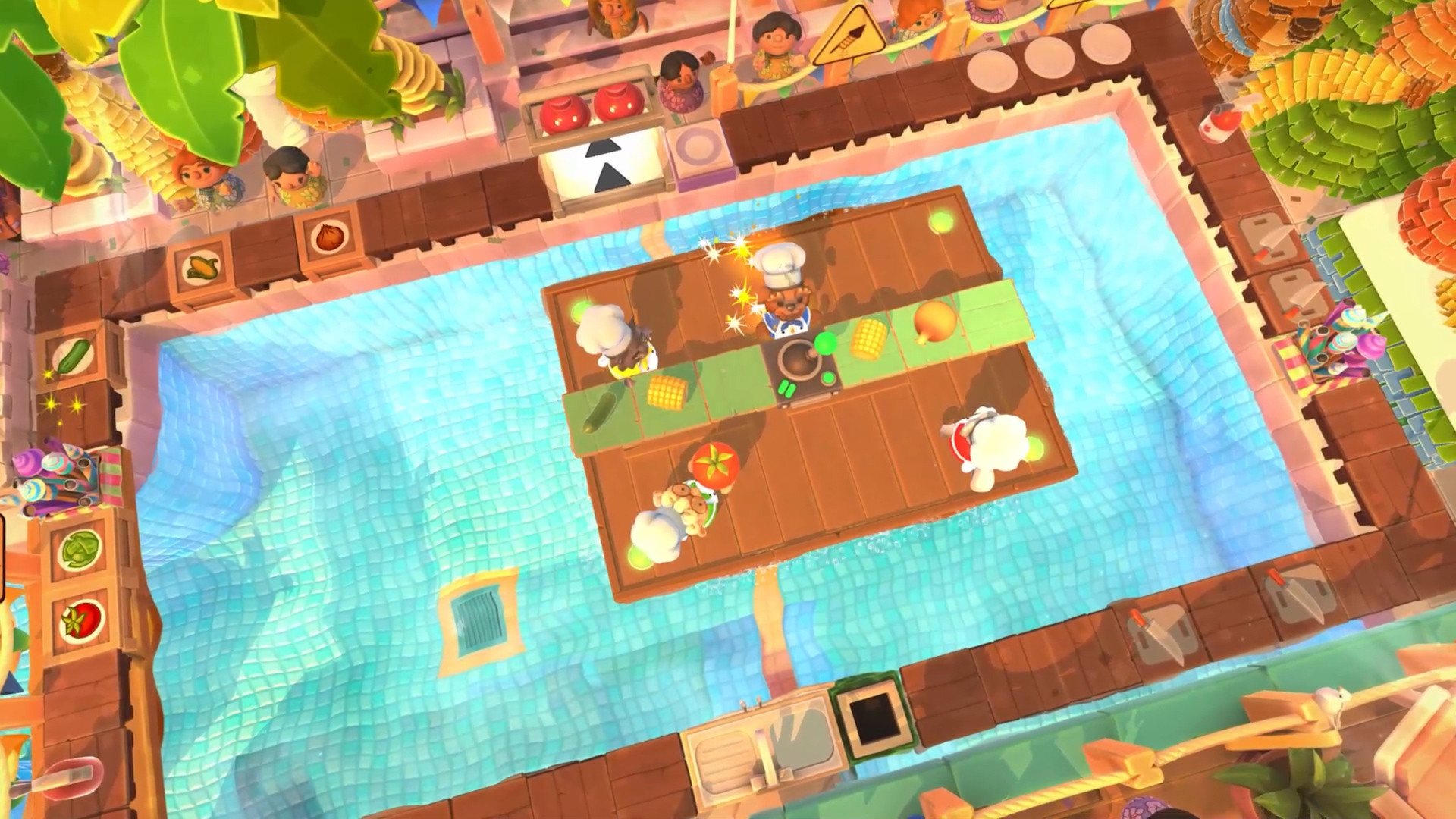
Playing Overcooked 2 means immersing yourself in one of the most fun and chaotic co-op action games, one that will have you screaming at your friends in delight and terror. This game is the perfect recipe for a fun time with friends, where you'll not only cook, but also survive in crazy kitchens that are constantly changing, moving, and burning. You'll need to work as a team to feed a voracious villain called the Walking Bread, and you can play Overcooked 2 in this crazy adventure both locally and online.
The right decision is to buy Overcooked 2 and discover a world of culinary chaos. The licensed version of Overcooked 2 for Steam guarantees stable operation on modern computers. The official Overcooked 2 key provides easy system activation. Our version of Overcooked 2 for Steam includes all updates.
Playing Overcooked 2 means immersing yourself in one of the most fun and chaotic co-op action games, one that will have you screaming at your friends in delight and terror. This game is the perfect recipe for a fun time with friends, where you'll not only cook, but also survive in crazy kitchens that are constantly changing, moving, and burning. You'll need to work as a team to feed a voracious villain called the Walking Bread, and you can play Overcooked 2 in this crazy adventure both locally and online.
The right decision is to buy Overcooked 2 and discover a world of culinary chaos. The licensed version of Overcooked 2 for Steam guarantees stable operation on modern computers. The official Overcooked 2 key provides easy system activation. Our version of Overcooked 2 for Steam includes all updates.
- Minimum:
- OS: WIN7-64 bit
- Processor: Intel i3-2100 / AMD A8-5600k
- Memory: 4 GB RAM
- Graphics: GeForce GTX 630 / Radeon HD 6570
- DirectX: Version 11
- Storage: 3 GB available space
If you are not familiar with the technical information of your PC, download the CPU-Z program. CPU-Z will give you detailed information about the main system components - CPU, RAM, video card - installed on your system, which you can then compare with the minimum requirements of the game.
- Go to: http://store.steampowered.com/ and download STEAM client
- Click "Install Steam" (from the upper right corner)
- Install and start application, login with your Account name and Password (create one if you don't have).
- Please follow these instructions to activate a new retail purchase on Steam:
- Launch Steam and log into your Steam account.
- Click the Games Menu.
- Choose Activate a Product on Steam...
- Follow the onscreen instructions to complete the process.
- After successful code verification go to the "MY GAMES" tab and start downloading.
Videos & Screenshots



Recommended





- Payments
-

-

-

-

-

-

-

-

-
