
Buy Overcooked! 2 - Surf 'n' Turf / CIS+TR

DLC
Platform:
Windows
Genre:
Action
Publisher:
Team 17
Activation:
Steam
Release Date:
3 september 2018
Languages:
English
Type:
Key
Region:
CIS+TR
3.00 USD
 In stock
Extra Content
Overcooked! 2 / CIS+TR required to run
Put on sunglasses, gather your chefs and light the barbecues... IT'S TIME TO GO TO THE BEACH!
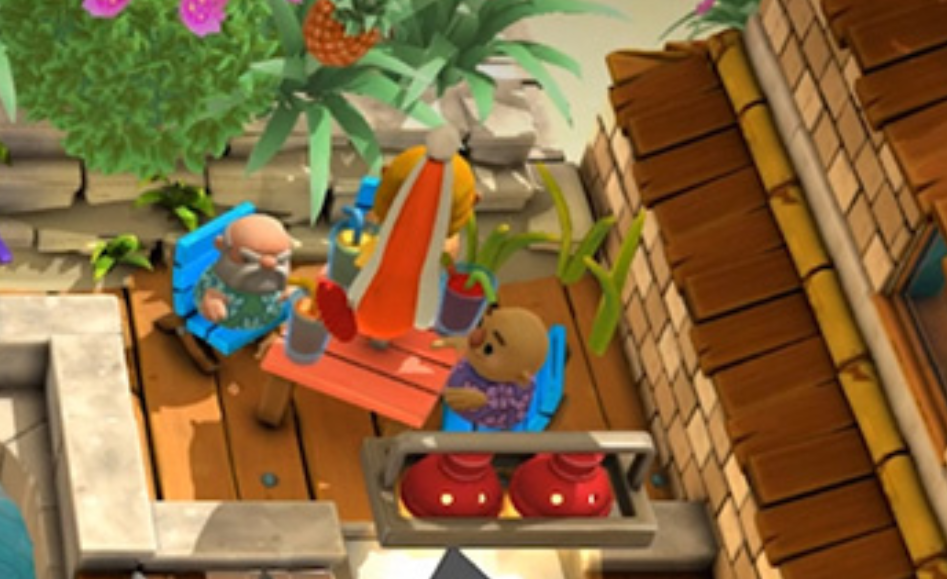
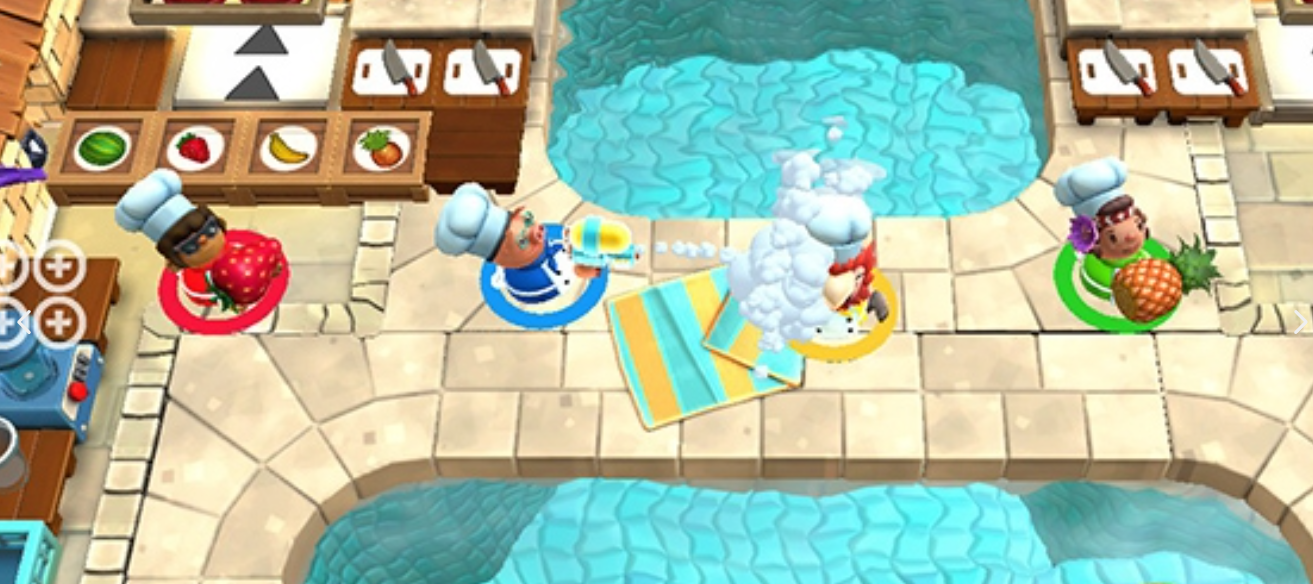
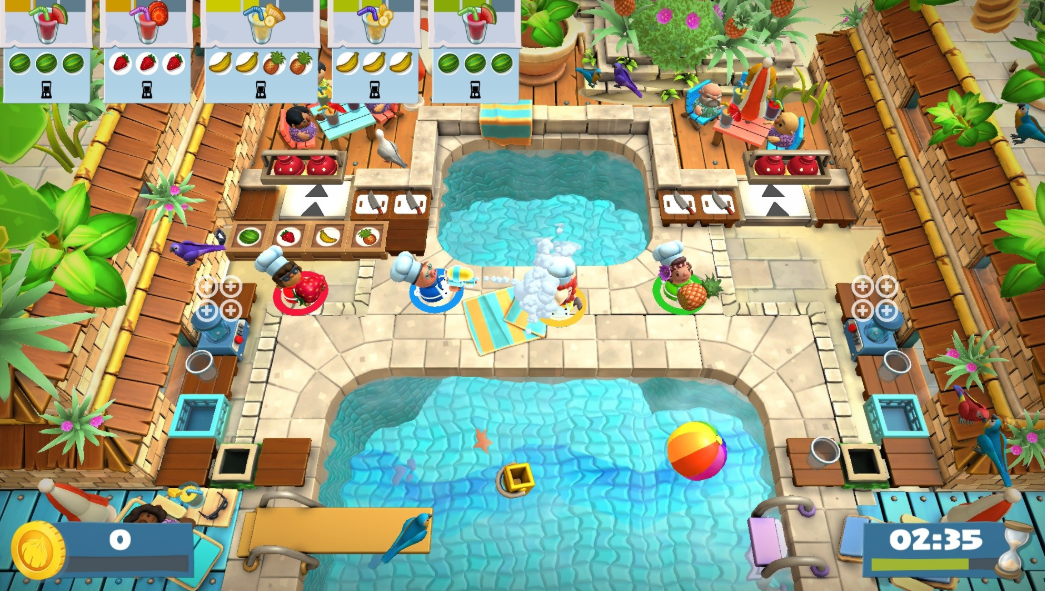
More recipes, more chefs, more cuisines! You will have a lot of fun cooking kebabs and smoothies with our new friends: the exotic parrot chef and the fierce cook from the island.
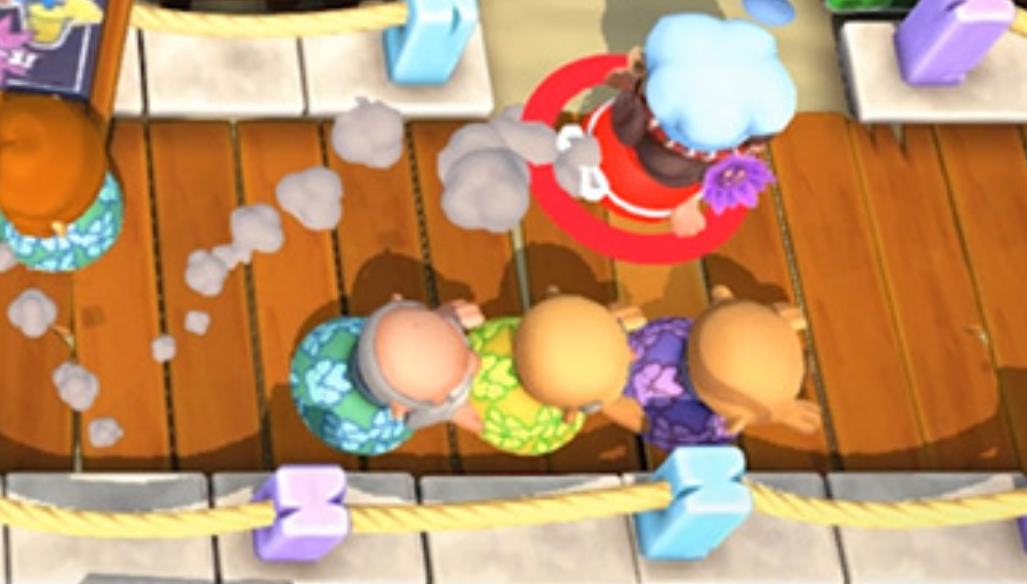
Compete with other players on two passionate levels or assemble a team to face the hungry masses together. There are 12 challenging levels waiting for you, so arm yourself with a trusty water pistol and use it to wash dishes or water your friends to create maximum chaos! Simply put, do whatever your heart desires.
More recipes, more chefs, more cuisines! You will have a lot of fun cooking kebabs and smoothies with our new friends: the exotic parrot chef and the fierce cook from the island.
Compete with other players on two passionate levels or assemble a team to face the hungry masses together. There are 12 challenging levels waiting for you, so arm yourself with a trusty water pistol and use it to wash dishes or water your friends to create maximum chaos! Simply put, do whatever your heart desires.
Minimum Requirements
*Windows*
OS WIN7-64 bit
Processor Intel i3-2100 / AMD A8-5600k
Memory 4 GB RAM
Graphics GeForce GTX 630 / Radeon HD 6570
DirectX Version 11
Storage 3 GB available space
Sound Card DirectX Compatible Sound Card
If you are not familiar with the technical information of your PC, download the CPU-Z program. CPU-Z will give you detailed information about the main system components - CPU, RAM, video card - installed on your system, which you can then compare with the minimum requirements of the game.
- Go to: http://store.steampowered.com/ and download STEAM client
- Click "Install Steam" (from the upper right corner)
- Install and start application, login with your Account name and Password (create one if you don't have).
- Please follow these instructions to activate a new retail purchase on Steam:
- Launch Steam and log into your Steam account.
- Click the Games Menu.
- Choose Activate a Product on Steam...
- Follow the onscreen instructions to complete the process.
- After successful code verification go to the "MY GAMES" tab and start downloading.
Videos & Screenshots
Recommended






- Payments
-

-

-

-

-

-

-

-

-
