
Buy Sometimes to Deal with the Difficulty of Being
Platform:
Windows
Genre:
Indie
Publisher:
Akupara Games
Activation:
Steam
Release Date:
20 may 2019
Languages:
English
Type:
Key
Region:
EU
76 $
 In stock
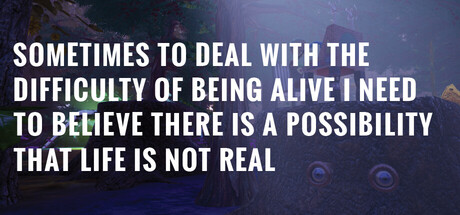
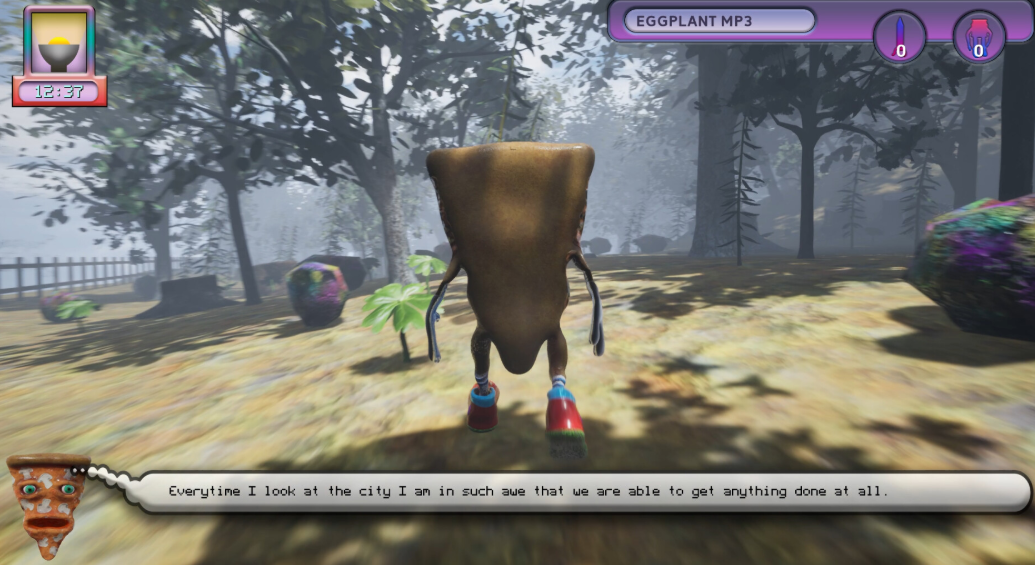
Wander through a shifting simulation that feels both tragic and hilarious. Observe, interact, or simply exist as the world reshapes around you — a meditative, overstimulated reflection on what it means to keep going when everything’s falling apart.
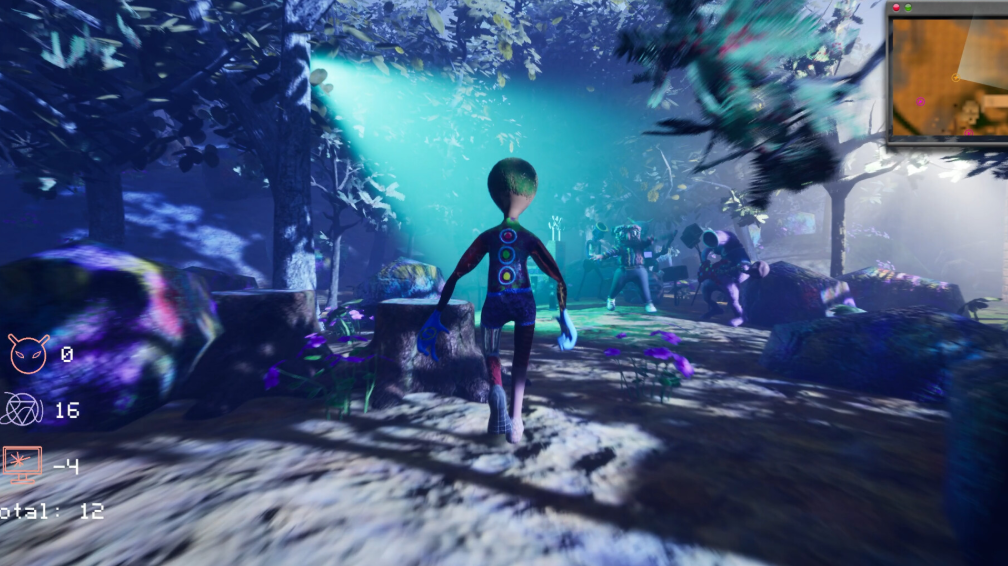
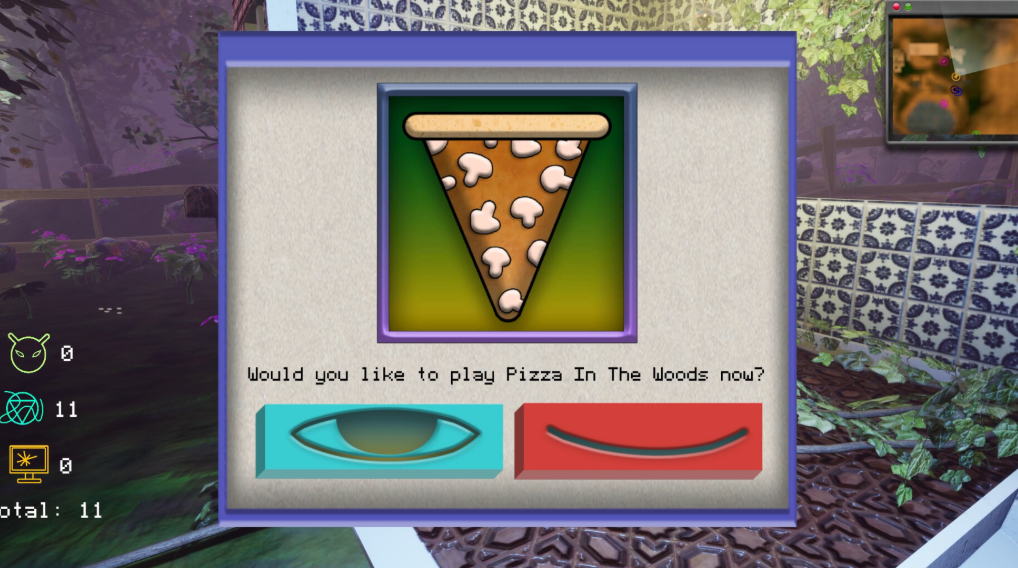
Part video game, part art installation, Sometimes to Deal With the Difficulty of Being Alive… is an interactive loop of coping mechanisms — a place where despair and delight blur into the same texture. You’re not given objectives, just a living space that responds to your presence, your stillness, your curiosity.
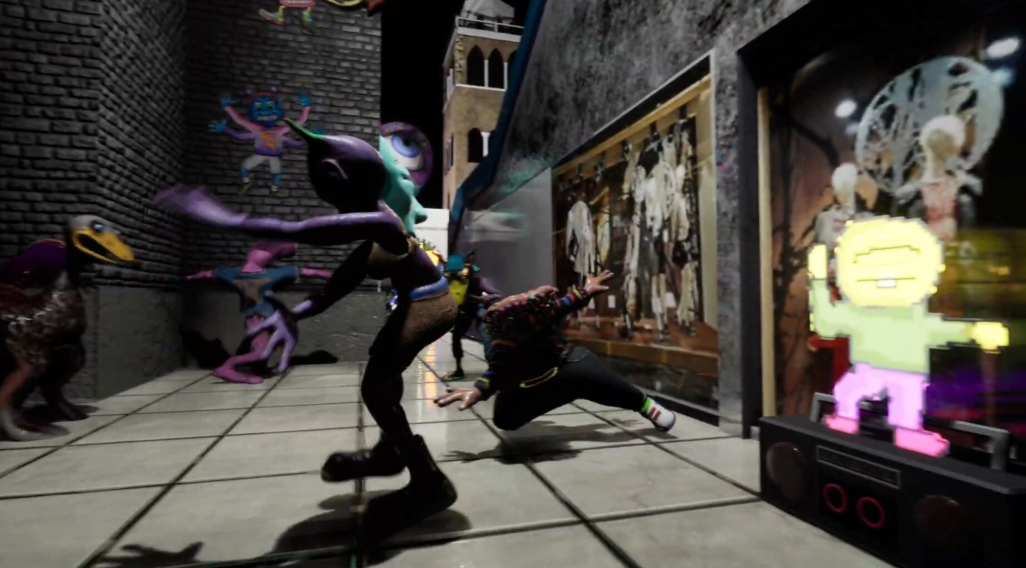
Every moment feels absurd: NPCs that sing about heartbreak in glitch-voice harmonies, battlefields that double as therapy sessions, color palettes that shift with your emotional temperature. It’s overstimulation as catharsis — the act of being overwhelmed as a kind of peace.
In the end, it’s not about survival. It’s about resonance. A digital hum that reminds you you’re still here — and somehow, that’s enough.
This is not for everyone. If you’re looking for some fun, addicting type game with slick mechanics, do not download this.
Play in single player mode, start a server or join a server. LAN works but usually from the .exe directly rather than from the app inside Steam.
Music by: Glamour Lakes, X-Coast, RipCD
Part video game, part art installation, Sometimes to Deal With the Difficulty of Being Alive… is an interactive loop of coping mechanisms — a place where despair and delight blur into the same texture. You’re not given objectives, just a living space that responds to your presence, your stillness, your curiosity.
Every moment feels absurd: NPCs that sing about heartbreak in glitch-voice harmonies, battlefields that double as therapy sessions, color palettes that shift with your emotional temperature. It’s overstimulation as catharsis — the act of being overwhelmed as a kind of peace.
In the end, it’s not about survival. It’s about resonance. A digital hum that reminds you you’re still here — and somehow, that’s enough.
This is not for everyone. If you’re looking for some fun, addicting type game with slick mechanics, do not download this.
Play in single player mode, start a server or join a server. LAN works but usually from the .exe directly rather than from the app inside Steam.
Music by: Glamour Lakes, X-Coast, RipCD
Minimum Requirements
OS Windows 10
Processor Dual Core 2.4Ghz
Memory 8 MB RAM
Graphics Nvidia GTX 750 or higher
DirectX Version 11
Network Broadband Internet connection
Storage 3 GB available space
If you are not familiar with the technical information of your PC, download the CPU-Z program. CPU-Z will give you detailed information about the main system components - CPU, RAM, video card - installed on your system, which you can then compare with the minimum requirements of the game.
- Go to: http://store.steampowered.com/ and download STEAM client
- Click "Install Steam" (from the upper right corner)
- Install and start application, login with your Account name and Password (create one if you don't have).
- Please follow these instructions to activate a new retail purchase on Steam:
- Launch Steam and log into your Steam account.
- Click the Games Menu.
- Choose Activate a Product on Steam...
- Follow the onscreen instructions to complete the process.
- After successful code verification go to the "MY GAMES" tab and start downloading.
Videos & Screenshots




- Payments
-

-

-

-

-

-

-

-

-
